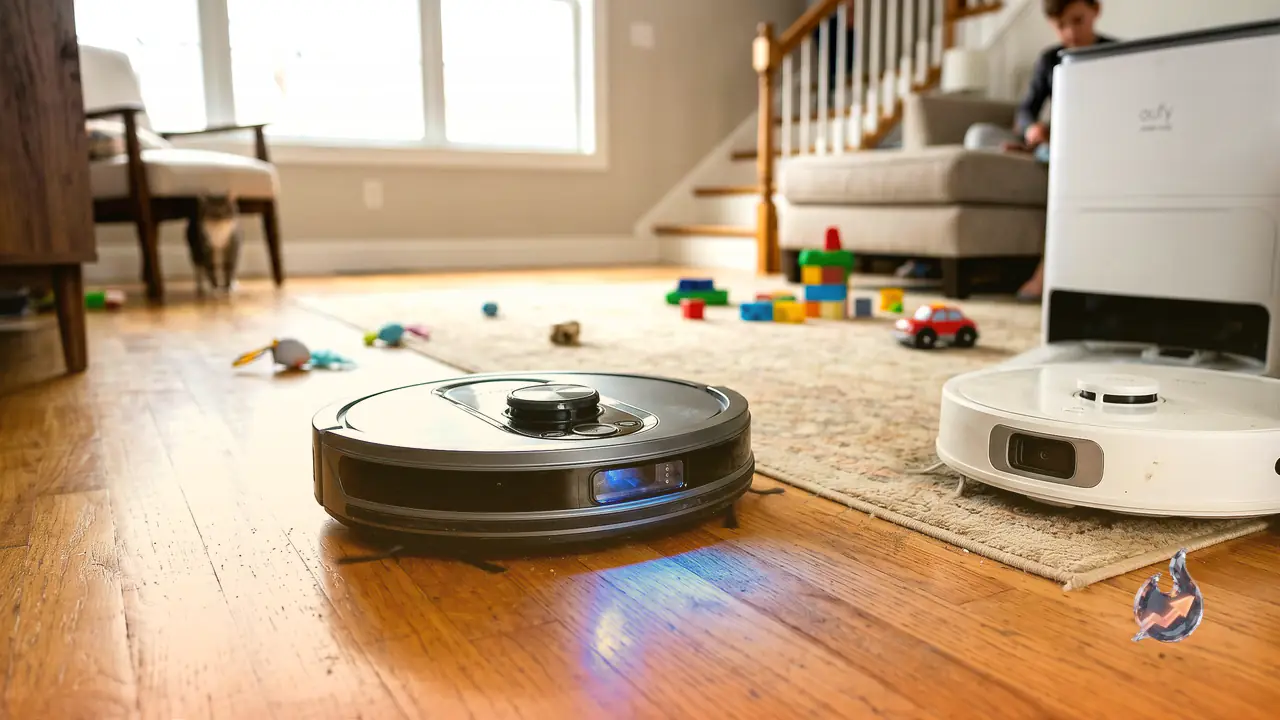

The best robot vacuums today do far more than clean your floors, and they no longer bump around your house blindly the way they once did. These machines mop, scrub away stubborn stains, lift themselves over obstacles and even nudge you to clean the grubbier corners of your home more often. A capable robot vacuum can cost a small fortune, but it doesn't have to, depending on what you actually need.
To figure out which model is right for you, we've been putting every new robot vacuum we can get through our paces in a three-story home that houses three adults, a preschooler and a cat seemingly on a mission to spread litter across every floor.
So what exactly is a robot vacuum?
A robot vacuum is an automated cleaner, usually shaped like a round disc, that roams your home and vacuums (and, on many of today's models, mops) so you don't have to. You may have heard people call these "a Roomba," which is really the brand that popularized the idea. But these days almost every cleaning brand, from premium Dyson to value-focused Bissell, makes one. They ship either with a simple charging station or with a larger docking station that empties itself.
Which floors can it handle?
Plenty, especially now that so many models mop as well, which helps with hard flooring. You can run these on anything from hardwood to LVP and tile. The one thing we'd avoid is leaving small rugs out for these autonomous machines to snag on. Large rugs that stay put are fine, but bathroom and kitchen mats, or any thin, easily shifted rug, are better cleared out of the way and tossed in the wash than left for your robot to vacuum.
What your robot vacuum needs to work properly
Most robot vacuums need a few basics in place to run well.
Room around the base station. Many manuals recommend at least a foot of clearance on three of the base station's four sides, so the unit has space to dock itself when it returns home.
A solid Wi-Fi signal. If your vacuum connects to Wi-Fi, as most now do for app control and software updates, it needs a strong signal wherever it lives. Most can only join the 2.4 GHz wireless band, so make sure you have it, and pick only that band during setup if your router lists the bands separately.
Regular upkeep. It may be a robot, but it can't look after itself. Read your model's manual to learn exactly what maintenance it needs.
Keeping it running for years
Good care extends the life of any robot vacuum. Here's how to handle debris for each style of machine.
If it has a charger-only base: the debris is stored inside the vacuum itself, so you'll want to empty it after each use. If your model has a fill line, you can wait until it reaches that mark, but emptying after every run is the better habit.
If it has a self-emptying dock: every manufacturer gives different advice on timing, but it's typically somewhere between 30 and 60 days, depending on design and use. If you run yours daily and deal with a lot of debris, such as pet hair, aim for 30 days or less.
If it has water tanks: the dirty-water tank should be cleaned after every mopping run. Clean water can stay topped up in the station.
Always check your manual for any other steps the maker recommends to keep the machine going as long as possible. Many brands also sell replacement parts, so you can swap out individual pieces like brushes without buying a whole new vacuum.
Our top pick: Shark PowerDetect UV Reveal
I was genuinely surprised by how much I liked the AI-powered Shark PowerDetect UV Reveal. Its UV light exposed spots on my floor where I knew I'd had spills before, and its built-in AI sent the vacuum back over those areas for a deep clean far beyond anything I'd managed myself. The UV Reveal handled my hard floors, both LVP and tile, brilliantly as a combined mop and vacuum, and did just as well on my builder-grade carpet and a large rug in the living room. I was impressed that the rug felt every bit as fluffy and thoroughly cleaned as if I'd broken out my favorite Dyson stick vacuum instead of letting a robot do the work.
It has an extendable arm that performed well in my corner test. I tucked three Cheerios into tricky corners around the house, and it grabbed two of the three, beating the latest Dyson vacuum. It managed both of the harder corners; it skipped the third Cheerio to avoid bumping into my bar stools. I also ran a spill test using two spots of cherry juice. It mopped the first away with no trouble, but I had to send it back out to finish the second. The UV Reveal was great at obstacle avoidance and uses what Shark calls "NeverStuck Technology" to hoist itself off obstacles; it worked itself free of the flat, long legs of one of my side tables.
The vacuum finished a cleaning run in good time, covering my entire main floor in about 60 minutes, though it then heads back out to scrub the spots it spotted. That took another 30 minutes for me, but I'd expect that to shrink the longer you live with the vacuum and keep it cleaning. Even so, 93 minutes to work through four rooms and circle back for scrubbing is a solid window.
Overall this vacuum really shines on hard floors, but I also liked it on rugs and carpet if your home is a mix of the two. It has an auto-empty base with a bagless debris system, so you won't need to buy debris bags to empty the dock. The only real downside is that it can learn just a single map, so it doesn't suit a multi-floor home unless you're willing to let it remap each time. That only takes a couple of minutes, so it isn't a terrible experience, but the vacuum will also want its base station lugged up or down the stairs. The suction, meanwhile, is a mystery; Shark declined to share the exact figure. Still, we've loved low-suction vacuums before, and the results have been excellent.
Corner test: 2 of 3 Cheerios swept (missed the chair-leg Cheerio)
Navigation: NeuroNav AI with RGB sensors, lasers and an UltraRange camera
Best value: Eufy Omni C28
If you want vacuuming and mopping but don't want to spend anywhere near or beyond a four-figure sum, this is the one to buy. Our team previously recommended Eufy's older X10 Pro Omni as a great robot vacuum that didn't break the bank, and Eufy released the Eufy Omni C28 at the end of February with a similar feature set and price. The Omni C28 brings nearly double the suction of the older model, a self-cleaning roller mop in place of mop pads, and retractable detangling brushes.
It does a solid job mopping and vacuuming, but its battery life is shorter, leaving it at just 37 percent after finishing the four-room main floor of my home. That's a bit of a letdown, because this affordable vacuum can do multi-floor mapping. While it can store enough maps to clean all three levels of my house, it doesn't have the battery to do so in one go. It does charge fairly quickly, though, and I was still able to clean all three floors in a single day, simply letting it top up at the base in between. It climbed back to 57 percent after only 20 minutes in the dock.
In my corner Cheerio test, this vacuum also grabbed two of three, but it missed the trickier fridge-corner Cheerio. That's the hardest spot to reach, so I wasn't surprised, though it does mean you'll need to keep a closer eye on those corners with this one. The cherry-juice spill test told a similar story: the first spot it reached came up completely clean, while the second, which had more time to dry, still had some sticky residue left behind.
All in all, it's a good vacuum for the money, especially since it packs multi-floor mapping, mopping and vacuuming, and good results across the board for a machine that usually sells for around $500 on sale.
Corner test: 2 of 3 Cheerios swept (missed the fridge Cheerio)
Navigation: Laser distance sensor and laser line
More robot vacuums we've tested and liked
There are plenty of great robot vacuums out there. Here are a few others we've tried and rated.
3i G10+ Robot Vacuum, $200: if you want a super-affordable vacuum with no dock but still strong specs, this is the one. It has shockingly powerful suction for the price (18,000 Pa) and a 1-liter dustbin built into the unit. Our reviewer was especially impressed by its navigation and edge cleaning. It mops, too, which is even more remarkable at this price.
Dreame X50 Ultra, $850: if you have pets that tend to coat one area of your home in hair or debris, this is the vacuum to get. The Dreame X50 Ultra is packed with great features, including double-roll brushes, side wands for edge cleaning and a large-capacity dock, but the real standout is AI that can spot extremely dirty areas. It's the most effective dirt- and obstacle-detection system our reviewer has tried, and it even reminds her which areas need cleaning more often (in her case, near her dog's bed).
Dyson Spot+Stain Ai, $850: the Dyson Spot+Stain Ai is a good robot vacuum overall, with a distinctive base station that echoes Dyson's stick vacuums and built-in AI that hunts down spots and stains to scrub them away. It mostly worked, but I preferred this feature on the Shark above, which has a similar starting retail price yet is usually on sale. It's also a little tall, so if you have builder-grade cabinets like mine, it may not reach the toe kicks or get under your furniture (it got stuck beneath my Tolstad bed frame and was too tall to fit under my Besta cabinet).
iRobot Roomba Max 705 Combo, $799: for many people the name Roomba is shorthand for robot vacuums, but it's actually a specific line made by iRobot. I really liked both the premium look of the Max 705 Combo (not to be confused with the cheaper Max 705) and the overall job it did mopping and cleaning my floors. The app is excellent, showing you a map of where the robot has been along with a little itinerary of which rooms it's tackling and in what order.
Matic Robot Vacuum, $1,245: according to our reviewer, this vacuum is spectacular. It's the only 10/10 she's ever awarded a robot vacuum. Its six RGB infrared cameras build a great 3D map, the single waste bag holds both wet and dry debris, it cleans toe kicks beautifully, and it was quiet enough to run while her kids watched TV. That's thanks to Matic's lower suction (just 3,200 Pa), yet she noticed no drop in cleanliness as a result. It's compact and square, which lets it really dig into corners. The only catch is the expensive, proprietary waste bags, though those bags include diaper salts, charcoal and a HEPA filter, so you don't have to replace the filters separately.
Narwal Flow, $1,150: our reviews team hasn't always had luck with Narwal's vacuums, but when I tested this model late last year I found it incredibly easy to set up and start cleaning. I had no connectivity issues, installation was a breeze, and the app was easy to navigate. It did a good job on my hard floors and rug, and even when I ran it straight out of the box until the battery died, it returned to its station to recharge and then resumed the job a few hours later, entirely on its own. Its base station is also sleek and cute next to the dark, bulky structures most vacuums use.
Roborock Qrevo Curv, $850: this is an older 2024 flagship from Roborock, and our reviewer says it's the best robot vacuum he's ever used. Even though it's not new, it remains a great vacuum at a great price and is frequently on sale.
Eufy S2, $1,623: this robot vacuum has a seriously imposing base station. But I was let down that it missed both the fridge and bookshelf Cheerios in my corner test, scoring just one out of three. Both cherry stains were scrubbed away, yet the floor around where they'd been still felt sticky all over even though the stains were technically gone. That's especially disappointing given the price.
Mova P10 Pro Ultra Gen2, $500: this robot vacuum was solid and did a particularly good job on corners (a two out of three on the corner test, capturing both the stool and fridge Cheerios), but it struggled to scrub away the cherry juice in my stain tests. One of the two stains was left almost entirely behind, and on casual runs my floors never felt especially clean. Still, if you want good corner cleaning and carpet performance more than deep cleaning of hard floors, this is a solid robot vacuum for the price.
Roborock Saros 20, $1,600: our reviewer was mostly happy with this one, but she noticed that its very high suction (it hits 36,000 Pa) actually left more debris behind on her hard floors, specifically on the divider as it crossed from carpet onto hard flooring. The stain-detection feature didn't impress her either (though it's still in beta), and the Adaptilift couldn't haul itself out of her fireplace area. We're in touch with Roborock to sort out these issues.
How we test robot vacuums
I test every robot vacuum in my three-story townhouse, where they clean across luxury vinyl plank (LVP), tile, carpet and a large low-pile rug. There's a dining table and four barstools to weave around, plus a cat and a child who generate fresh messes every day. I run each vacuum at least three times across the main floors to gauge its overall performance and note any recurring problems or errors. I do pick up my son's toys, but I like to watch how the robot navigates the various chair legs and side tables throughout the house, and whether it tries to swallow the power cords beside my bed. I also keep an eye on how much battery is left after a run on each level.
I set up an obstacle course of sorts, too. The first part is the corner test, built from three Cheerios placed in three tricky corners on the middle floor: one in the corner of an Ikea Billy bookshelf toe kick, one beneath the countertops next to the fridge, and one beside a barstool chair leg. It shows how well each vacuum digs into corners and reaches under cabinetry.
I also create deliberate spills for the vacuums to clean. I use maraschino cherry juice to make two spill spots, then drag a paper towel through them to smear and thin the stain, better mimicking a spill you might not have noticed on your floors. Many robot vacuums boast AI that promises to detect stains like these, but so far not one has stopped and scrubbed both spots on its first try.