

















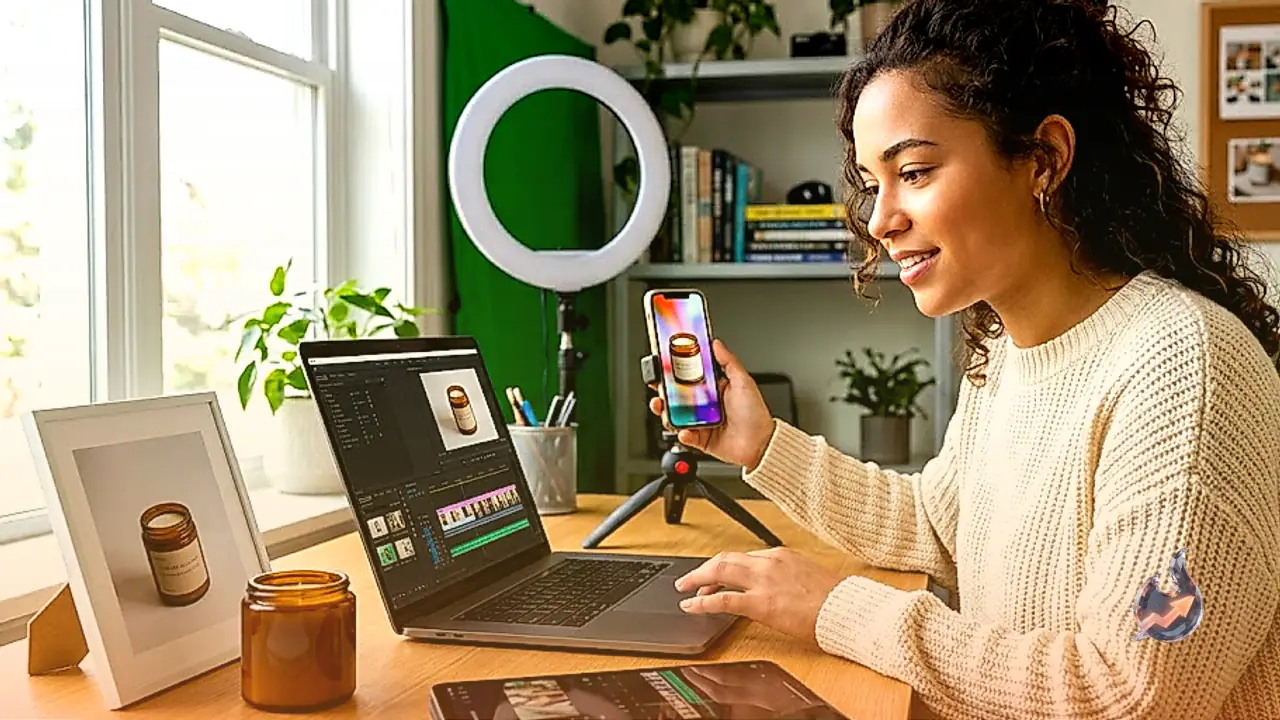

TikTok Shop, the ecommerce platform that lets people buy and sell things directly inside TikTok, moved $64.3 billion worth of merchandise in 2025, nearly doubling from the year before. The U.S. alone accounted for $15.1 billion of that. And the engine behind almost all of it was the same thing: short, cheap, face-to-camera videos of someone holding a product and telling you exactly why you need it.
Those videos once demanded a real person, a phone, decent lighting, and several takes to get right. Not anymore. Today all you need is a product photo and three AI tools, most of which are free. Below is the entire workflow, step by step, with no technical background required, so you can start building your own marketing empire.
Step 1: Get a clean product image
Before anything else, decide what you want to sell. You have a couple of options here. Either pick something you are genuinely passionate about, or simply head to TikTok Shop, see which items are selling hardest right now, and download whatever you think will click.
Download a photo of the product you want to sell, whether it is a piece of clothing, an accessory, a gadget, whatever. If you are selling a specific product or you are affiliated with a company, use your own supplier photos. Then crop the image so only the product is visible, with no model, no clutter in the background, and no watermarks.
For the examples here, a green top was picked for TikTok in vertical format, and a Ledger crypto wallet was picked for YouTube in horizontal format.
That crop matters far more than it looks. The AI treats this image as the source of truth for the product, so the cleaner the reference, the more faithful the final result.
Step 2: Put a model in your product
This step is especially important when you are promoting clothing and accessories, because they call for a more human touch.
Open ChatGPT and upload the cropped image. For this step you want GPT Image 2. In a head-to-head comparison it beat Google's Nano Banana 2 on both photorealism and product fidelity, and those are exactly the two things an AI-generated ad needs to avoid looking fake.
Then picture the scene you want for the ad and turn it into a quick prompt. You can use something like this: "Generate a vertical 9:16 photo of a Latina woman in her late 20s wearing this exact garment, posing for a casual smartphone photo in a bright apartment. Preserve every characteristic of the product exactly as shown in the reference image: shape, proportions, color, fabric texture, stitching, and fit. Do not redesign, recolor, or alter the product in any way."
Swap the demographic details, the ethnicity, age, and body type, to match whoever your real target audience is. Change the setting the same way: a gym for activewear, a café for accessories, a street corner for streetwear. For non-clothing products, replace "wearing" with "holding" or "using."
Want the model in a specific place? Upload a second image of the location and ask ChatGPT to place the subject of image one inside image two. As an example, the subject here was dropped into a space station, just because.
This trick also works with Google's Nano Banana 2, which handles compositing well. Reve is a far cheaper alternative, but it tends to drop prompt details, so product accuracy can suffer.
Step 3: Ask ChatGPT for the script, in JSON
Now you need a script for a 10-second video. Don't write it yourself; let ChatGPT do the marketing thinking. Something like this can work, but be as detailed as you can in what you ask for
"Act as a senior direct-response marketer. Write a 10-second script in English for a UGC-style video where the woman in the attached image talks to the camera and sells the attached product. The copy must sound natural and spoken, hook the viewer in the first two seconds, mention that the price is $20, and close with the call to action 'tap the shopping cart below.' Output the script as JSON formatted for Google Flow, with a timeline describing what happens on screen, the camera behavior, and the exact dialogue for each segment of the 10 seconds."
The JSON format is not decoration. Video models, especially Google's, follow a structured timeline far more accurately than loose paragraphs, so you get the dialogue, gestures, and beats you asked for. One warning: review the output, because it can be so literal that if the timeline ends at second eight, the model may repeat an action to fill the remaining two seconds.
If you like, you can personalize the copy for each platform. In the prompt, ask the AI to say things like "The best top I've seen on my TikTok feed." To switch social networks, "tiktok feed" becomes "on X," "in my Reels," or "on Shorts" depending on where it runs. The call to action changes too: the shopping cart works on TikTok, "link in bio" fits Instagram, and "check the pinned comment" suits YouTube.
Step 4: Generate the video in Google Flow
Go to Google Flow and select Gemini Omni, the model Google launched at I/O 2026 in May. It generates clips of up to 10 seconds with native audio, meaning your model actually speaks the dialogue, and it accepts reference images, which is the whole point here.
Google Veo works too, and could arguably be better, but Omni is cheaper, and cheap is nice.
Upload both files as references: the generated image of your model and the cropped product close-up. Paste the JSON into the prompt box. Pick vertical 9:16 for TikTok, Reels, and Shorts, or horizontal 16:9 for standard YouTube videos and pre-roll ads.
Now the money part. Flow gives non-subscribers 50 free credits per day, but Google's support docs restrict those to the Veo 3.1 models.
Omni in Flow, which is the recommended model, requires a paid Google AI plan. Plus ($7.99 a month) includes 200 monthly credits, Pro ($19.99) includes 1,000, and the two Ultra tiers carry 10,000 and 25,000.
There is a genuinely free backdoor, though: Google made Omni available at no cost inside YouTube Shorts and the YouTube Create app for users 18 and older. And for reference, the developer API prices Omni at roughly $0.10 per second of video, about a dollar per clip.
Every Omni video carries Google's invisible SynthID watermark identifying it as AI-generated. It won't show on screen, but platforms can detect it, so don't build a business around pretending the footage is real.
Fix the small glitches in editing
Keep in mind that video generation has a lot of random components, because creativity is the key to making these models work. If you don't like the first generation, try a few more times.
If you notice irregularities that can be fixed in post, there is no need to spend extra credits. There are free tools that let you cut parts of the video, change the lighting, adjust the color, and so on. In one TikTok ad, for instance, the woman repeats the call to action, which needs to be changed.
Export the clip and open it in CapCut. This is where you trim the anomalies, because AI video still throws in the occasional extra phrase or looping gesture, and cut the clip to exactly what you want before exporting straight to your social accounts.
Subtitles are the one feature worth paying attention to. The animated, word-by-word caption styles that dominate TikTok sit behind CapCut Pro, which runs about $7.99 a month or $59.99 a year, and the free tier caps automatic captions. Manual text stays free, so if you are patient, you can type your own.
Tools for when you want to scale up
This workflow produces acceptable results, not agency-grade ones. Once it clicks, you will want more control: ElevenLabs for a consistent brand voice across dozens of videos, Kling for persistent AI avatars and motion-control tools, node-based workflows like ComfyUI for granular scene control, n8n for automation, and so on.
Each of these adds cost and complexity, but the basic pipeline above is enough to test whether a product sells before you spend anything serious.
The rules for selling on TikTok and YouTube
Selling on TikTok Shop doesn't ask much of you: just being 18 or older, holding a government ID, and having bank details that match your registration, with approval usually landing within three days. TikTok takes a 6% referral fee on most orders. Promoting other people's products as an affiliate requires 1,000 followers to apply, and full access takes 5,000 followers plus 30 days in the program.
YouTube dropped the barrier even lower. In March, its Shopping Affiliate program opened to Partner Program creators with just 500 subscribers, across 12 countries including the U.S. and Brazil.
The disclosures AI ads require
Both TikTok and YouTube permit AI-generated promotional videos, but creators and advertisers must disclose how the content was made and any commercial relationship behind it. Under TikTok's AI-generated-content policy, realistic AI-generated images, audio, or video must be labeled; advertisers running non-Spark ads must also switch on the "This ad contains AI-generated content" option in TikTok Ads Manager, while anyone promoting a brand, product, or service must turn on TikTok's commercial-content disclosure setting.
YouTube similarly requires creators to select "Yes" under "AI use" when a video contains realistic content generated or meaningfully altered with AI, after which YouTube applies an AI label. Separately, sponsored, endorsed, or otherwise commercially influenced videos must use the platform's paid-promotion disclosure.
X's Authenticity policy prohibits synthetic or manipulated media when it is deceptively presented and could cause widespread confusion, threaten public safety, or produce serious harm, while its advertising rules require ads to be honest, lawful, and consistent with the product being promoted. It does not explicitly ban the use of AI-generated images, video, and audio in promotional content.
A sobering number before you quit your job
Before you quit your job, though, here is a number to put your feet back on the ground. According to Camille Moore, president of the marketing agency Third Eye Insights, of the 803,500 TikTok Shop stores operating in the U.S. last year, more than half recorded zero sales. The tools are nearly free. The competition is not.