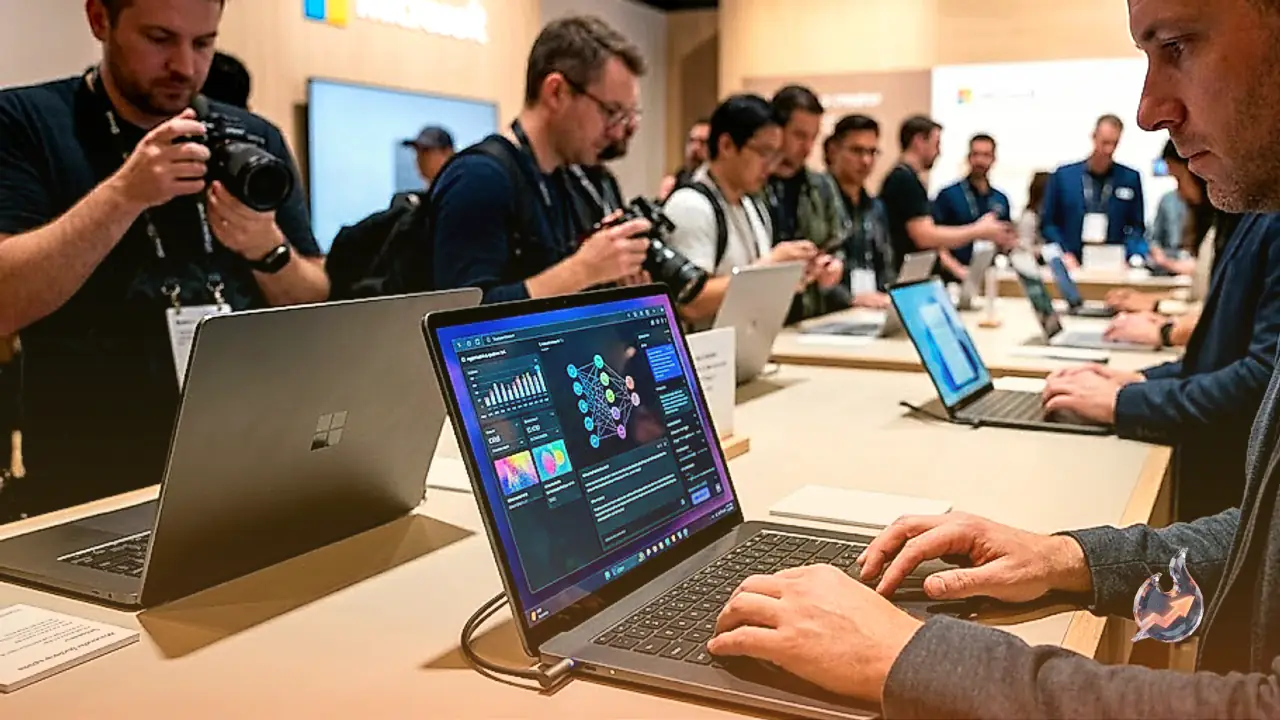























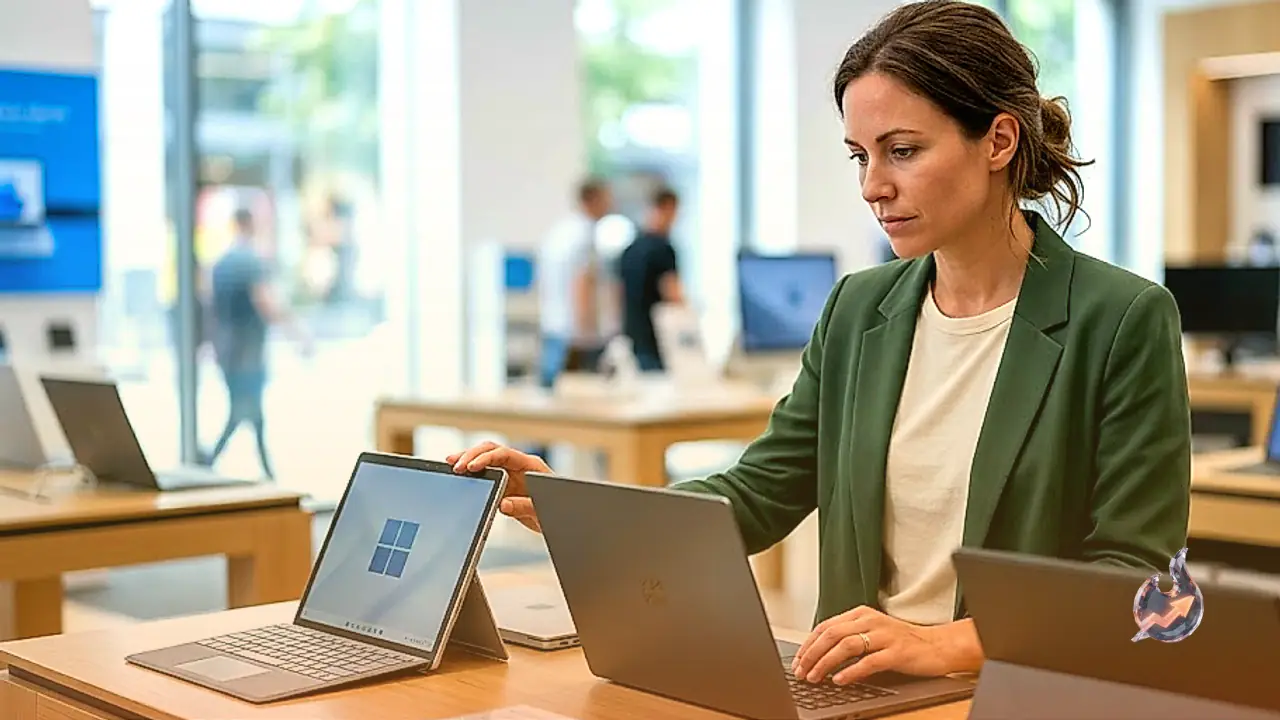

The Surface models launched in 2024 have proven to be some of the most reliable devices of the year. Over the last couple of years, these models have held their value exceptionally well, especially when found at discounted prices. Today, with the introduction of the new Surface Laptop 8th Edition and Surface Pro 12th Edition, we finally see next-gen silicon entering the lineup. However, these new Snapdragon X2 chips come with a significant price premium, making the overall value proposition questionable. I have carefully weighed these factors to outline which Microsoft Surface device is best suited for your specific needs.
After years of incremental updates, Microsoft introduced meaningful changes with the Surface Laptop (7th Edition) in 2024. Despite being two years old, it stands as the best Surface device to purchase right now. It serves as a fantastic Windows-based alternative to the MacBook Air. While it may not match the extreme thinness of an Air, the 7th Edition remains impressively compact.
The refinement of the laptop's industrial design and the quality of its components bring it on par with Apple. It is available in 13.8-inch and 15-inch screen sizes. The smaller variant features a slightly larger display than its predecessor, with thinner bezels and rounded corners. It is brighter, too, boasting a 120-Hz screen refresh rate. Content remains vivid and sharp, even in daylight, provided you turn the brightness up near its maximum.
One of my favorite aspects is the 3:2 aspect ratio. Rather than a standard 16:10 rectangle, this screen is closer to a square, offering more vertical real estate for spreadsheets, web browsing, and various apps. The Surface Laptop is among the few devices that offer this workspace-friendly ratio. Furthermore, the 1080p full HD webcam, customizable haptic feedback trackpad, and responsive keyboard perform just as well as those on a MacBook Air.
Performance and battery life are where this machine truly excels. Powered by Qualcomm Snapdragon X processors—either X Elite or X Plus—the Surface Laptop 13.8 benefits from exceptional efficiency. The X Elite performance is consistently smooth, handling heavy multitasking with ease. While it is not designed for graphics-heavy workloads like intensive video editing or competitive gaming, it handles standard laptop tasks perfectly. Although the list price hit $1,500 months ago, it was frequently available for under $1,000 throughout 2025. You can still find significant discounts, such as the 512-GB model for around $1,200.
This remains a steal compared to the 2026 model, which starts at $1,600. The only tangible upgrades in the Surface Laptop 8th Edition are the Snapdragon X2 Plus or X2 Elite chips and a few new color options. Given that both are configured with 512 GB of storage and 16 GB of RAM, the steep price hike is hard to justify. If the 2024 model is available, it is the one you should choose today.
The Capabilities of Surface Pro 13
The Surface Pro 13 stands as the most impressive tablet Microsoft has produced to date. It retains the classic design, pairing a 13-inch tablet with a kickstand and a detachable keyboard. While using it on a lap can be awkward, the new Flex Keyboard is a superb, albeit expensive, upgrade for desk use. The design polish finally allows it to compete directly with the iPad Pro. By moving to Qualcomm processors, Microsoft has solved the performance and battery life issues that previously plagued Intel-based models.
My test unit, equipped with a Snapdragon X Elite chip, 16 GB of RAM, and a 1-TB solid-state drive, proved highly capable. The OLED display is stunning and supports up to three 4K external monitors. In battery tests, it lasted over 15 hours during continuous YouTube playback, far exceeding Microsoft's 14-hour claim. Just keep in mind that the keyboard and the Surface Slim Pencil 2 are not bundled and must be purchased separately. It is the best Windows 2-in-1 tablet available today.
Surface Pro 12 and Legacy Models
While the Surface Pro 12 maintains the premium feel of the line, it suffered from confusing pricing at launch. Now that prices have settled, it is a decent entry point, but it still requires separate purchases for the power supply, keyboard, and stylus. I would advise against buying older models like the Surface Go 3 or the Surface Laptop Studio 2, as their CPUs and battery efficiency are vastly outperformed by current-gen hardware. If you are looking for the next evolution, watch for news on the upcoming Surface Laptop Ultra.