













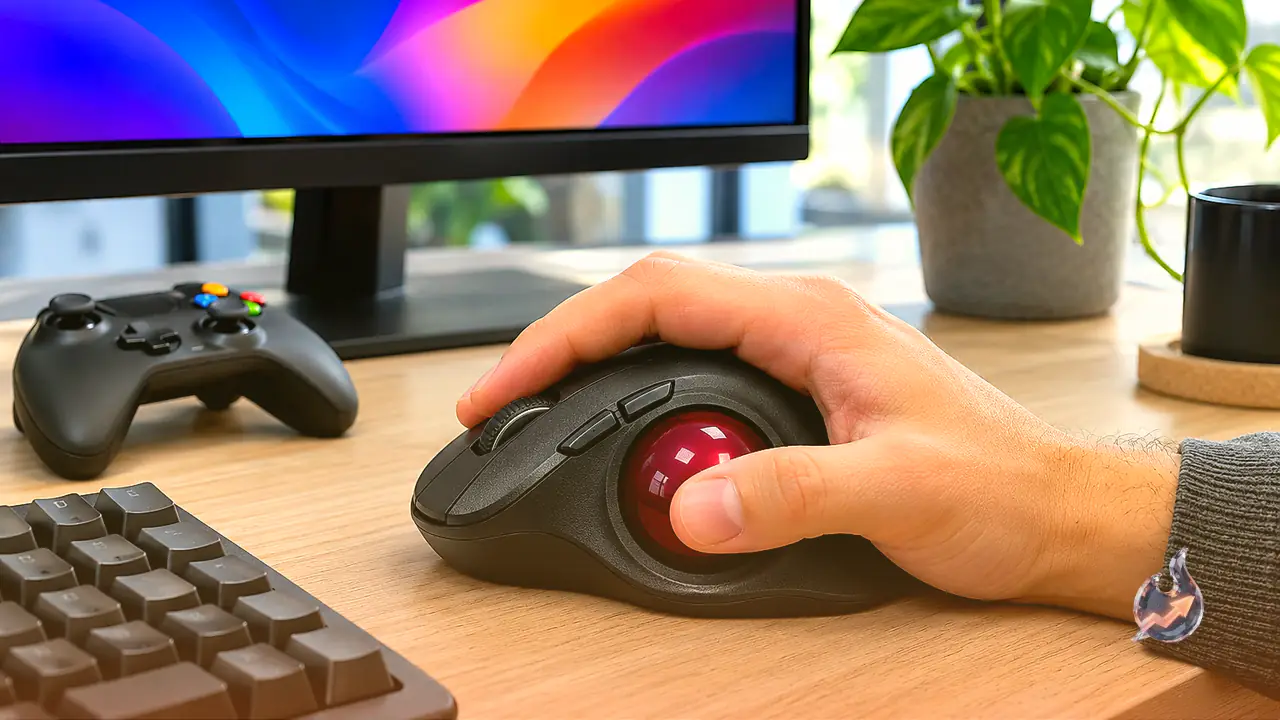

Designed to sit comfortably beside or directly beneath a keyboard, the Keychron Nape Pro offers an unconventional ergonomic layout for users seeking an alternative to standard office mice. The wireless trackball connects across systems using either an included 2.4GHz USB receiver or Bluetooth multi-device pairing, alongside standard wired functionality. Routine configuration and customization run through a dedicated web-based utility, allowing users to remap inputs, modify dial operations, and calibrate tracking behaviors without downloading heavy desktop suites.
Daily Productivity and Workstation Utility
In standard workplace environments, the Keychron Nape Pro proves capable and functional. Its primary switch clicks are remarkably muted, preventing distracting auditory feedback in quiet rooms or shared office settings. Alongside several programmable inputs, the hardware incorporates an adjustable control dial. Through web-based software, workers can assign intricate macro strings and dynamic trackball gestures to streamline navigation across complex spreadsheets and creative software. Overall construction quality remains solid, though the outer plastic surface feels somewhat inexpensive to the touch. Furthermore, the lightweight footprint of roughly 84.6 grams makes the unit susceptible to accidental nudges on smooth desk surfaces. The absence of a conventional scroll wheel, combined with a relatively short battery runtime, means that adjusting to its workflow may demand an initial learning curve.
Gaming Latency and FPS Limitations
For dedicated first-person shooters and twitch gaming, the Keychron Nape Pro falls short of expectations and remains barely passable for very casual sessions. It relies on an energy-efficient sensor architecture typical of budget productivity peripherals rather than competitive hardware. Lab evaluations note noticeable CPI variation, which causes actual tracking sensitivity to register lower than the configured target. Compounding this issue is high and inconsistent click latency, which introduces perceptible delays during competitive play. In addition, the compact dimensions of the trackball itself hinder quick flick shots and broad directional sweeps.
MMO Macro Potential and Polling Capabilities
The unit finds slightly better utility in MMO titles, where its generous button array and deep macro-programming capabilities allow players to map rotations and secondary commands effectively. However, high click latency continues to hinder competitive player-versus-player (PvP) encounters where reaction timing is critical. On the technical side, the hardware provides an unusual advantage for an ergonomics-oriented trackball by supporting a 1000Hz polling rate via wired and 2.4GHz connections. While traditional office trackballs frequently cap updates at 125Hz, the 1000Hz mode delivers noticeably smoother cursor tracking. Because this faster transmission cycle consumes power rapidly, users can dial down the polling frequency within the web tool to preserve battery reserves.