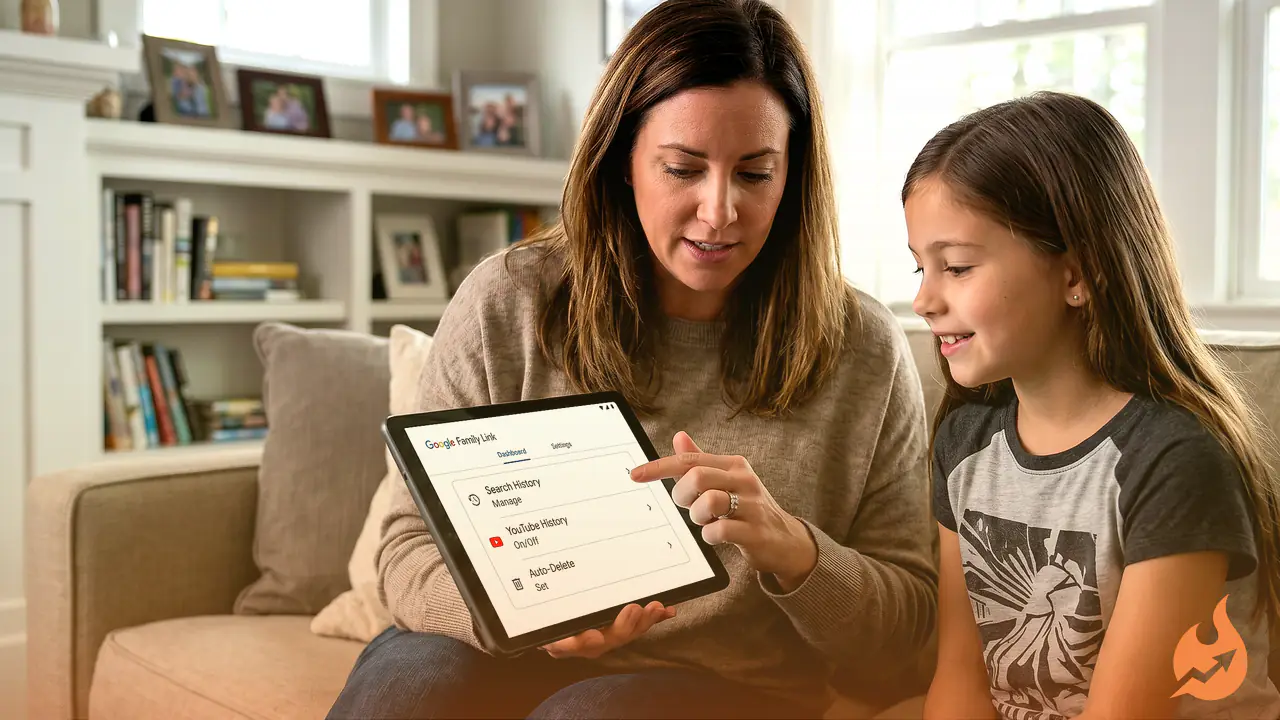

Keeping an eye on what children do online is about to get noticeably easier for families. Google has introduced a set of new settings aimed at strengthening the digital safety of younger users, and they are designed specifically for households where a child has their own Google account. The core idea is to give parents deeper control over what their child searches for, what they watch, and the kind of suggestions that get served to them.
The company spelled it out in an email
Google has told users through an email that it is updating its settings. The real benefit of this change is that both parents and children will now have greater authority over saved history and personal recommendations. In other words, deciding how a child's digital record is stored — and for how long — is moving into your hands.
Tighter control over Search history
Under the new setup, you can decide exactly how long your child's Search history stays saved. There is also an auto-delete option, which clears the data automatically once a chosen period passes.
You get to pick after how many days the Search history, YouTube history and similar activity should erase on their own, so old data doesn't keep piling up unnecessarily.
Reining in unwanted suggestions
Following this update, Google will show children fewer inappropriate or unnecessary suggestions. Parents also retain the power to either limit these personalized recommendations or switch them off entirely, depending on what suits them.
On top of that, parents will now be able to keep watch over which photos, videos or media a child is allowed to save — bringing the act of saving content itself under supervision.
Why this update matters
These days, children begin using smartphones and the internet from a very young age. In such an environment, it has become essential to keep a constant watch on their search history, the videos they view, and the content recommended to them. Google's latest move offers parents some relief and reinforces the protective layer around children's digital lives.
How to find the new settings
To use these features, first open your Google account. Then head to the Data & Privacy section. There, inside Web & App Activity or Child's Account Settings, you will see the new options, which you can configure to match your needs.
A word of advice for parents
Google regularly rolls out new features with the privacy of users — and especially children — in mind. This update is highly useful for every guardian who wants to monitor their child's online activity. If your child has a Google account, don't delay: check the email that was sent and apply the new privacy settings the way you need them. Doing so will let children enjoy safe and trustworthy content while staying protected online.