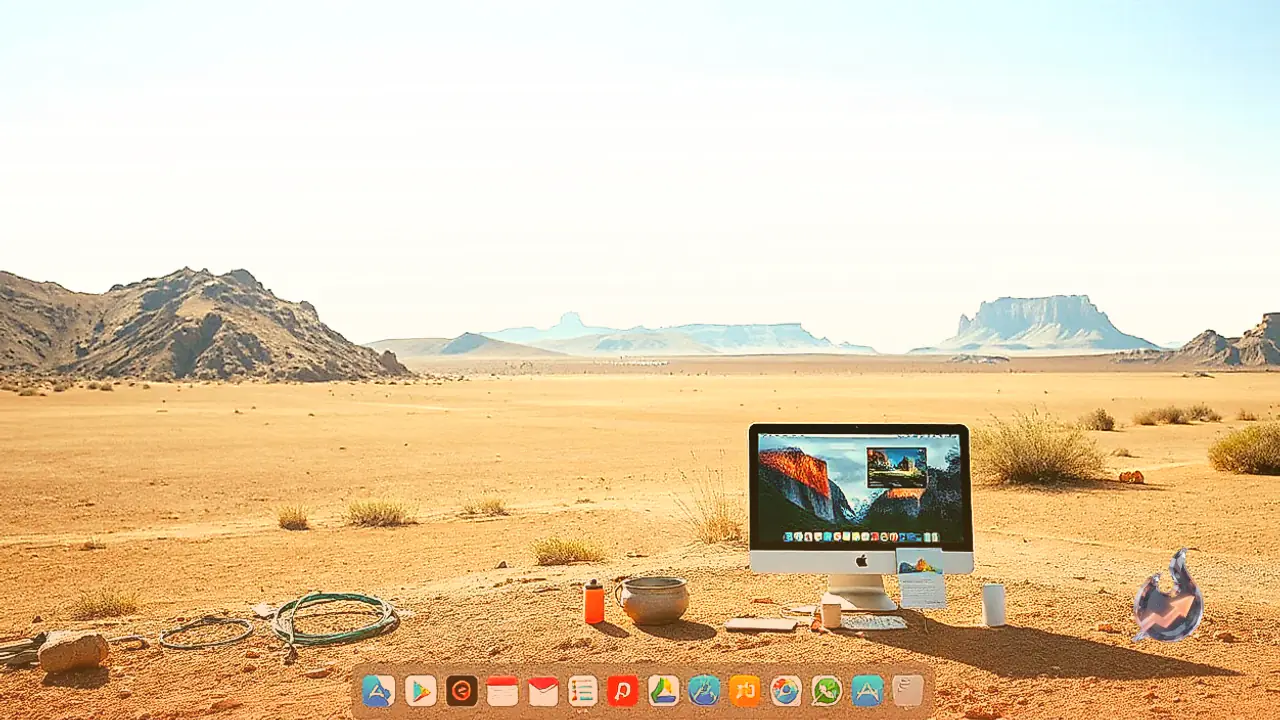















Mac users now have an inventive way to monitor their daily AI usage and keep track of limit resets directly through their desktop app icons. Rather than navigating to account dashboards or web browsers to check remaining capacity on tools like ChatGPT or Claude, a newly launched Mac utility brings dynamic data directly to the macOS Dock.
Dynamic Icons Tracking Live Data
Designer Michael Flarup has officially released a new Mac utility called IconSwapper, which allows users to replace any official application icon with customized artwork, unique shading, or interactive elements. One of the most practical applications of this tool is creating dynamic icons for popular AI platforms such as ChatGPT, Claude, and Cursor to display live usage stats.
Configuring the application is straightforward and requires no complex technical expertise. Once installed on a Mac, users simply select the desired application to pair with a responsive live icon. While traditional methods like account panels or dedicated desktop gadgets exist for tracking AI limits, displaying this information directly on the application icon adds seamless convenience and aesthetic appeal to the macOS environment. Even on crowded desktops, these updates remain visible in the tab bar during app switching.
Interactive Animations and System Customizations
Beyond tracking AI limits, IconSwapper supports several native macOS applications alongside popular third-party software. Users can build dynamic icons for built-in tools like Messages, Mail, Safari, Finder, and Music, as well as external programs such as Chrome and Spotify.
These setups offer clever interactive behaviors. For instance, Safari's compass icon can be configured to rotate in response to active page loads and downloads. Similarly, the face icon on Finder can be set so its eyes continuously track the mouse cursor across the screen. Users can also add motion effects, such as light sweeping across a gold icon when hovered over, or subtle animations while an application processes a query. The software includes a vast library of pre-made replacement icons alongside simple toggle controls and custom image upload features.
Technical Breakthrough and Real-Time Metal Shaders
Customizing system icons on macOS has historically posed major technical challenges. The operating system lacks native support for icon custom themes and actively restricts modifications to protect system assets. To bypass these limitations without altering system files, Flarup developed a technique that renders graphics directly over existing icons in real time.
The app's renderer processes icon visual assets through custom Metal shaders on the fly. Flarup explained, "The breakthrough was figuring out how to send the Dock a bitmap for another running app and have it draw that frame itself." He dedicated substantial development time ensuring the rendered graphics perfectly aligned with macOS motion behaviors, including Dock magnification effects and the Command-Tab application switcher.
Designer Background and Pricing Details
Based in Copenhagen, Flarup runs a design studio and has focused on icon design for over two decades. Having crafted Mac icons since the early 2000s, he also authored a book on app icons celebrating icon design artistry. His goal with this utility was to make everyday desktop software feel more personal and enjoyable.
IconSwapper is currently available as a launch promotion for a one-time purchase price of $19.00. According to its official website, the standard retail price will adjust to $29 following the promotional launch period.