














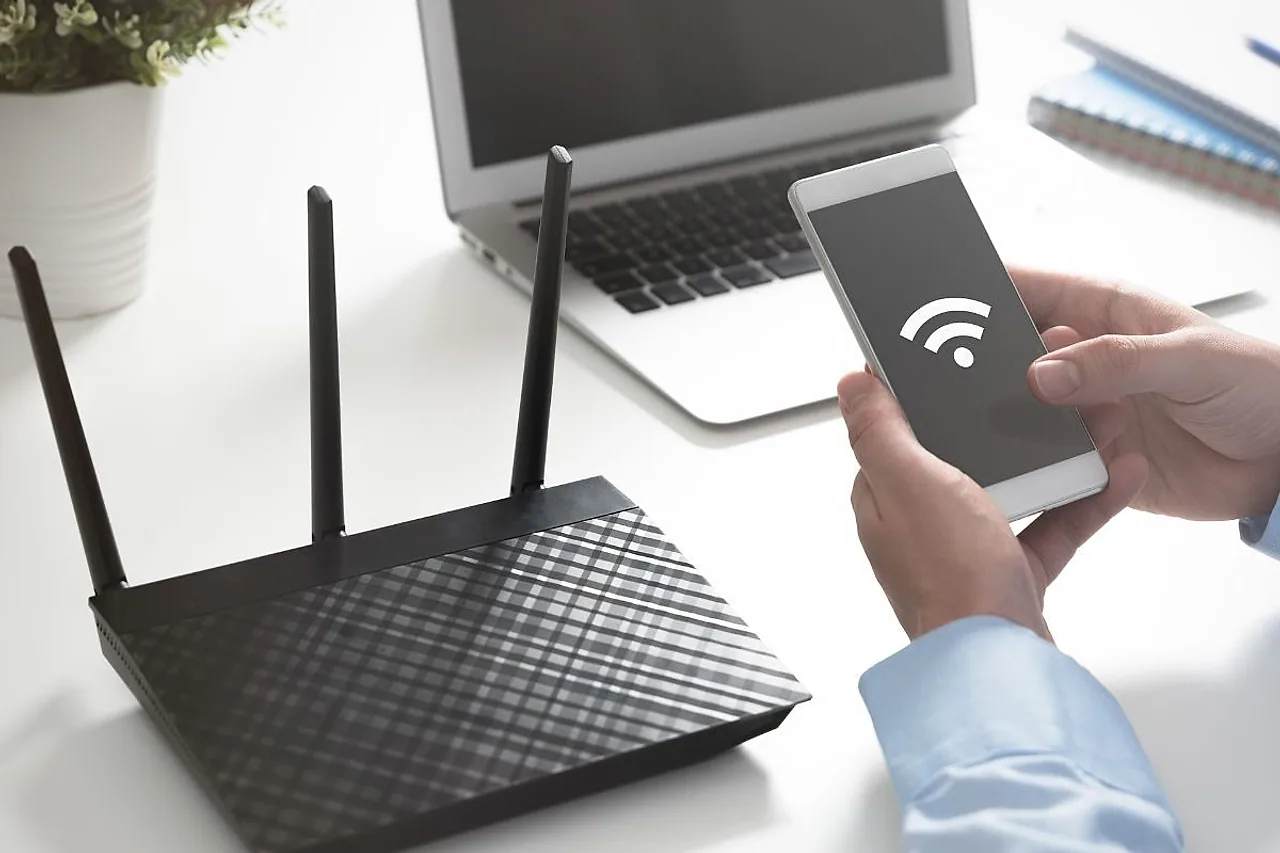

Wi-Fi has become an indispensable part of daily life and work in modern homes. However, many households still experience weak signals, dead zones, and sluggish speeds despite paying for fast internet plans. One major reason behind this frustrating issue is the incorrect placement of the Wi-Fi router. Industry experts and major networking brands such as TP-Link, Netgear, and Linksys consistently recommend keeping the Wi-Fi router at an elevated position, such as on a table, shelf, or mounted on a wall 1 to 1.5 feet higher up. There are solid scientific and practical reasons behind this recommendation.
Omnidirectional Radiation and Better Coverage
Most standard home Wi-Fi routers feature omnidirectional antennas that spread signals in a 360-degree horizontal plane, but they tend to be weaker in the vertical direction. If a router is placed directly on the floor, a vast majority of the wireless signal is wasted downward, getting absorbed by carpets, flooring, and heavy furniture. Placing the device at an elevated level allows the signal to spread horizontally much more effectively, ensuring superior coverage across the room and surrounding areas.
Avoiding Physical Obstructions and Interference
Close to the floor, items like sofas, tables, metal objects, electronics such as microwaves and refrigerators, and even human bodies can easily block or reflect wireless signals. Frequencies like 2.4GHz and 5GHz are easily obstructed by solid walls, wood, and water content present in human bodies. Elevating the router minimizes these obstacles, providing a clearer path for the wireless signals and significantly extending the overall network range.
Matching Height with Connected Devices
Most everyday devices like smartphones, laptops, and tablets are used in our hands or placed on tables, which typically sit about 2 to 4 feet above the ground. When the router is positioned at a comparable height, the wireless signal reaches the connected gadgets directly and with maximum strength. Tests conducted by TP-Link demonstrate that aligning the height of the router with the user's devices results in substantially better signal strength.
Advantages in Multi-Story Homes
In houses with two or more floors, proper router placement becomes even more critical. Keeping the router on the floor level of a multi-story home makes it extremely difficult for the signal to reach upper levels. Placing the device higher up, closer to the ceiling or on an upper shelf of the ground floor, helps distribute the signal upward so upper floors receive stable connectivity.
Additional Tips to Optimize Your Wi-Fi Network
Alongside elevating your router, several extra steps can enhance your network performance. Always place the router near the center of your house to ensure balanced coverage in all directions, and keep the antennas in a vertical position in most cases. Keep the hardware away from microwaves, cordless phones, and thick concrete walls. If your signal remains weak in certain areas, consider using a Wi-Fi extender or a mesh system. Proper elevation reduces signal wastage, eliminates physical barriers, and delivers consistent internet connectivity throughout your entire home.