






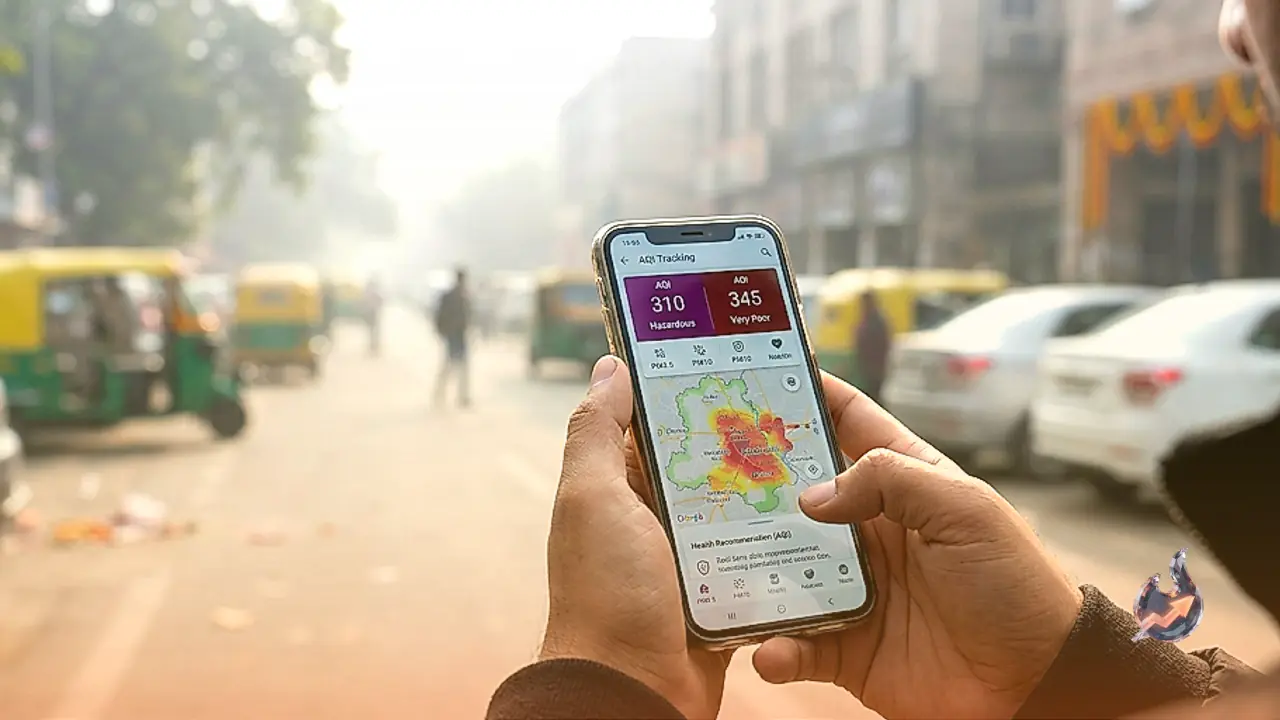
















Following Diwali, air pollution levels spike significantly across numerous cities, turning the atmosphere quite toxic. In such conditions, understanding the quality of the air you breathe becomes essential. Assessing pollution levels simply by looking outside is difficult, but your smartphone allows you to check your local Air Quality Index within minutes.
Simple Ways to Measure Pollution via Phone
Checking air quality requires no special equipment. Alongside the Central Pollution Control Board SAMEER app and website, platforms like Google Maps, IQAir, and AQI.in provide detailed air purity updates. These digital tools help residents evaluate local environmental conditions directly from home.
Checking AQI Using the SAMEER App
The SAMEER app was developed by the Central Pollution Control Board to track air quality across different cities nationwide. Users can download the application from Google Play Store or Apple App Store. After opening the app, select your location to view real-time AQI readings from nearby monitoring stations, including pollutant levels like PM2.5 and PM10.
Accessing Data Through the CPCB Website
Individuals preferring not to install new applications can visit the official CPCB website to check AQI figures. Opening the portal requires selecting your specific city or locality to retrieve air quality data based on multiple regional monitoring stations, offering a convenient browser-based alternative.
Viewing Air Quality on Google Maps
Google Maps includes a built-in Air Quality feature for commuters. Opening the app and tapping the layers option at the top allows users to select the air quality overlay, displaying AQI metrics directly across different regions on the map before stepping outside.
Utilizing IQAir and AQI.in Platforms
Searching your city name on the IQAir website or app reveals comprehensive pollution insights alongside the AQI. Similarly, entering city details on AQI.in enables users to check pollution concentrations and compare air quality across various neighborhoods.
Understanding AQI Index Categories
India categorizes AQI levels across distinct ranges for public understanding. A score between 0 and 50 is considered good, while 51 to 100 is satisfactory. Levels spanning 101 to 200 indicate moderate air quality, 201 to 300 poor, 301 to 400 very poor, and 401 to 500 severe conditions.
Essential Precautions Against Polluted Air
Lower AQI numbers indicate cleaner air. High local pollution levels require extra caution outdoors, especially for children, senior citizens, and individuals suffering from respiratory conditions who should actively avoid exposure to hazardous air.