



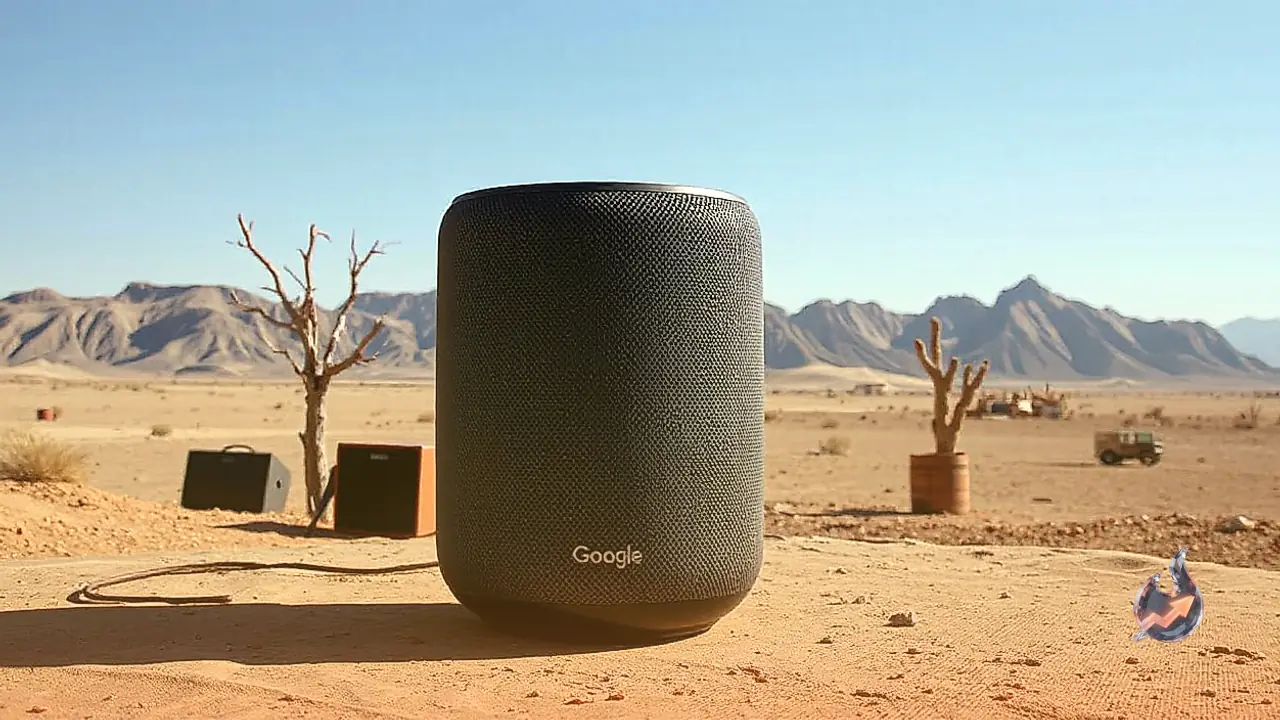



















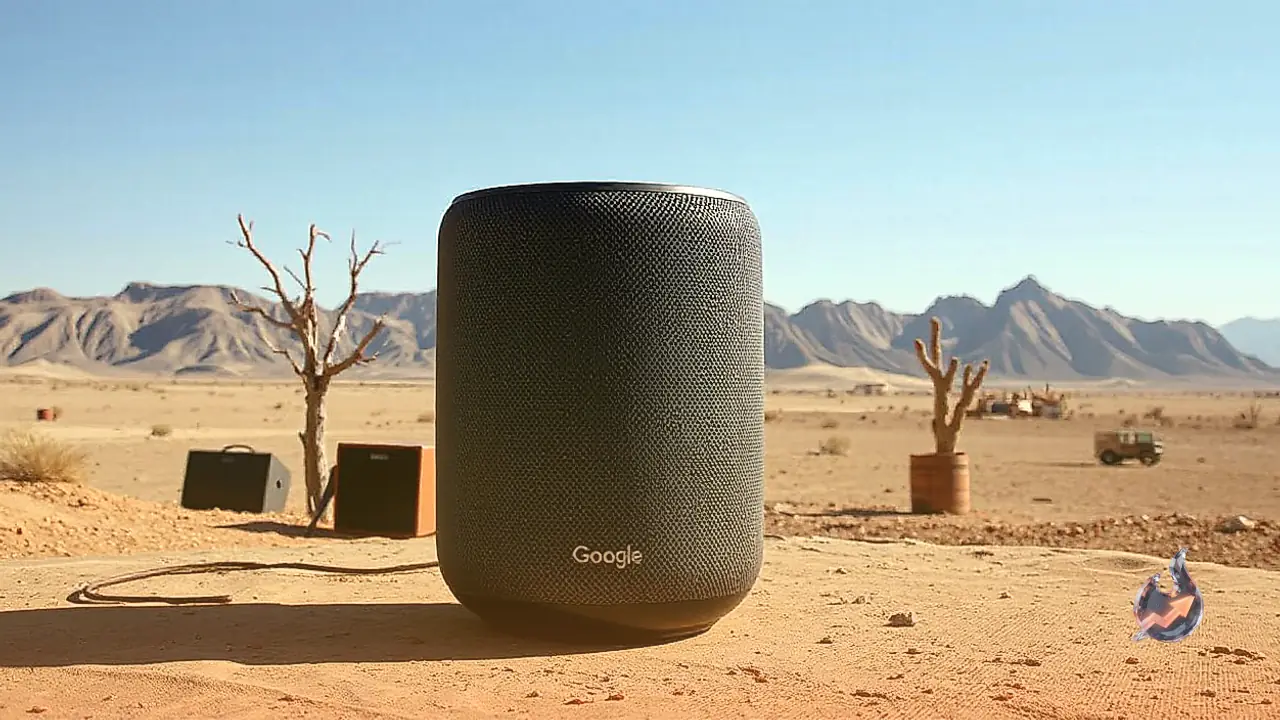

A peculiar issue recently came to light when a standard smart home device ended up consuming a massive chunk of a household's total internet bandwidth. Upon investigating home internet consumption, it was discovered that a Google Home speaker had burned through 487 GB of data over the course of just ten days. This sheer volume was nearly equal to the data used by all the other devices in the entire home combined between August and September. While this glitch was not impacting every single device out there, regular monitoring of data habits brought the anomaly to the surface.
Google Confirms the Software Glitch
The root cause behind this unexpected bandwidth drain was traced back to a software misconfiguration that has since been patched by the company. Authorities at Google verified that the bug had only impacted a limited number of devices. A spokesperson from Google stated: “A server misconfiguration caused some Google Home Speakers to repeatedly download a software update. This issue has now been resolved.”
Other Connected Devices Show Surprising Usage
Delving deeper into network activity revealed that the issue stretched far beyond just a single Google product. Reviewing data statistics across every single gadget identified by the home router brought up several unexpected figures. The oddest highlights included an Amazon-linked Ring smoke detector consuming 22 GB of data over the previous week, a figure comparable to the usage of a household smartphone. Furthermore, a mysterious device simply labeled as watch utilized roughly 21 GB during the same timeframe, even though no smartwatches had been active in the house for over a year.
How to Check Router Traffic and Bandwidth
For those noticing that home Wi-Fi speeds or bandwidth limits are depleting faster than usual, a smart home appliance or background background process could be at fault. Checking network traffic through router interfaces or internet service provider apps serves as an effective diagnostic step. While certain router manufacturers place detailed analytics behind subscription paywalls, others offer robust tracking tools for free. For instance, basic Eero mesh setups list connected clients without breaking down individual data usage unless a paid subscription is active, whereas Asus routers allow users to monitor and analyze traffic completely free of charge.
Steps to Analyze Traffic on Asus and TP-Link Routers
To inspect traffic on an Asus router, open the web interface by visiting http://www.asusrouter.com/ in a browser and log in. Navigate to the Traffic Analyzer tab and ensure the feature is toggled on, noting that statistics refresh every hour. The Statistic tab will then display the top five data-consuming clients, while live traffic can also be viewed via the Asus Router app on mobile.
Users operating a TP-Link router or mesh system can review traffic by tapping the Network tab and selecting Traffic Usage. Depending on the specific model, certain routers allow toggling on In-depth Statistics for granular insights. Meanwhile, Netgear hardware only tracks aggregate metrics under Traffic Meter without per-device breakdowns, making web interfaces generally more informative than mobile applications across various hardware brands.
Utilizing Internet Provider Apps for Monitoring
An alternative method involves checking exact usage figures directly through the internet service provider application. Using the AT&T app as an example, data metrics appear prominently near the front underneath current usage summaries. Although more restricted than dedicated router software, users can view detailed metrics categorized by today, the past seven days, the active billing cycle, or the previous three billing periods, typically displaying high-volume devices rather than every connected endpoint.
Even with such limitations, monitoring utility apps successfully flagged the excessive data consumption tied to the Google Home speaker and the Ring smoke detector. While the high usage posed no major threat due to a large allowance and a quick patch, unplugging the speaker helped ensure the household stayed safely under its two-terabyte billing cap. For consumers on restricted plans, tracking down rogue network hogs remains essential to avoid unexpected overages.