






















Bone conduction headphones like Shokz have built a loyal fan base among runners, cyclists and gym-goers because they leave your ear canal completely open, letting you hear traffic, conversations and gym equipment while still playing music or a podcast. But most people who own a pair are only using them at a basic level. After months of daily use, especially before every run, several small adjustments make the listening experience noticeably better. Here are five tricks worth trying.
Pair your Shokz with earplugs in loud gyms
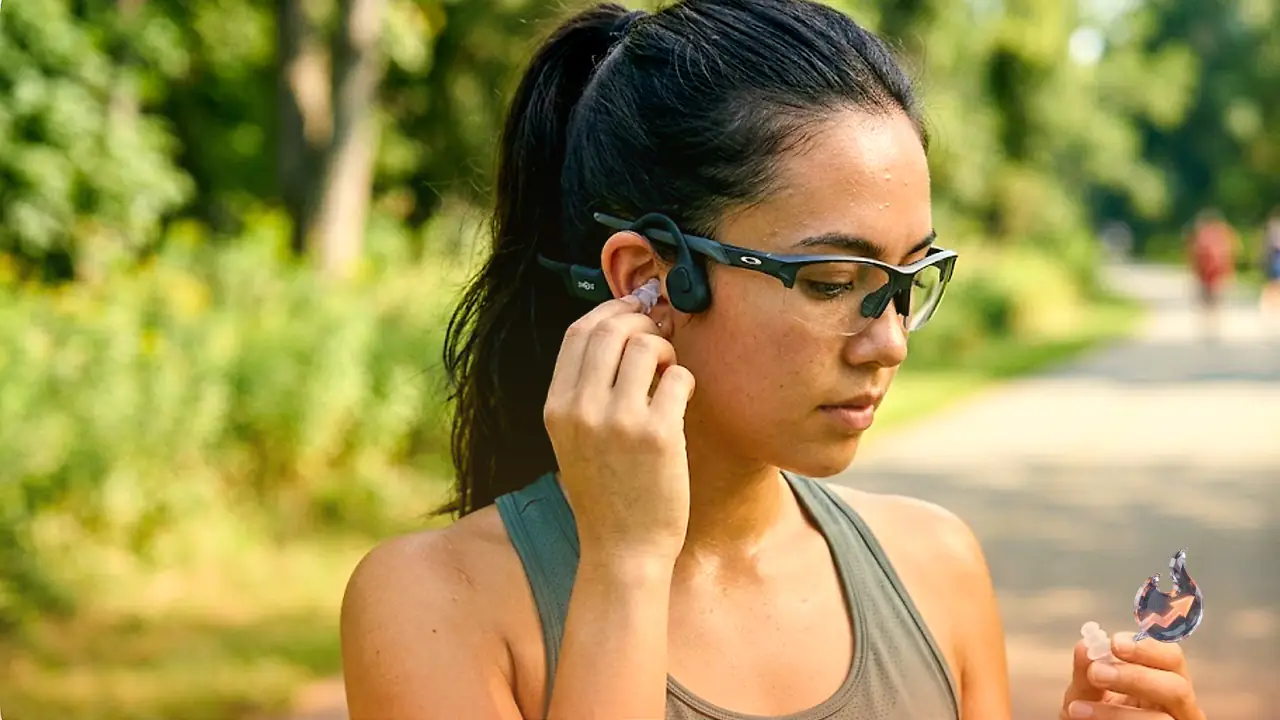
It sounds contradictory: the entire appeal of bone conduction is that your ears stay open, so why would you plug them? Beth Skwarecki, a Shokz user, says the combination actually solves a real problem. She started wearing earplugs along with her Shokz after noticing that her Apple Watch kept warning her about exposure to loud noise during weightlifting sessions, especially in an enclosed space like a garage, where clanking weights and dropped bars can get uncomfortably loud over time. Wearing Shokz on top of earplugs, she says, is far less sweaty and uncomfortable than clamping on a pair of over-ear headphones in a hot, noisy gym. The combination lets her keep listening to music while cutting down on harmful noise exposure. She recommends high-fidelity earplugs specifically for this purpose, since they reduce volume without muffling everything unnaturally.
Use your glasses to lock in a better fit
If your Shokz ever feel loose or like the sound isn't quite hitting right, a pair of glasses, prescription or not, can fix it. Sunglasses work just as well. The trick starts with putting the Shokz on first, making sure they sit flat against the skin just in front of the ears, roughly level with the cheekbones. That's exactly where the transducers, the small pads that deliver sound through vibration instead of through the ear canal, need to make firm contact. Once the headphones are positioned, put glasses on over them. The arms of the glasses press the transducers slightly closer to the cheekbones, tightening the contact and naturally boosting the sound, all without touching a single setting on the device. It takes about two seconds and is especially convenient for runners or cyclists who are already wearing sunglasses during a workout anyway.
Fight the sticky, sweaty feeling with deodorant, or water
Because bone conduction headphones need more skin contact than typical earbuds to work properly, they can start to feel uncomfortable once sweat builds up, even though that same contact is what makes the sound quality good in the first place. One fix is to swipe a very thin layer of antiperspirant stick along the jawline and the area in front of the ears, exactly where the Shokz sit, before a workout. That thin layer cuts down on sweat buildup at the contact points, which means less slipping and a less sticky feel by the time the session ends. If the headphones are still sliding around even after using deodorant, the opposite trick can help: lightly dampen the same contact points with a splash of water, or simply let a light sweat build up during a warmup. The right amount of moisture can actually improve grip and keep the headphones from shifting. The one caveat is to dry off afterward so the skin isn't left damp under the headphones for too long.
Turn off your phone's built-in volume limiter
Because open-ear headphones like Shokz are designed to let ambient sound in, music or podcasts sometimes need a bit of extra volume to cut through street noise, gym clatter or wind. When the headphones seem like they can't get loud enough, the culprit is often not the headphones at all but a volume limiter built into the phone for hearing protection, which quietly caps how loud Bluetooth audio is allowed to get. On an iPhone, the setting is found under Settings, then Sounds & Haptics, then Headphone Safety, where toggling off Reduce Loud Audio removes the cap. On a Samsung phone, it's under Settings, then Sounds and Vibration, then Volume, then More, where Media Volume Limit can be switched off. On other Android devices, look for an option called Absolute Volume in the Bluetooth settings for the paired Shokz device and enable it. Turning these limiters off usually produces an instant, noticeable difference in available volume, particularly outdoors. That said, the same caution applies as with any headphones: keeping the volume too high for long stretches can damage hearing over time, so the extra headroom should be used carefully.
Remember Shokz can go wired, too
Some Shokz models include a 3.5mm aux connection, meaning Bluetooth isn't the only way to use them. If a connection is misbehaving, or the battery dies at the worst possible moment, a compatible aux adapter lets the headphones keep working as wired headphones instead. It's a handy backup for travel, or for any situation where Bluetooth simply refuses to cooperate.