






















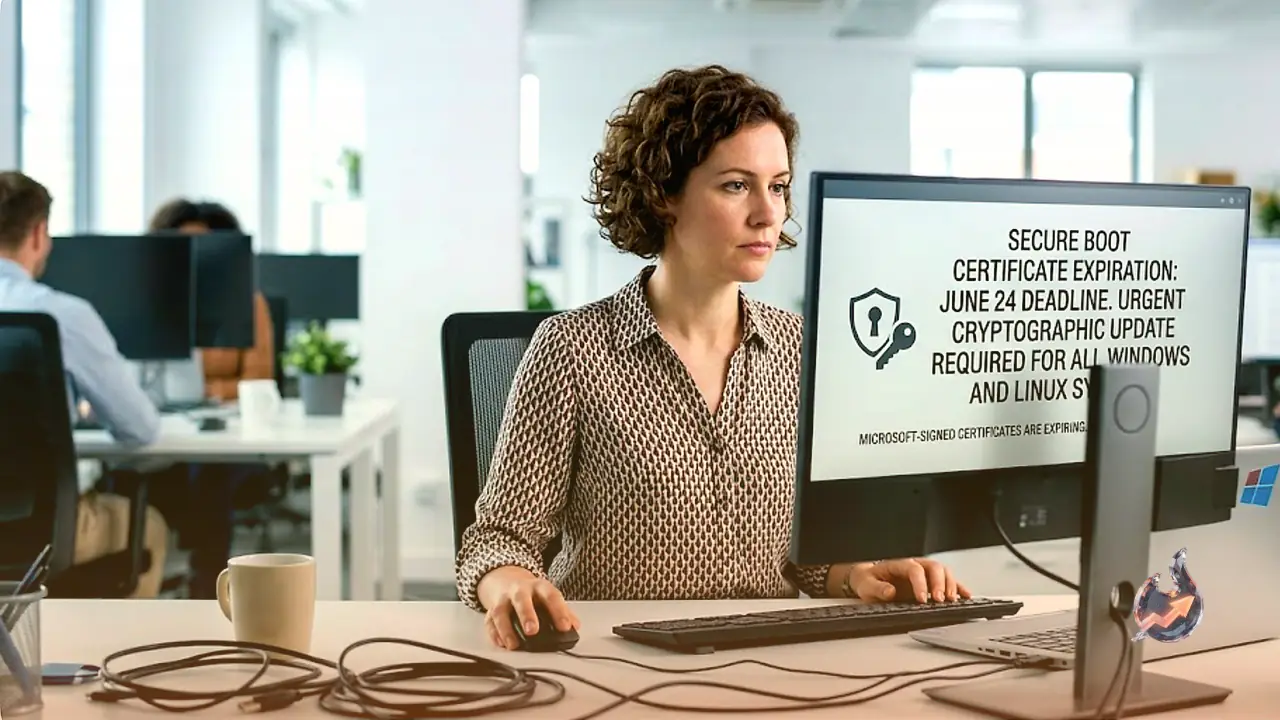

A major cryptographic shift is quietly taking place in the world of computer security. On June 24, three vital digital certificates signed by Microsoft are scheduled to expire. These certificates serve as the cornerstone of Secure Boot, an essential security mechanism designed by Microsoft to establish a chain of trust when a computer starts up. Secure Boot operates by validating the cryptographic signatures of all software and firmware that load during the boot process, confirming they come from trusted sources like the motherboard's manufacturer.
The primary purpose of Secure Boot is to defend against UEFI bootkits. This dangerous category of malware targets the Unified Extensible Firmware Interface (the modern successor to the traditional BIOS) which initiates the computer's startup sequence. Since bootkits execute before the operating system (OS) and security software even load, detecting them is notoriously difficult. Once active, bootkits can inject malware into the OS to steal credentials, open backdoors, or run malicious code. A bootkit remains highly resilient, often surviving complete OS reinstallations and manual disinfection attempts.
The History and Evolution of Bootkits
The history of boot-level malware stretches back to the early 1980s. The earliest variants targeted Apple II computers, spreading through floppy disks that appeared to hold pirated video games. By the early 2000s, offensive security researchers began developing proof-of-concept (PoC) bootkits targeting Windows systems. The first notable example, BootRoot, was presented at the 2005 Black Hat security conference. It compromised the Network Driver Interface, which manages communications for network protocol drivers like TCP/IP. This was followed by other research PoCs like Vbootkit, Stoned Bootkit, and Mebroot.
In 2012, researchers demonstrated new techniques. One malware attacked Mac OS X by targeting the EFI firmware. Another early exploit targeted Windows 8 machines by compromising the predecessor to UEFI. Around 2013, a more sophisticated UEFI-targeting bootkit for Windows, named Dreamboat, was showcased by researchers.
The threat moved from theory to reality in 2018 when the first real-world UEFI malware, LoJax, was discovered. Based on a repurposed anti-theft software called LoJack, it was deployed by the Kremlin-linked threat group known as Sednit, Fancy Bear, or APT 28. Attackers installed LoJax remotely using tools capable of overwriting the UEFI firmware's flash memory.
By 2020, researchers at Kaspersky identified the second known in-the-wild UEFI threat, named MosaicRegressor. Upon system reboot, this malware checked the Windows startup folder and silently reinstalled malicious files if they were missing. While researchers could not confirm exactly how the UEFI was compromised initially, several other UEFI bootkits have emerged since, including ESpecter, FinSpy, and MoonBounce.
The LogoFail Vulnerability and the Key Rotation
According to reporting by TrendKia, the urgent need for a certificate replacement became clear in 2023 with the discovery of LogoFail. This massive vulnerability affected the UEFI of almost all Windows and Linux devices globally. It exploited a bug in the image-parsing software that displays computer manufacturer logos during bootup. By manipulating these images, hackers could bypass Secure Boot entirely and infect the firmware.
To patch LogoFail, Microsoft has been forced to deprecate three older Secure Boot cryptographic signatures dating back to 2011. They are being replaced by modern signatures dated 2023. Microsoft is currently pushing these updates to Windows 10 and Windows 11 systems. Meanwhile, Linux distributions are rolling out updates for their "shims", which are small, early-stage bootloaders acting as a secure bridge between Secure Boot and the Linux system.
Systems that do not receive these key updates will continue to work, but they will remain defenseless against modern UEFI threats. these unpatched machines are already exposed to LogoFail. This key update is vital to close that loophole and guard against future firmware-level attacks.
How to Verify and Update Your Device
Windows users can verify if their system has been updated by opening Windows Security, navigating to Device Security, and checking the Secure Boot status. A green checkmark confirms that the updates are successfully applied. While most modern computers receive these updates automatically through monthly Windows Update patches, older devices might require manual intervention. For Linux users, keeping an eye out for the latest shim releases from their distribution is recommended.
Microsoft advises users to keep all device firmware up to date, as these updates are often necessary for the Secure Boot certificates to update seamlessly.