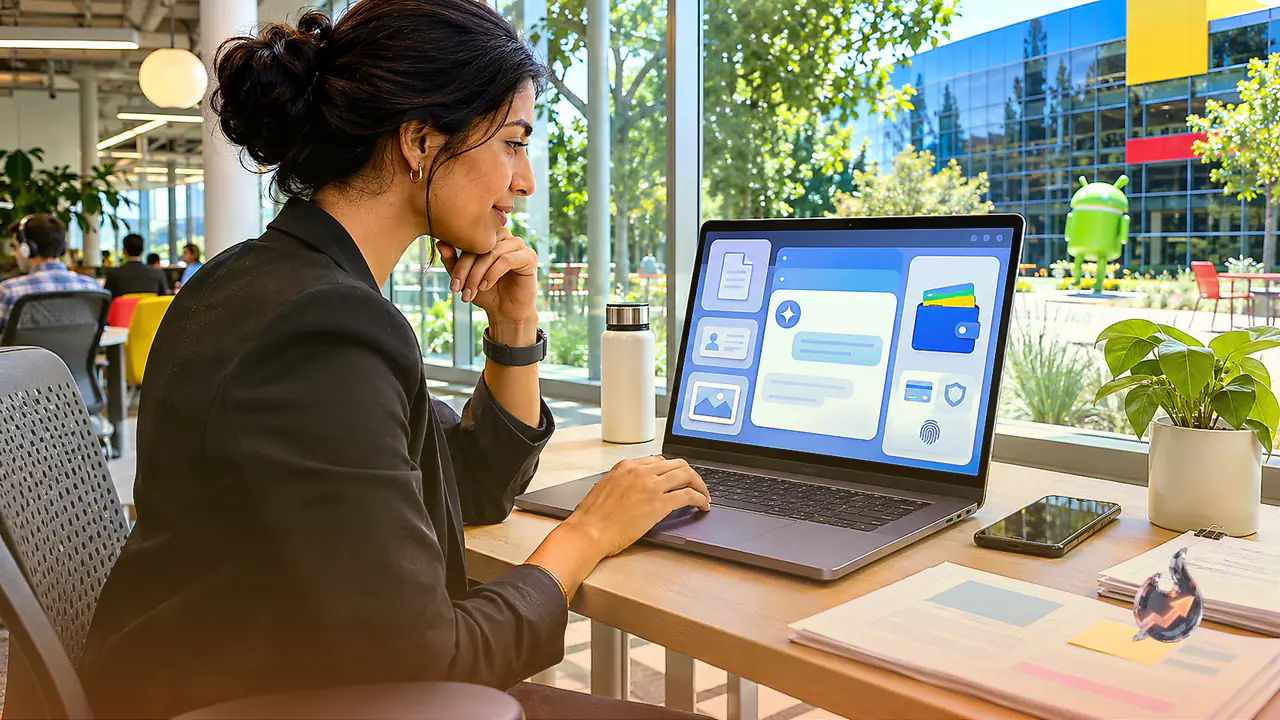












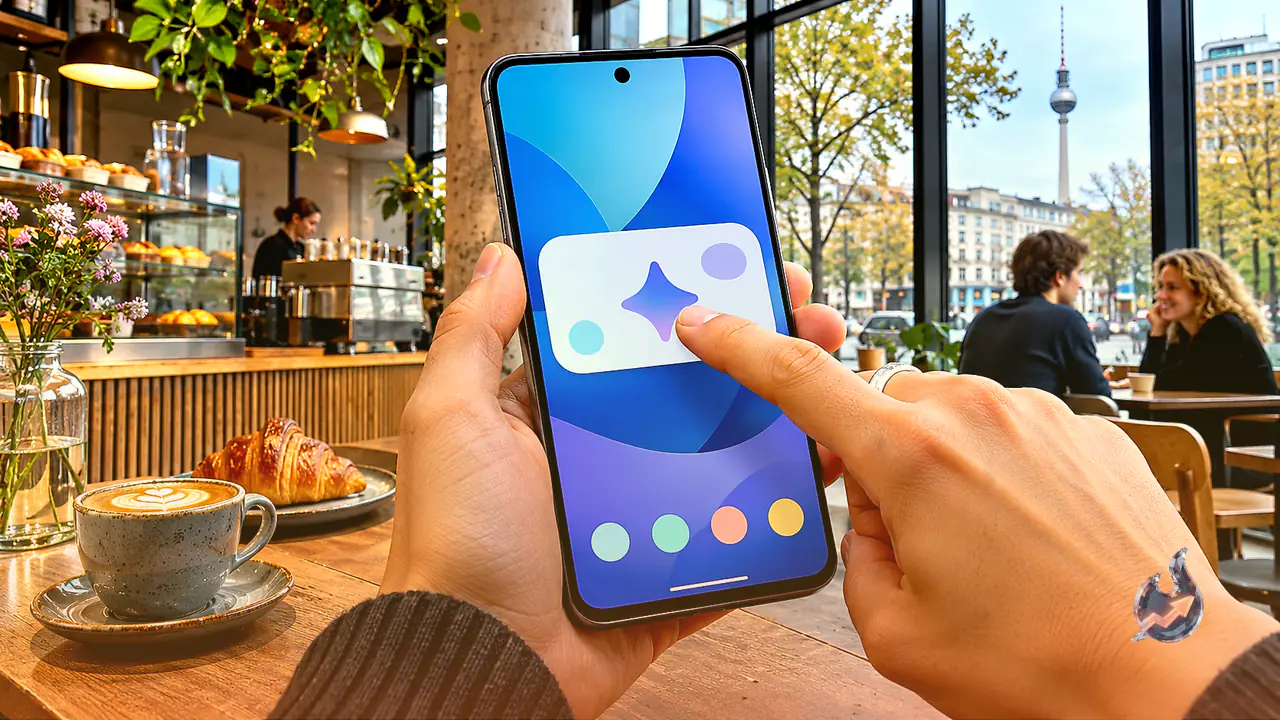

Accessing artificial intelligence on mobile devices has become significantly more convenient following the release of a dedicated home screen widget for Grok on the Android platform. Designed specifically to eliminate the need for launching the main application repeatedly, this new feature allows users to interact with the AI tool straight from their smartphone interface. The addition is particularly advantageous for individuals who rely heavily on AI assistance throughout the day and require swift responses to their queries.
How to Set Up the Grok Widget on Android
Installing and configuring this new home screen element requires only a few straightforward steps on any compatible Android smartphone
- Update the Application: Visit the Google Play Store and ensure that the Grok application is updated to its latest available build.
- Access the Widget Menu: Press and hold any empty area on your Android smartphone's home screen until the customization options pop up, then select the option labeled 'Widgets'.
- Place on Home Screen: Scroll through the widget menu to find Grok, tap and hold the widget card, and drag it onto your preferred home screen page or location.
- Customize Size: Adjust the dimensions of the widget on your screen by dragging its edges to make it larger or smaller according to your display preferences.
System Compatibility and Key Benefits
While the new Grok widget is designed to function across Android smartphones, smooth operation requires that the device runs an operating system version capable of supporting the latest app build and interactive home screen widgets. Devices operating on outdated operating systems or restricted software environments may not be eligible to receive this feature.
The primary advantage of this update is the ability to bypass the app opening process entirely. Users can prompt Grok and receive instant answers directly through the widget interface, thereby saving operational time and streamlining daily digital workflows. Ultimately, this addition provides a subtle yet impactful enhancement for regular Grok users on Android systems.