























Seeking to ease the everyday logistical burden of managing a home, Google is testing an overhaul of its artificial intelligence assistant, CC. The updated tool functions as an agentic coordinator designed to help households plan their daily routines, align schedules, and take care of time-consuming domestic chores. Operating across email, shared calendars, messaging, and to-do lists, the software can automatically track upcoming commitments, fill out activity registration forms, compile grocery lists, and draft weekly dinner menus.
The Pivot from Personal Productivity to Shared Family Life
Google initially conceived CC as an individual productivity helper. That original iteration tied directly into Gmail, Google Calendar, Google Drive, and wider web searches to map out an individual user's commitments and deliver an early morning summary titled 'Your Day Ahead' directly to their inbox. By May, parts of this functionality were adapted into the Gemini application under the name 'Daily Brief'.
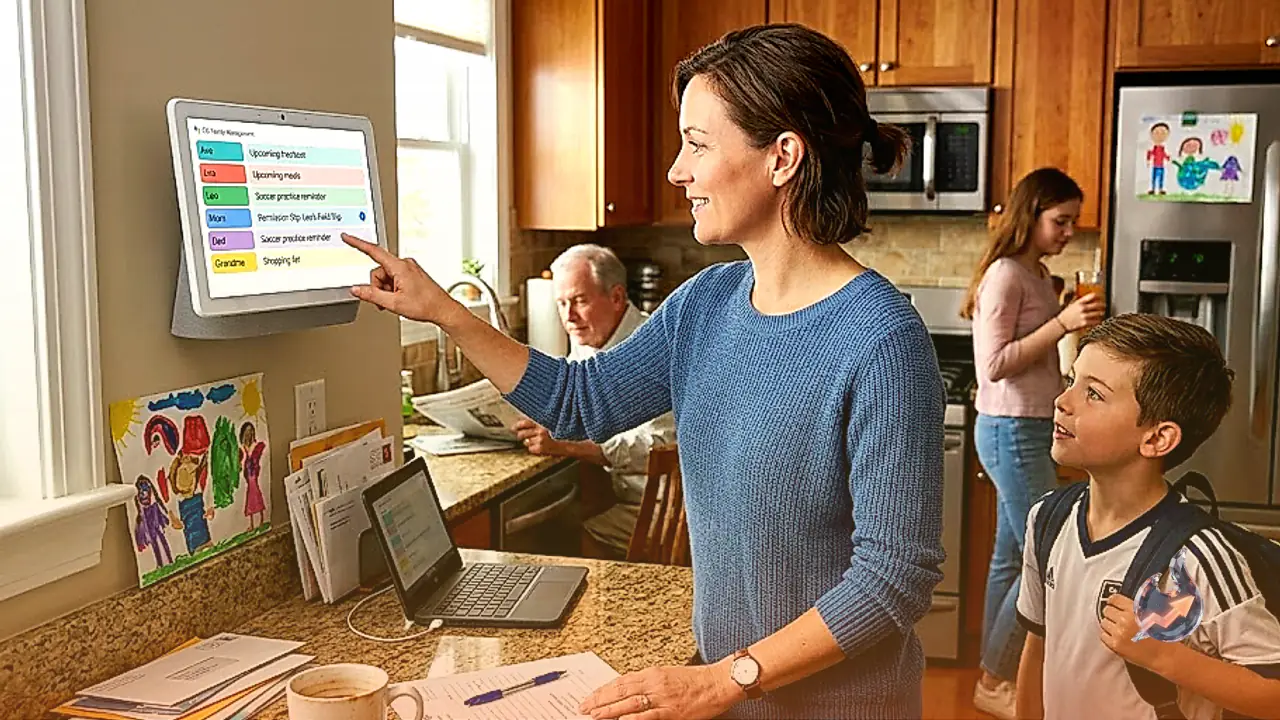
However, usage patterns and user feedback signaled a clear shift in consumer priorities. People increasingly attempted to use the assistant for domestic logistics rather than corporate workflows. Parents and household heads wanted machine intelligence to keep track of school calendars, sports practice schedules, household utility bills, and weekly cooking routines. Responding to that appetite, Google reoriented CC into a collaborative household agent. The broader tech landscape has seen a similar trend, with specialized startups such as Ollie and Fambot also introducing dedicated family-oriented digital coordinators.
Dedicated Accounts and Granular Data Sharing for Up to Six Members
To enable collaborative execution while preserving personal boundaries, CC now operates with its own distinct Google account. This structural change allows the agent to interact directly with household members on tasks while maintaining discrete, user-controlled data access permissions. Each individual retains authority over what gets shared with the agent, whether those items are extracurricular notifications, sports league updates, social invitations, or medical appointment confirmations.
Family members can route information to CC either by manually forwarding relevant messages to its dedicated email address or by configuring automated sender rules. Under the automated approach, users select trusted senders, such as local schools, clubs, or airlines, whose incoming emails are immediately passed to CC. To streamline setup, the agent also suggests potential senders to add on a weekly basis. At present, the system can support up to six individuals collaborating simultaneously within a single household group.
Automated Calendars, Task Management, and Form Filling
Beyond parsing correspondence, CC actively converts raw text into actionable family schedules. Whenever an orthodontist confirms an upcoming appointment or a school district sends an email about a scheduled teacher in-service day, the agent detects the details and places them directly onto the family's shared calendar or task queue.
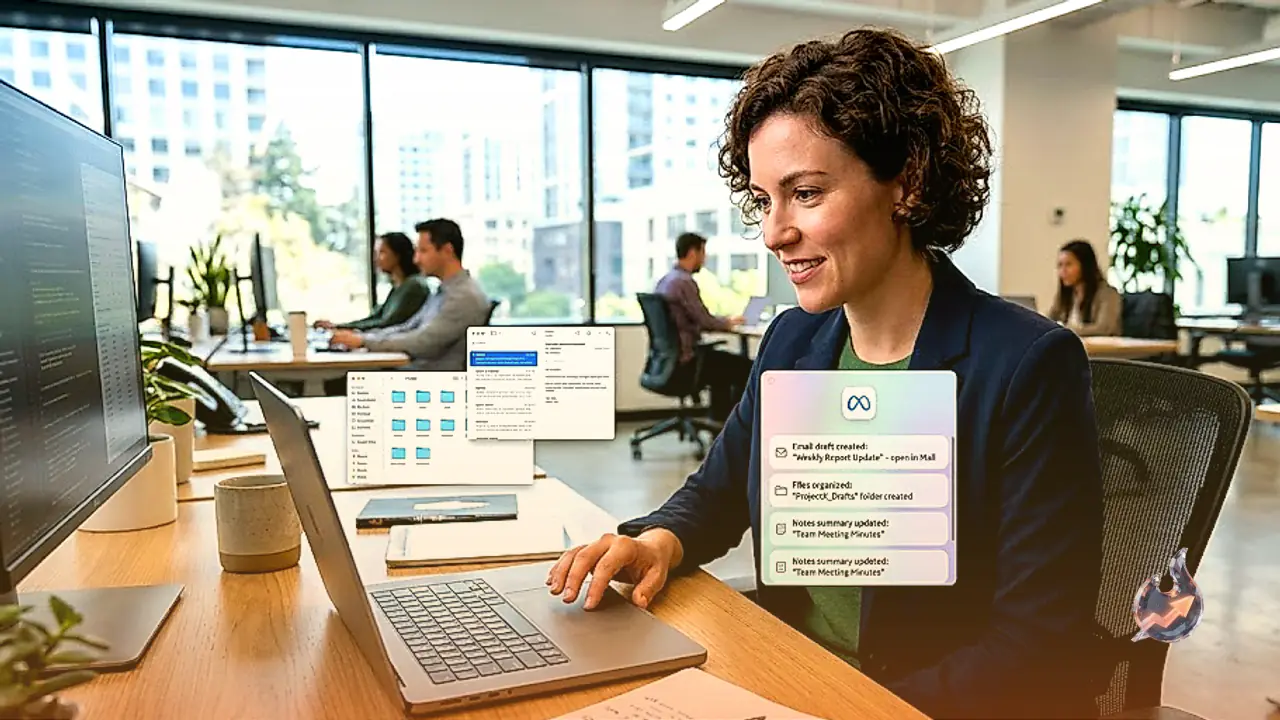
Furthermore, the agent can execute complex, multi-step actions on behalf of the home. These capabilities include completing permission slips, filling out activity registration PDFs, assembling shopping checklists for school supplies, calculating drive times between back-to-back afternoon activities, and organizing collaborative Docs or Sheets. When encountering missing details necessary to finalize a form, CC prompts family members for the required input and saves the answer in its persistent group memory to avoid asking the same questions in the future.
Cloud Architecture, Age Barriers, and Current Access
From an infrastructure standpoint, CC runs inside an isolated cloud computing environment driven by Gemini models alongside Antigravity, Google's proprietary agentic harness. For now, the experiment is restricted to adult users in the United States who possess personal Gmail accounts and are at least 18 years old.
This age restriction presents a noticeable operational hurdle for many households. Because minors cannot directly hold supported accounts, preteens and teenagers cannot interface with the assistant directly unless their account ages are inaccurate. It also prevents integration with institutional school email accounts, despite the reality that many middle and high schools rely extensively on Chromebooks and Google Workspace environments for daily classroom communications. Nonetheless, the tool offers utility for modern households coordinating between parents, live-in grandparents, nannies, or adult children living under the same roof. Existing testers will receive email invitations to upgrade their accounts shortly, while new users must join a waitlist to gain access.