













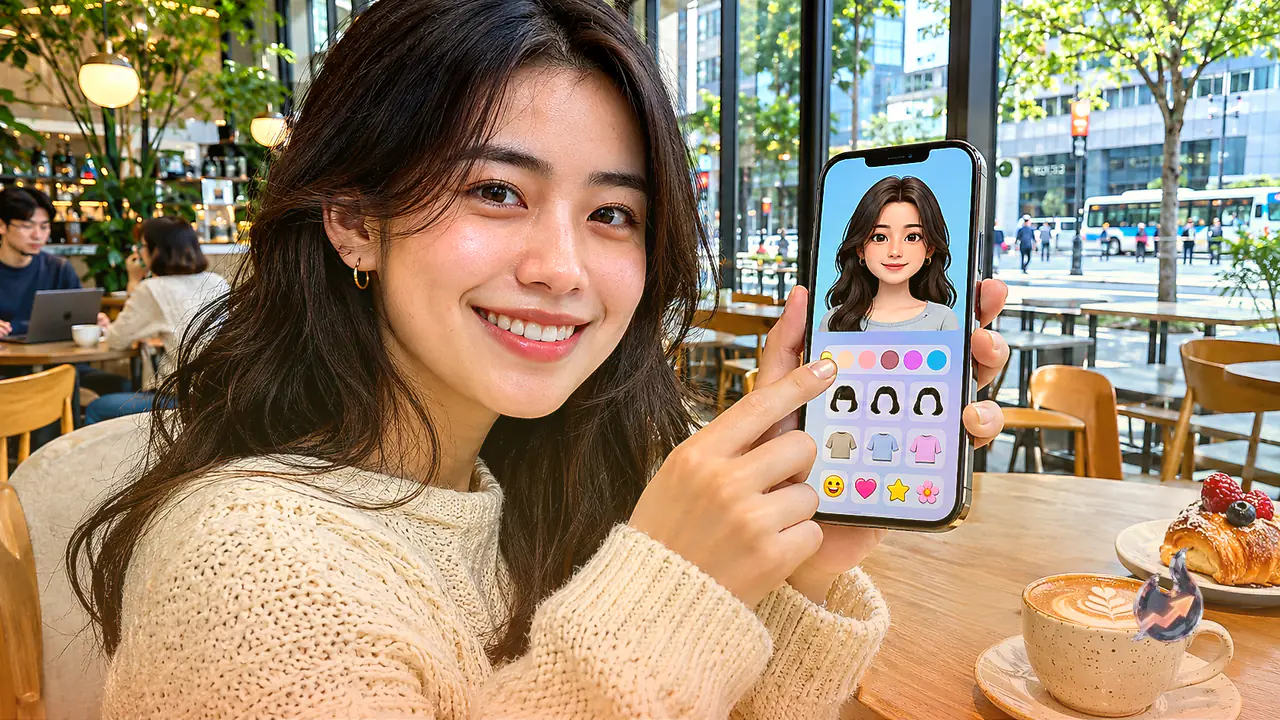
Messaging platform WhatsApp has introduced a new 3D avatar feature designed to let users build a digital version of themselves. This tool is especially helpful for individuals who prefer not to display their real photographs on their profiles yet want a creative online presence. Along with setting the avatar as a profile picture, users can send a wide variety of expressive stickers during chats.
Key features and personalization options
The feature includes roughly 36 distinct stickers that accurately reflect various emotions and reactions during conversations. Users can fully customize their avatars by altering skin tones, hairstyles, clothing choices, accessories, and face shapes, ensuring the digital output closely mirrors their personality.
Method one: Create an avatar using a selfie
Open WhatsApp and click on the three dots located in the corner.
Navigate to settings and select the avatar option.
Tap on create avatar and then choose create from selfie.
Take your selfie, and the system will automatically generate a base avatar for you.
Adjust the body type and style parameters according to your preferences.
Method two: Build a manual avatar
Select create avatar and then choose the create manually option.
Manually pick your preferred skin tone, hairstyle, face structure, and body type.
Style the avatar further using clothing, makeup, and accessories.
Once satisfied with the appearance, publish the avatar to save it.
Privacy safeguards during creation
According to WhatsApp, when you generate an avatar using a selfie, the source photo is deleted immediately to safeguard user privacy. Users retain the flexibility to modify or delete their created avatars and build new ones at any given time.
Modern digital expression with privacy
In today's digital era, many individuals seek ways to express themselves while safeguarding their real identities. The WhatsApp avatar feature fulfills this requirement by making chats more engaging while maintaining strict privacy standards.