






















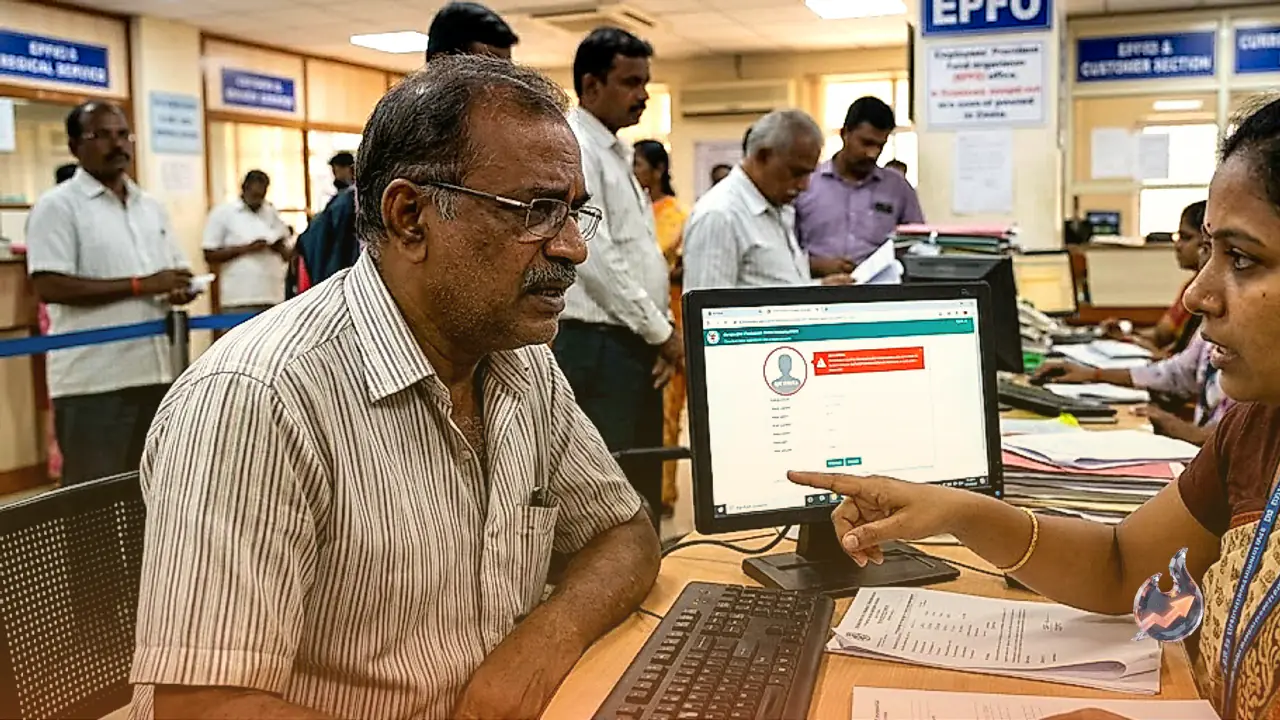

The Employees' Provident Fund Organisation (EPFO) has strictly enforced a crucial requirement for its millions of subscribers. Salaried professionals who contribute a portion of their monthly income to a PF account must urgently check the status of their online profile. The authorities have made it completely mandatory for all members to update their profile photographs on the official portal. Failing to comply with this simple rule could lead to severe inconvenience, as the system will refuse to process any withdrawal claims. For employees who have not yet uploaded a digital picture, the critical process of e-nomination will also be permanently halted until the requirement is met.
With almost all PF-related services now functioning exclusively online, the department has implemented this rule to tighten account security and ensure accurate identity verification. In the face of increasing digital fraud, the organisation wants absolute certainty that only the rightful owner of the account is initiating financial transactions. Senior officials emphasize that the profile picture serves as a vital component of a member's digital identity. It adds an extra layer of security that will help prevent unauthorized claims and fraudulent withdrawals from retirement savings.
Lack of E-Nomination Will Halt Your Money
The most immediate and damaging consequence of an incomplete profile is the inability to file an e-nomination. Under the current digital framework, a subscriber cannot nominate a family member without first uploading a photograph to the system. The absence of a registered nominee has a direct, negative impact on the settlement of PF claims. If you find yourself in a medical emergency, planning a wedding, or looking to buy a house, the system will reject your withdrawal application if the nomination details are missing. In many cases, pending claims can drag on for several months, or the final payment might get completely blocked. Consequently, the department is continuously alerting its subscribers to fix their profiles well in advance to avoid last-minute panic and administrative hurdles.
Keep KYC and Other Details Fully Updated
The department has also clarified that simply uploading a photograph will not be enough to ensure smooth online transactions. In its advisory, the EPFO highlighted that employees must keep all other fundamental details completely accurate and up to date. It is absolutely mandatory for your PF account to be linked with a valid Aadhaar card and a PAN card. Furthermore, the bank account details where you intend to receive your money must be entirely correct. Your active mobile number and email ID must also be registered on the portal so that you can receive timely alerts for every financial transaction. If any of this information is incorrect or outdated, you will face massive roadblocks while trying to access online facilities like pension distribution, fund transfers, or advance withdrawals.
Step-by-Step Guide to Upload Your Photo
You can complete this task very easily from the comfort of your home using a smartphone or a computer. There is absolutely no need to visit an EPFO office to get this done. To complete the online process, you must have your twelve-digit Universal Account Number (UAN) and its corresponding password ready. Additionally, ensure that a clear, passport-size digital photograph is already saved on your device before you begin.
The entire procedure can be seamlessly completed by following these exact steps
- First, visit the official EPFO member portal and successfully log in using your UAN and password.
- Once the dashboard home page opens, look for the 'View' tab located at the top menu and select the 'Profile' option from the dropdown.
- The profile page will now open. On the left side of the screen, you will spot an option labelled 'Change Photo'; click on it.
- Next, browse through your computer or mobile phone's gallery and select the specific digital picture you wish to upload.
- The system will display a preview of the chosen picture. If it looks correct and clear, click the 'Upload Photograph' button.
- Finally, a pop-up box will appear on the screen asking for confirmation. Click 'OK' to give your consent, and your new picture will be permanently saved to the system.
Taking this step is absolutely essential to avoid any technical glitches or unnecessary delays in receiving your hard-earned money in the future. Members who have neglected their online accounts so far should prioritize this small yet highly significant task. Staying updated ensures that your fund withdrawals and other retirement services continue running without a single hurdle.