























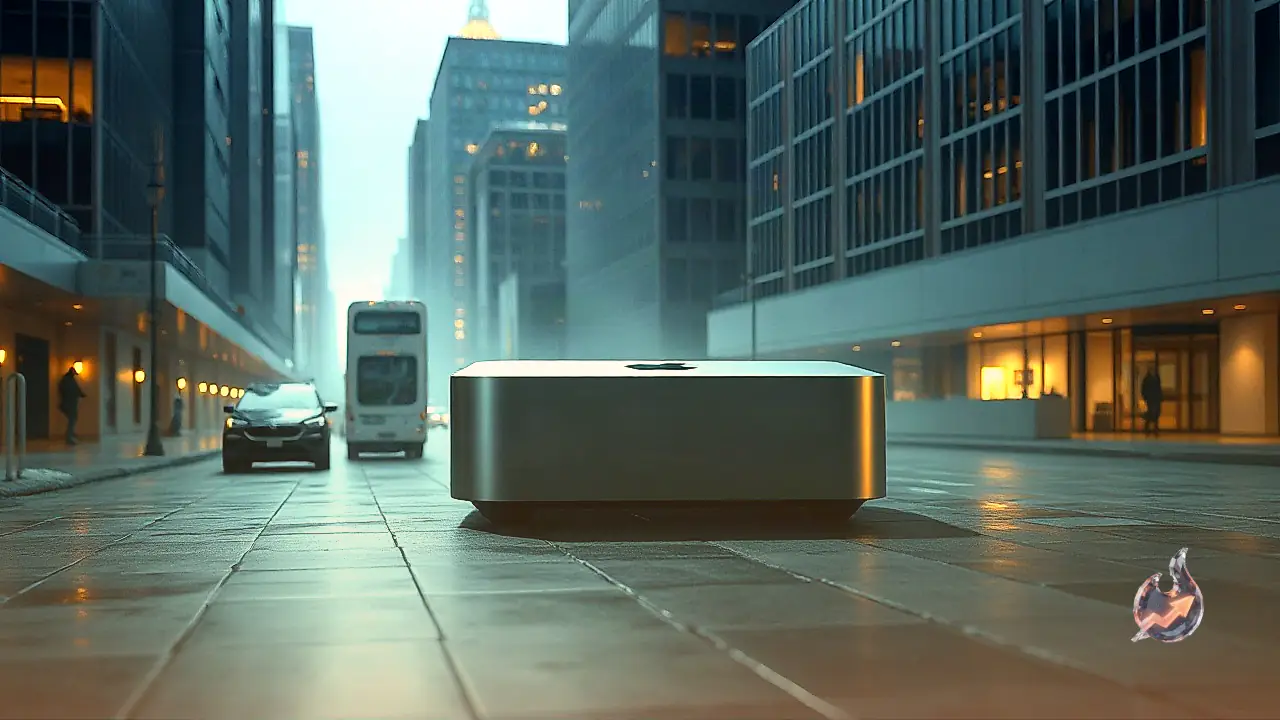

Apple's smallest desktop has undergone a dramatic transformation this year. Just six months ago, it was a modest, unassuming machine that seemed content simply serving as the most accessible entry point into the Mac ecosystem. The desktop was so easy to overlook that Apple opted to skip an M5 hardware refresh for it entirely last year. Now, re-emerging with the M6 processor and an elevated sense of purpose, this compact machine has reclaimed a central position in Apple's lineup and is challenging the competition.
The 2-nm Architecture and Transistor Leap
The most consequential changes in the new desktop lie inside the M6 chip itself. This machine offers the very first look at Apple's next generation of silicon, marking the platform's debut on a 2-nm process node. Fabricating the chip on this advanced node allows for a substantial expansion in physical die capacity, packing in 46 billion transistors. That translates to an estimated 35 percent boost in transistor density, which on paper delivers meaningful gains in energy efficiency alongside higher sustained computational throughput.
Thermal Management and Active Cooling
Retaining the structural layout of preceding generations, the chassis houses an internal fan. Whenever sustained, computationally intensive workloads are initiated, the active cooling system kicks into gear and becomes audible. While the sound is far from disruptive, users transitioning directly from silent MacBooks will immediately register the difference. That built-in fan plays an indispensable functional role: it prevents thermal throttling and ensures sustained high performance from the M6 silicon, providing an advantage over fanless designs like the MacBook Air (a direct hardware comparison will have to wait until the M6 MacBook Air arrives, presumably in 2027).
Dual Neural Engine Capabilities and On-Device Model Boundaries
Apple has also integrated a dual Neural Engine directly into the M6 architecture. While the hardware maker has avoided sharing granular schematics detailing how the two clusters synchronize, it states that the design produces double the peak compute throughput for local on-device machine learning workflows. Frameworks can automatically access and distribute tasks across both Neural Engines simultaneously. This architectural change accelerates in-application creative features, making complex automated steps like identifying scene edits across raw video footage in Final Cut Pro run with relative ease.
However, users should not mistake this machine for an all-encompassing local substitute for centralized large language models like ChatGPT or Gemini. Running larger models locally demands massive memory bandwidth and capacity. Loading a 70-billion-parameter Llama 2 model inside LM Studio demonstrated this constraint when the utility refused to execute the weights, signaling an explicit requirement for at least 32 GB of system memory to operate reliably. Attempting to force the 70-billion-parameter model to initialize despite the warning caused the operating system to freeze immediately.
Workstation Productivity and Practical Demands
These real-world hardware limits clarify precisely where the desktop sits in the broader market. It is neither a specialized AI enterprise supercomputer nor an ultra-budget basic terminal for lightweight household tasks. Instead, it stakes out an attractive middle ground. Users do not need an artificial intelligence focus to extract tremendous utility from the hardware. For professionals seeking a reliable workstation capable of powering multiple 4K or 5K external monitors without dipping in responsiveness while juggling dense multitasking software, the setup delivers exceptional value. While portable setups remain the default choice for mobile professionals, this desktop offers a more compact footprint, stronger sustained performance, and a far lower price tag. It supplies enough graphical and computational overhead to let users comfortably explore video production, gaming, and preliminary local AI workflows.
Configuration Economics: 32 GB Tiers and the M5 Pro Step-Up
For individuals intending to run machine learning workflows locally at their desks, the M6 desktop serves as a viable launchpad, especially when configured with the 32 GB memory upgrade priced at $1,299. Given prevailing memory pricing across modern computing hardware, that represents a sensible entry point. By contrast, outfitting a MacBook Air with an equivalent 32 GB memory configuration costs $1,699. Buyers who need to scale their capacity further to 48 GB or 64 GB of memory must look toward the new M5 Pro desktop variant, which steps beyond the base M6 architecture by providing two additional CPU cores and three more GPU cores.