
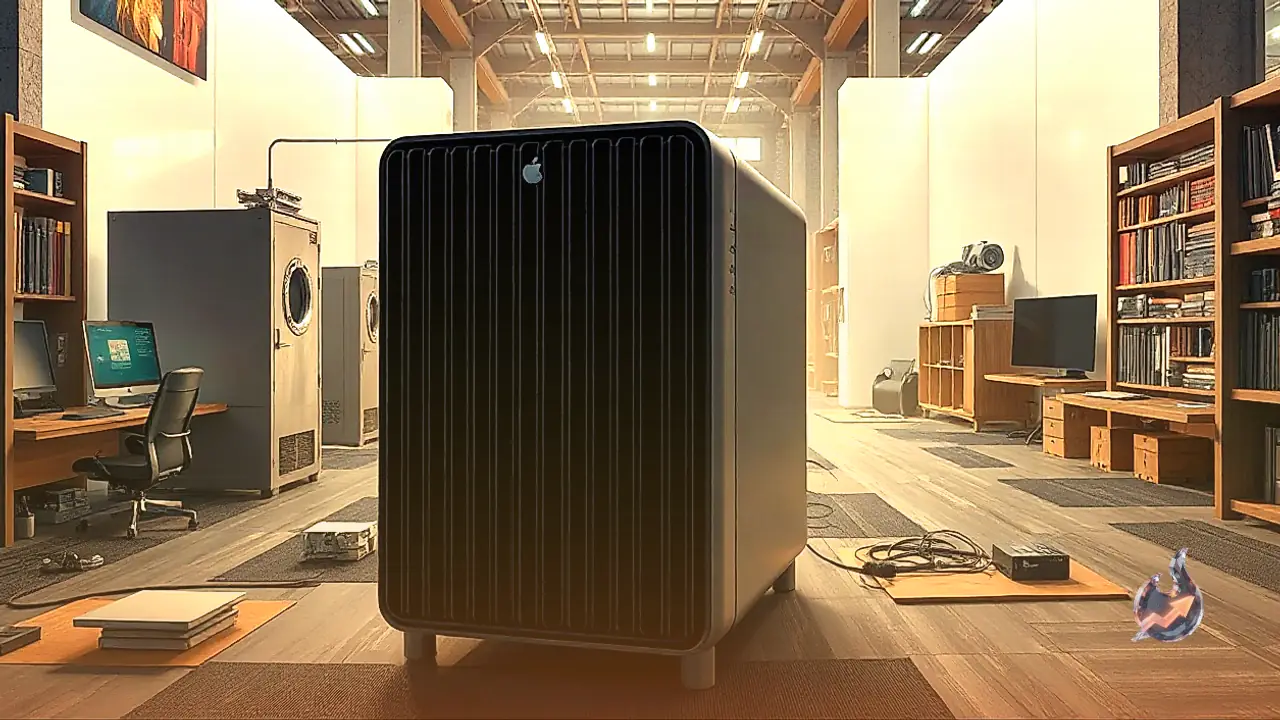






















Compact desktop computers rarely cross paths with extreme workstation power, yet Apple's Mac Studio has steadily occupied that unusual territory. For some time, this small aluminum enclosure felt like sheer excess for almost every regular professional workflow. However, the explosive rise of private, on-device artificial intelligence has given the system an entirely refreshed purpose. Designed specifically for demanding technical crowds, the machine stands roughly as tall as a standard coffee mug and occupies a neat seven-inch square footprint on a desk. Seeing one up close often catches people off guard because it packs an astonishing density of high-end silicon into an unexpectedly modest profile.
Hardware Architecture and Unmatched Memory Ceiling
The true engine behind the Mac Studio lies in its vast unified memory architecture and dense graphics configuration. The system can be configured with memory starting from 36 GB and scaling up to 256 GB, alongside a GPU featuring up to 80 cores. An even larger 512 GB configuration is scheduled to arrive in October. Everyday users and mid-tier digital creators rarely find use for memory pools north of 64 GB, but technical specialists running heavy local AI tasks genuinely require such capacities. While earlier generations also supported up to 256 GB of unified memory, pairing that with the M5 Ultra unlocks an unprecedented jump in graphic processing. The M5 Ultra houses twice the GPU core count found on the M5 Max, matching the raw core tally of the prior-generation M3 Ultra.
Benchmark Analysis Against the M5 Max
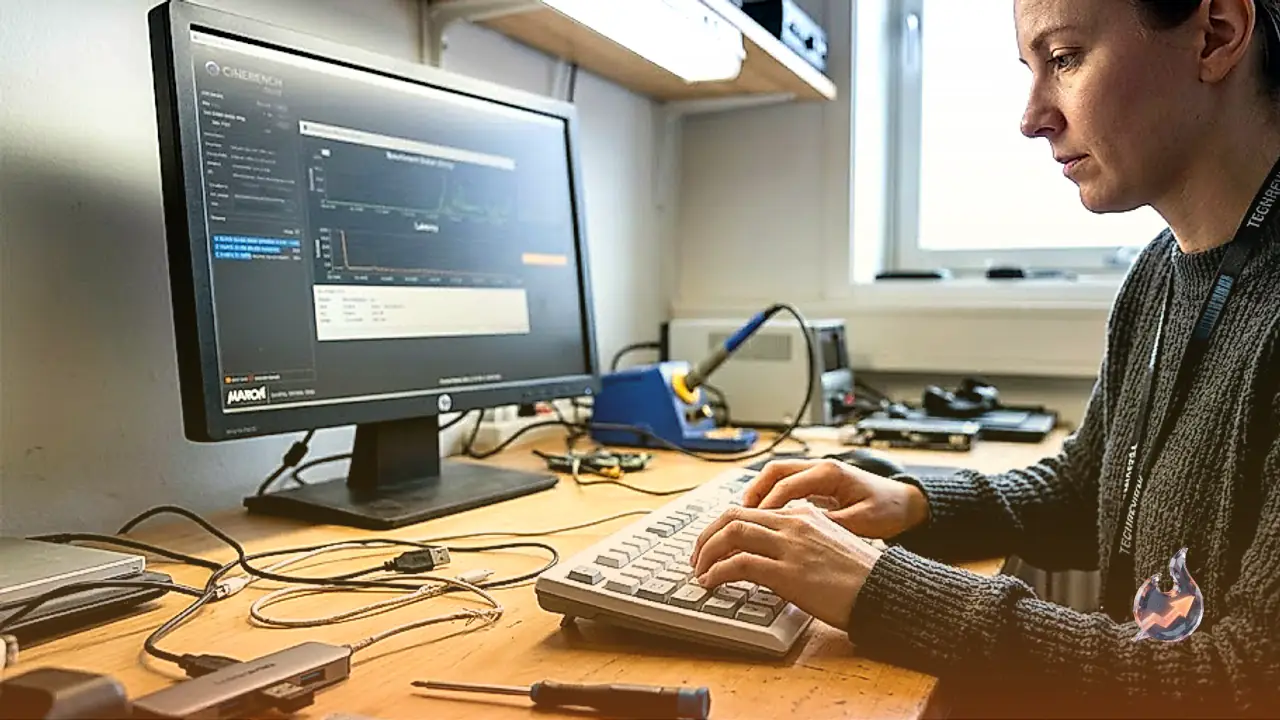
Putting the silicon through synthetic evaluations reveals where the hardware truly separates itself. While single-threaded tasks show negligible variation across the lineup, the doubled CPU core count allowed the M5 Ultra Mac Studio to outstrip an M5 Max (evaluated inside a 16-inch MacBook Pro configured with an 18-core CPU, a 40-core GPU, and 48 GB of memory) by 51 percent in Cinebench 2026. Graphics scaling showed similar muscle, registering a 32 percent performance jump over the M5 Max. When testing combined compute and rendering pipelines via the industry-standard 3DMark Steel Nomad benchmark, the M5 Ultra pulled ahead by posting a 41 percent higher score than the Max.
Real-World Gaming Capabilities and Frame Rates
Mac systems are seldom acquired primarily for playing video games, yet demanding game engines serve as an effective proxy for extended rendering stress. When running Cyberpunk 2077, the M5 Ultra sustained an impressive 160 frames per second, outpacing the M5 Max by 61 percent. Playing at a 2560 x 1400 resolution on the Ultra preset struck a dependable visual balance, delivering vibrant results when paired with an HDR screen like the Studio Display XDR. The system can even handle the title natively in full 4K resolution on that same Ultra preset at 53 fps, though 1440p remains the smoother option. While dedicated desktop rigs powered by an RTX 5090 still hold the absolute gaming crown, this represents the closest a Mac desktop has ever come to top-tier enthusiast gaming.
Local Large Language Models and Memory Bandwidth
The system's most distinctive utility emerges when executing localized AI pipelines. Skipping the M4 Ultra entirely, Apple transitioned straight from the M3 Ultra to the M5 Ultra, bringing an essential upgrade in data throughput. Memory bandwidth has leaped from 89 GB per second on the M3 Ultra to a staggering 1.2 TB per second on the M5 Ultra, an asset vital for streaming large parameter weights directly into memory. Running an agentic summarization prompt over twelve local documents in LM Bionic using a compact 9-billion-parameter Qwen 3.5 model took only 2 minutes on the M5 Ultra, whereas the M5 Max MacBook Pro required nearly 10 minutes to execute the identical assignment.
The disparity became even more pronounced when expanding to an enormous 122-billion-parameter deployment of Qwen 3.5. Running such a massive architecture locally delivered the rapid responsiveness typically associated with frontier-grade cloud models, yet operated entirely disconnected from external servers. Because the model sits directly on local storage, it maintained native access to the file system. Executing the same multi-file agentic workflow finished in under 2 minutes, generating substantially sharper and more coherent output without leaking data outside the local network.
Thermal Behavior, Fan Acoustics, and Clustering
Sustaining such compute density generates noticeable heat output. When pushed under prolonged computational workloads, the exterior chassis becomes remarkably warm, making it unwise to place peripherals on top or handle the casing directly. The rear exhaust expels substantial heat, requiring ample clearance behind the desktop to prevent thermal trapping. Similar to other high-performance Macs, the cooling fans require a couple of minutes under load before ramping up, eventually producing an audible acoustic profile. Nonetheless, because internal airflow vents exit beneath the structure, the front-facing I/O ports remain entirely cool to the touch.
Most Windows mini desktops rely on mobile-class architectures that restrict maximum system RAM to 64 GB. By providing huge memory caps and massive throughput, the top-tier M5 Ultra Mac Studio establishes an unmatched category of its own, justifying its steep price for niche engineering workflows. With an upcoming 512 GB memory tier on the calendar and the software capability to interconnect four individual Mac Studio units into a single unified workstation, Apple has engineered an unmatched platform for local artificial intelligence research.