





















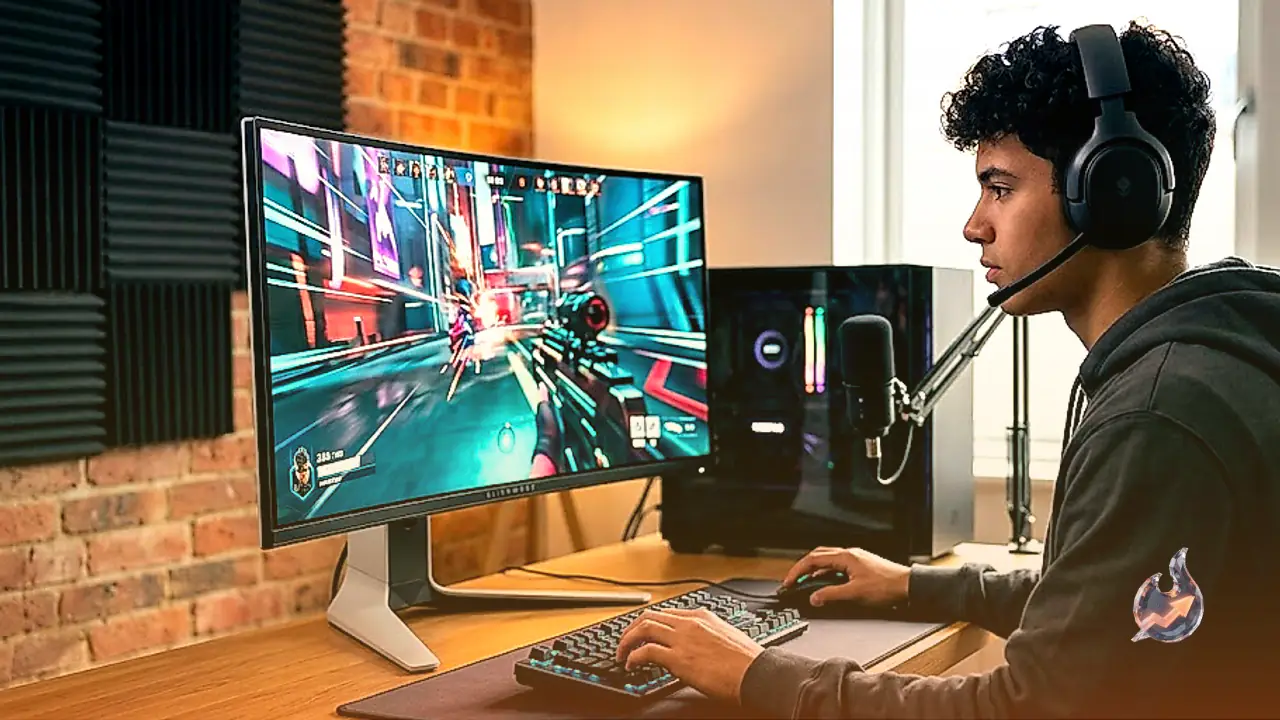

The Dell Alienware AW3426DW is a high-end ultrawide gaming monitor designed for enthusiasts seeking premium visual performance. Built with a 34-inch screen, a 3440x1440 resolution, and a rapid 280Hz refresh rate, it sits above older models like the Dell Alienware AW3425DW and below the Dell Alienware AW3926QW. The standout hardware change in this version is its newer Penta Tandem QD-OLED panel, which is engineered to achieve higher brightness levels than previous-generation QD-OLEDs, alongside a V-Stripe RGB subpixel layout designed for improved text clarity. It supports Dolby Vision for enhanced HDR picture quality and carries VESA DisplayHDR True Black 500 certification. In the market, it competes directly with alternative displays boasting similar specifications, such as the MSI MAG 341CQP QD-OLED X28, the higher-refresh-rate MSI MPG 341CQR QD-OLED X36, and the ASUS ROG Swift OLED PG34WCDN. Alongside these display credentials, it includes standard gaming staples like G-SYNC compatibility, FreeSync Premium, and AdaptiveSync, coupled with HDMI 2.1 ports and a compact USB hub for peripheral connectivity.
Exceptional Performance for PC Gaming
The Dell Alienware AW3426DW excels tremendously when used for PC gaming. It features a swift 280Hz refresh rate with comprehensive support for common variable refresh rate formats, backed by a near-instantaneous response time that ensures motion remains sharp across any refresh rate setting. Input lag is kept low enough to deliver a thoroughly responsive feel, while the expansive ultrawide screen creates an immersive gameplay environment. Furthermore, the monitor delivers stunning picture quality characterized by deep, inky blacks in dark rooms, zero haloing artifacts around bright objects, and vivid colors that elevate the high dynamic range viewing experience. While it manages glare reasonably well in bright environments, blacks can appear somewhat gray when placed in heavily lit spaces.
Console Gaming and Display Adaptability
The Dell Alienware AW3426DW proves incredible for console gaming despite certain inherent limitations. Although it requires downscaling 4K signals, it successfully accepts all standard console signals, including Dolby Vision when paired with an Xbox. Users will notice black pillars on the sides of the screen because gaming consoles lack native support for ultrawide aspect ratios. Beyond that minor constraint, fast motion appears exceptionally sharp due to the near-instantaneous response time, and low input lag maintains a nimble, responsive feel. It serves as an extraordinary choice for HDR console gaming thanks to deep dark-room blacks, popping highlights, and vibrant hues, though elevated black levels can make things look slightly gray in bright ambient lighting.
Productivity and Office Utility
The Dell Alienware AW3426DW performs well in office and productivity scenarios. The 34-inch ultrawide canvas provides abundant horizontal space for side-by-side window multitasking, complemented by good text clarity. It functions adequately in brightly lit work environments thanks to robust reflection handling and fair peak brightness, though direct sunlight visibility remains challenging. Wide viewing angles maintain image consistency when viewed from off-center, and the included stand offers straightforward ergonomic adjustments. A small built-in USB hub helps connect peripheral devices, although the lack of DisplayPort Alt Mode on the USB-C port prevents single-cable laptop charging and display connection. Additionally, users must remain mindful of the risk of permanent burn-in when static user interface elements are displayed continuously over long periods.
Content Creation and Color Accuracy
The Dell Alienware AW3426DW stands out as a remarkable tool for content creation workflows. It exhibits exceptional color accuracy straight out of the box prior to any calibration, with manual calibration only required to fine-tune minor parameters such as gamma tracking and white balance. It offers incredible visual fidelity with deep blacks, zero haloing around bright elements, and rich color reproduction, making it superb for editing HDR media. The panel gets sufficiently bright to make specular highlights stand out and combat glare, though visibility struggles in extremely sunny rooms. The generous screen estate allows video and photo editors to view more of their timeline and tool palettes simultaneously, supported by sharp text rendering. The primary caveat for professional use remains the inherent risk of OLED burn-in from static application interfaces over time.