






















The makers of the Flipper Zero, a device that generated both viral enthusiasm and genuine security controversy, have now turned their engineering attention to a far more peaceful problem: how to stop people from walking in on you while you work. Their answer is the Busy Bar, a compact hardware clock with a large LED display that sits on a desk and lights up with a bold red message the moment you press its central button. The default message reads "BUSY," but it can be changed to anything, including "GO AWAY" or "GET OUT OF MY ROOM, MOM." The device is on sale now, priced at $249.
One Button, One Unmistakable Signal
Press the large button on top, and the LED panel blazes with your chosen message toward anyone nearby. "How do you let people know politely, yet firmly, that you don't want to be disturbed?" said Callum Tennent, a creative writer at Flipper. "We decided the politest way to do it was a massive red light on your desk."
The Busy Bar has three physical controls: a switch to cycle between modes, a dial to set stretches of time, and the large top button to start or pause a session. One built-in mode replicates the Pomodoro technique, a time-management practice that alternates structured work intervals with short rest periods. A small monochrome display on the back of the unit lets the person using it check how much time remains without turning the device around.
From a Hacking Tool to a Desk Clock
Flipper Devices first attracted widespread attention with the Flipper Zero, a $200 portable device that, despite looking like a toy, was capable of detecting wireless frequencies and interacting with RFID-controlled systems. A Tamagotchi-esque dolphin character gave it a playful appearance, but its real-world capabilities drew serious scrutiny after it went viral on TikTok in 2022. Canada proposed banning the Flipper Zero out of fear it could be used to steal cars. In 2023, US Customs and Border Protection seized 15,000 Flipper Zero units, though they were ultimately released. Flipper is currently developing a follow-up called the Flipper One, which is described as having even more advanced capabilities.
The Busy Bar exists in an entirely different category. It has no wireless hacking functionality and is not designed to interact with external systems in any security-relevant way. "It's being made by us here at Flipper, but there's no real connection to them," Tennent said. "They're totally disconnected products."
The Case for Hardware Over Software
At its core, the Busy Bar is a pricey "On Air" light. Many of its focus-oriented features, such as blocking phone notifications, are already available through software built into most operating systems. Flipper's argument is that a dedicated piece of hardware handles this problem more effectively than any app or toggle buried in a settings menu. Similar hardware-first thinking produced the Brick, a gadget users tap to block access to specific apps. The Busy Bar extends this idea by functioning as a visible, physical signal rather than a personal restriction that only the user experiences.
The device works alongside a companion app called Busy, but the app is entirely optional. The Busy Bar can function offline with no connectivity required. For those who want a phone connection without Wi-Fi, a simple cable does the job. "It seems absolutely crazy that you have to pick up your phone in order to stop yourself from picking up your phone," Tennent said. "I'm so brainwashed that I will pick up my phone to do that and immediately get distracted by whatever notification is there."
Smart Home Integration and Remote Operation
The Busy Bar is Matter-certified, meaning it can connect with a wide range of smart home products. This opens up possibilities well beyond a basic desk indicator. With compatible color-changing bulbs, for instance, pressing the Busy Bar button could shift every light in the house to red, spreading the do-not-disturb signal from room to room. The device can also be programmed to trigger smart speakers when a session begins.
Remote control via Wi-Fi is supported, which means the Busy Bar does not need to sit next to a workstation. It can be mounted on a door or wall, with the LED panel facing outward toward anyone who might approach. Its microphone-awareness feature is another standout capability: when a user is on a Zoom call or recording a podcast, the Busy Bar can detect that the microphone is live and automatically display the busy indicator, with no button press required.
Open Source Hardware With a Repair Guide
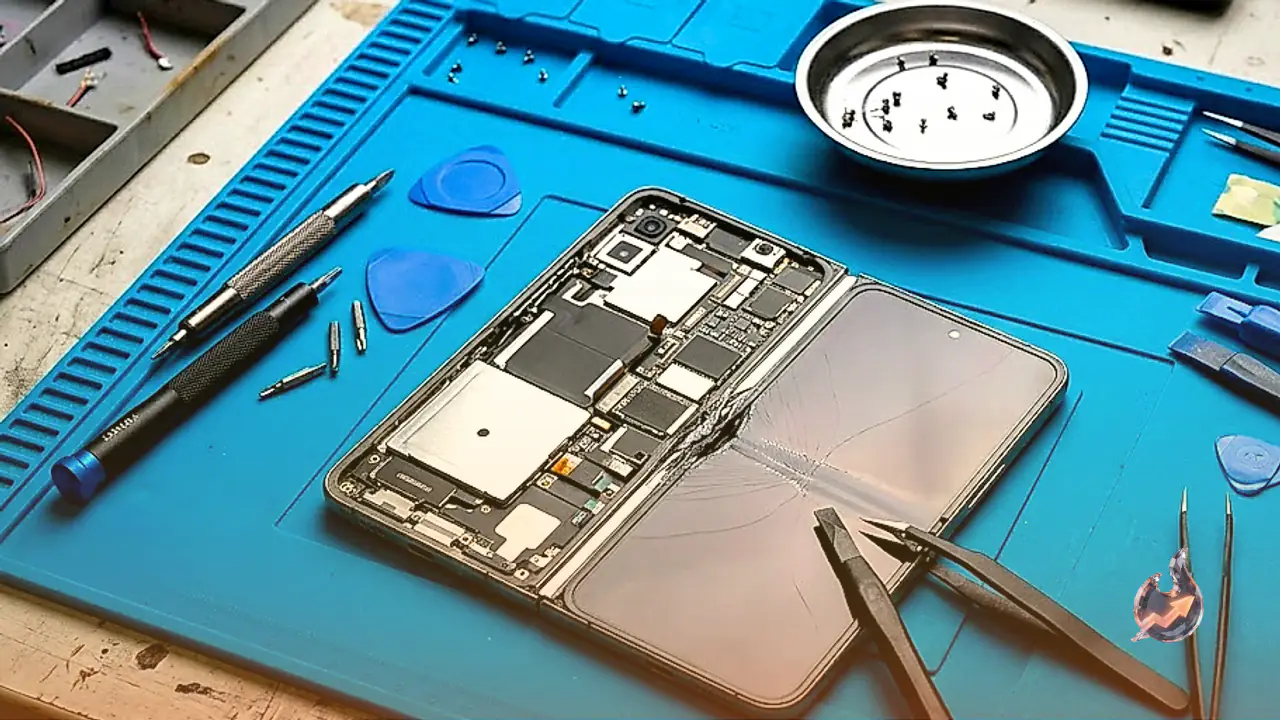
The idea for the Busy Bar came from Flipper founder Pavel Zhovner, who wanted a clear and reliable way to signal that he was unavailable while working in the office. The finished product is open source and designed to be taken apart. A complete disassembly guide is posted on iFixit, the consumer repair resource website. Individual components can be replaced if anything wears out.
Given the scrutiny the company has faced over the Flipper Zero, security was treated as a design priority from the start. "We were aware that everyone would try to hack us in every possible way," said Aleksandr Semin, Flipper's marketing specialist. "That's the reason why we really pay a lot of attention to how secure and how reliable the systems are."
Some observers have called the Busy Bar over-engineered relative to what it does. Tennent pushed back on that characterization. "I think once they get the device in their hands and understand what you can really do with it, it suddenly becomes clear that it's a lot more than just the display that we initially started with when we were designing it," he said.