





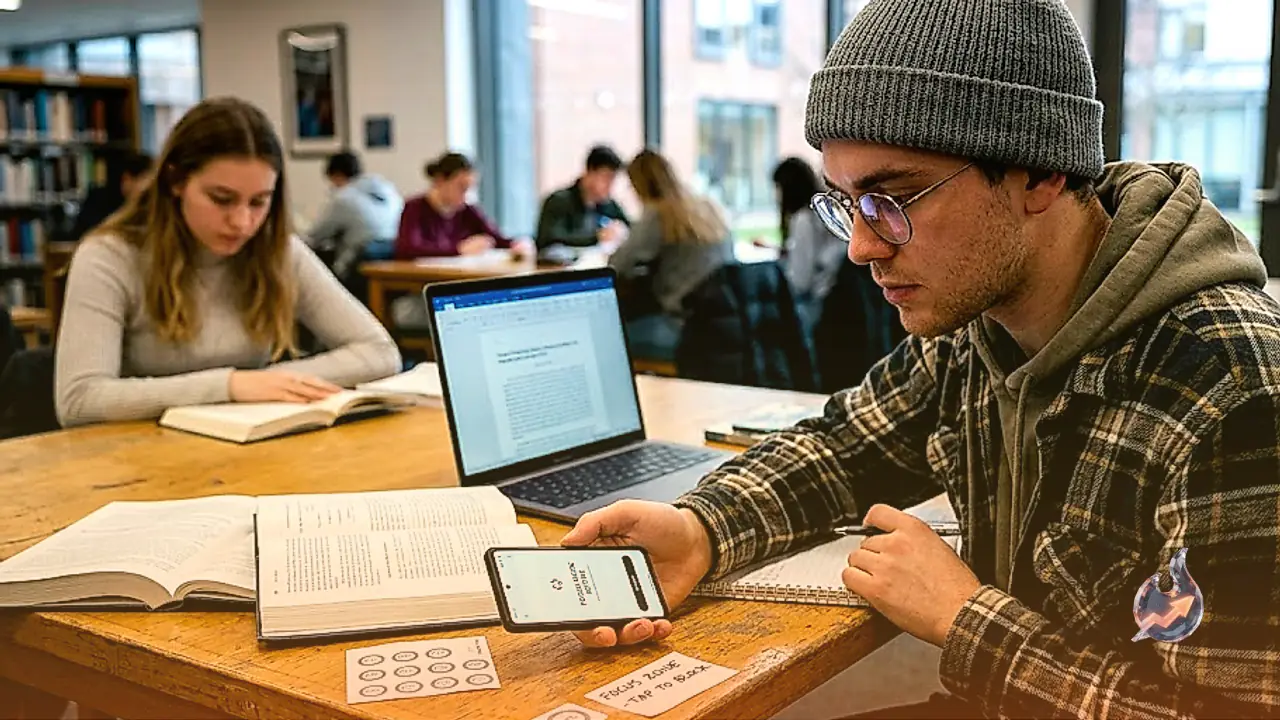

















Physical hardware devices designed to create a barrier between you and addictive apps like Instagram operate on a simple premise: if you want to scroll, you must physically get up, walk over to the device, and tap it. While this concept is straightforward and easy to adopt, buying a dedicated piece of plastic is entirely unnecessary for users who want a cost-free solution. The underlying technology of these commercial devices is essentially just an NFC chip, much like the ones embedded inside everyday credit cards or passports. Blank NFC chips can be purchased independently for a fraction of a dollar, and free software applications can utilize these exact chips to block distractions with the same level of effectiveness. Alternatively, these apps also support standard QR codes and household barcodes, meaning a simple printer is all you need to get started.
For iPhone users, an open-source application named Foqos, created by Canadian developer Ali Waseem, offers a polished and feature-rich distraction-blocking experience. Unlike many open-source tools that lack a refined interface, this app makes configuring permissions, setting up profiles, and initiating blocking sessions remarkably smooth. During the profile creation process, users select their preferred physical trigger to start and stop sessions, with NFC tags and QR codes serving as the most popular options. The application even provides a direct link to purchase compatible tags. Beyond physical tags, users can configure schedule-based blocks or scan everyday barcodes found around the house, such as the barcode on a favorite book or beverage, eliminating the need to buy or print anything new.
To prevent users from circumventing their own restrictions, the app blocks system app management while a profile is active, ensuring you cannot simply delete the application to bypass a block during a moment of weakness. Limited scheduled breaks can also be permitted if desired. By placing a printed QR code far away from the couch, users can introduce just enough physical friction to break compulsive habits like endless scrolling on Reddit in favor of more productive activities. Furthermore, the application adheres to strict privacy standards, ensuring all data remains securely on the device. While this particular app remains exclusive to iOS, Android users have access to alternative solutions that offer comparable flexibility.
Android users seeking a feature-complete alternative can turn to Switchly, developed by Vienna-based developer Saltyy. Although the initial setup requires some patience and careful navigation through the configuration wizard, the app proves to be exceptionally versatile once configured. Available for download from Google Play, it allows users to block both specific applications and web URLs using NFC chips, QR codes, or scheduled timers. Premium users gain advanced automation capabilities, such as triggering blocks when connected to specific Wi-Fi networks or nearby Bluetooth devices. Users who wish to curb specific habits without disabling an entire platform can utilize experimental feature-blocking tools to disable distinct sections like Reels within apps like Instagram.
Because of Android's open ecosystem, the exact performance of such apps can vary depending on the specific phone model, a limitation acknowledged by developers. For those who prefer a more streamlined interface, another Android alternative called Lock provides NFC-based distraction blocking, though it lacks support for QR codes. Ultimately, while digital distractions extend beyond mobile devices to personal computers, mastering self-control on the smartphone remains the most crucial step in reclaiming daily productivity and focus.