




















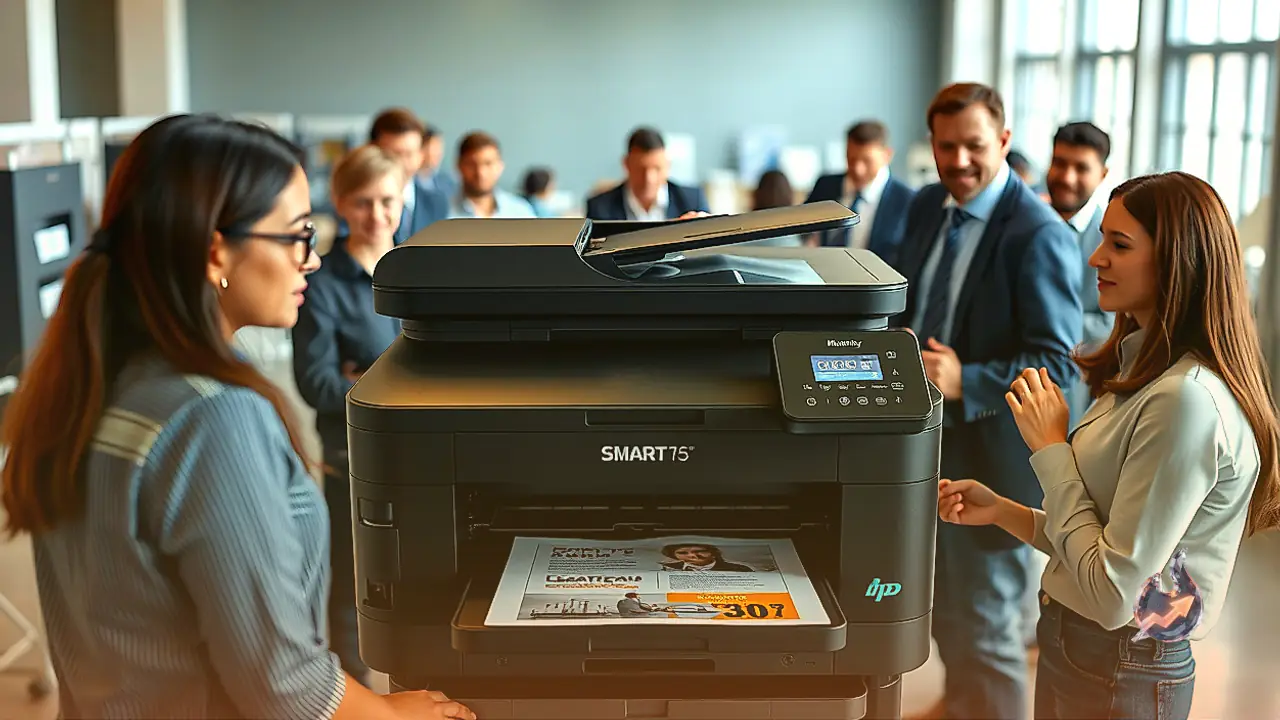

High ongoing ink expenses often deter users from buying capable desktop machinery, but refillable bulk ink technology has steadily reshaped expectations for home and light business environments. The HP Smart Tank 7603 enters the market as a direct replacement for the previous HP Smart Tank 7602, keeping the core focus squarely on high-volume output and affordable day-to-day operation. Abandoning standard disposable cartridges, the unit integrates a set of refillable reservoirs fed by an HP 32XL bottle for black and three HP 31 bottles for cyan, magenta, and yellow. Hardware features include a three-inch monochrome touchscreen, a generous 250-sheet internal paper cassette, automatic two-sided printing, and borderless photographic output spanning up to Letter and A4 dimensions. For capturing physical paperwork, the hardware combines a traditional flatbed platen with a 35-sheet automatic document feeder, alongside independent copying and standalone fax functions. System communication is handled via wired USB, Ethernet, dual-band Wi-Fi, and Wi-Fi Direct, accompanied by native compatibility with Apple AirPrint, Mopria Print Service, and direct drive printing through an accessible front USB port.
Household Utility and Family Printing Demands
In domestic settings, the hardware delivers strong practical value because its high-capacity reservoirs produce thousands of pages before requiring fresh supplies. School essays, household schedules, tax records, and family snapshots can be printed without anxiety over depleting expensive supplies. Monochromatic text prints show sharp contours and high legibility, while the integrated flatbed scanner captures clear digital copies of recipes and identification cards. The 35-sheet document feeder takes the tedium out of multi-page scanning for administrative chores. When handling casual photographic printing, the machine renders commendable fine detail across portraits and landscapes, though a narrower color reproduction range prevents deeply saturated tones from popping with commercial vibrancy. The overall physical profile remains manageable on an average study desk despite the motorized sheet feeder resting up top. Wireless protocol support permits effortless distribution across various family laptops and smartphones. Like any hardware running on wet inkjet engineering, sustained periodic operation remains vital to prevent dry deposits inside the micro-nozzles.
Office Deployment and Operational Economy
Small offices, professional practices, and boutique consulting firms stand to gain substantial economic relief from the machine's exceptionally high page returns and miniscule per-page operating overheads. Teams handling routine proposals, contracts, invoices, and internal memoranda can slash supply procurement budgets compared to traditional entry-level hardware. The 250-sheet paper drawer reduces the frequency of reloading cycles during heavy working days, while automatic duplex mechanisms halve paper usage without human intervention. Networking flexibility stands out through simultaneous inclusion of Wi-Fi and hardwired Ethernet, facilitating stable sharing across a local workgroup. Nonetheless, environments that rely heavily on rapid output may find its mechanical throughput conservative, as print speeds hover around 12 monochrome sheets and six full-color sheets per minute. In addition, the 35-sheet automatic feeder lacks duplex scanning sensors, requiring operators to manually invert stacks when digitizing double-sided contracts. Extended seasonal shutdowns or weeks of inactivity pose a clog hazard, making steady usage routines mandatory.
Intermittent Use and Craft Project Performance
Users who intend to print only occasionally may encounter mechanical compromises inherent to the system. While the large ink capacity and 250-sheet paper tray make it convenient to set up and leave ready, prolonged dormancy exposes inkjet printheads to drying ink in the tiny nozzle openings. Clearing these clogs requires manual cleaning routines, which consume ink and take time. Furthermore, once left sleeping, the machine requires approximately 24 seconds to produce an initial black-and-white page, which can feel sluggish for quick single-sheet tasks. Those who create stickers, decals, and personalized greeting cards will find adequate basic utility thanks to borderless output up to Letter or A4 size and clear representation of subtle lines. However, the machine struggles with color-critical graphics that demand exact brand matching or broad dynamic tones. There is no specialized rear bypass tray for thick card stock or artistic canvas media. Official media weight ratings top out at 200 grams per square meter for cardstock and 250 grams per square meter for photographic paper.
Color Fidelity and Measured Page Output
Casual photographic printing yields pleasing snapshots for scrapbooks and bulletin boards, where small textural elements remain clearly visible. However, subtle tonal transitions in dark shadow areas are harder to parse because of the hardware's restricted color gamut. Color accuracy does not meet the strict tolerances required by graphic designers or commercial photographers, even though general consumers will find everyday family prints perfectly adequate. The standout technical strength lies in overall output volume. A complete set of full tanks is estimated to yield roughly 4,400 monochrome pages or 7,300 color sheets. Each color reservoir operates independently, enabling users to top up only the specific pigment that runs low without discarding usable ink. Actual yield figures inevitably vary based on document ink coverage, operating humidity, and the frequency of automated maintenance purge cycles.
Scanner Functionality, Maintenance, and Physical Placement
Digitization capabilities are thorough, providing crisp capture of fine line drawings and minute typography. The flatbed glass caters to Letter and A4 originals, while the 35-sheet document feeder accepts longer sheets up to Legal dimensions. Bundled optical character recognition software permits quick text extraction from physical paper into searchable digital files. Working against it, the motorized feeder operates at a leisurely pace of approximately four pages per minute, and the scanner lid hinges lack vertical elevation clearance for thick hardbound ledgers. Maintenance requirements demand careful consideration: because inkjet technology remains prone to nozzle clogging when abandoned, individuals needing only rare monthly prints should consider dry toner laser alternatives instead. From an installation standpoint, the chassis is relatively compact for a multi-function unit with a document feeder, fitting comfortably on a desk or dedicated utility shelf, provided adequate room is reserved forward for extending the paper tray and above for lifting the scanner lid and accessing ink port valves.