























Compact retro gaming hardware often promises effortless, pick-up-and-play nostalgia, and the GamerCard enters that space with an extraordinarily bold form factor. The premise of compressing a capable emulation console into an ultra-slim footprint resembling a credit card is undeniably clever and visually striking. However, putting that vision into daily practice reveals a sharp division between aesthetic ambition and functional execution. At almost every interaction, the romantic notion of pocket-friendly gaming runs headfirst into the physical realities of uncooperative hardware.
Wafer-Thin Engineering and Noticeable Thermal Output
Holding the GamerCard immediately showcases the extreme limits of miniaturization. The chassis is astonishingly slender, comfortable in the palm, but designed with so little material barrier that fingers can practically trace the internal circuitry and motherboard beneath the outer shell. While this engineering feat gives the handheld an unmistakably sleek profile, it leaves virtually no space for heat dissipation. As the processor runs, heat quickly radiates directly into the user’s hands. The casing never reaches dangerous temperatures, but the ongoing warmth remains an unusual and mildly distracting sensation during extended play sessions.
Unresponsive Controls and Frustrating Input Latency
The core joy of any gaming hardware depends on responsive manipulation, and here the GamerCard stumbles noticeably. Operating the device frequently feels like an ongoing struggle against the inputs. The circular front pads resemble smooth touch surfaces, but they are actually silicone covers sitting atop four separate, discrete buttons on each side. On the right-hand side, mapping cleanly to standard ABXY inputs, this setup functions acceptably. The left side, however, suffers tremendously from the total absence of a continuous, connected directional pad.
Navigating virtual environments becomes tedious because players cannot fluidly roll their thumbs across directions. Each cardinal press must be pressed individually and deliberately. Compound that mechanical stiffness with noticeable latency between pressing a button and witnessing the on-screen reaction, and even simple 2D games become an exercise in patience. For fast-paced 3D software, such as the shareware build of Quake found in the store, attempting to coordinate movement while aiming is virtually impossible. Underneath the body, dual shoulder-style inputs exist, though software recognition remains inconsistent. Even routine tasks like typing a home Wi-Fi password turn into a slow ordeal, while the silicone pads rapidly gather smudges and retain physical indentations from the underlying switches.
Unlabeled Inputs and the 35-Second Reboot Cycle
The device adopts a minimalist aesthetic that eschews all button labels. While visually clean, this design choice causes persistent operational confusion. A user cannot reliably predict whether the bottom or the right face button confirms a menu selection, as the action mappings shift unpredictably across different titles. This inconsistency routinely leads to unintended inputs and menu errors.
Navigation issues are compounded by the lack of a dedicated Home button to suspend software and return to the main dashboard. The designated shortcut of holding Start and Select together to terminate a session fails to register reliably across all emulation cores. When this key combination fails, the only recourse is manually cycling the power switch. The device requires roughly 35 seconds to boot back up. That duration may sound modest on paper, but enduring a 35-second restart repeatedly simply to switch titles quickly wears down user patience.
The MicroSD Extraction Dilemma and Network File Transfers
Managing game libraries on the GamerCard presents another substantial barrier for everyday users. The integrated microSD slot features no spring-loaded push-to-eject mechanism, and the tolerances are so tight that extracting the included card requires gripping it with steel tweezers. The manufacturer has stated that future manufacturing runs will tweak slot tolerances to resolve this extraction issue, but the software hurdle remains.
Plugging the extracted card into a standard Windows computer does not permit simple drag-and-drop file management, because the operating system prompts to format the unrecognized file structure. To bypass this, users must establish an FTP connection using client software such as FileZilla, transferring ROMs wirelessly over a local Wi-Fi network. For mainstream players expecting a plug-and-play experience, configuring network protocols to load games is an unnecessary hurdle.
Vibrant 60fps Visuals Hampered by Emulation Inconsistencies
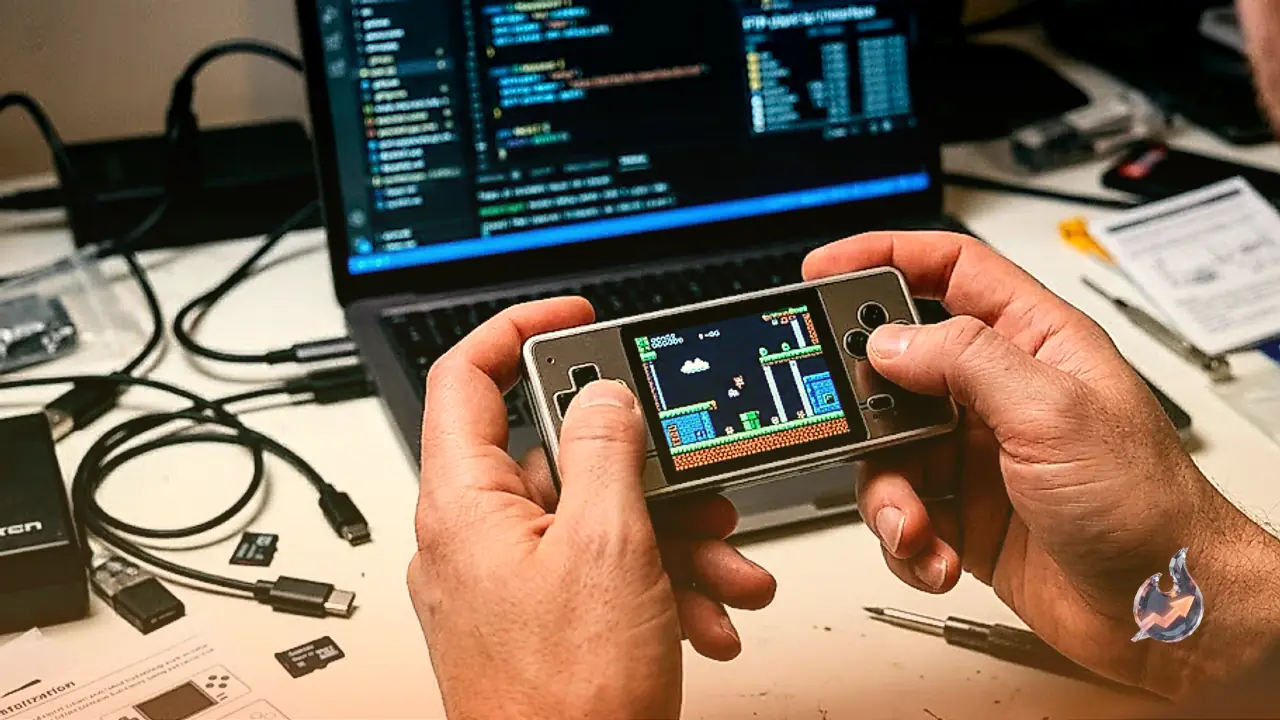
When software finally boots, the display provides a welcome bright spot. Pixel art titles shine on the handheld's colorful, 60-frames-per-second panel. Visuals for Super Nintendo classics like Secret of Mana and Super Adventure Island appear punchy and crisp. Yet formatting quirks persist: the screen forcibly stretches games to fill its square dimensions, ignoring standard aspect ratios regardless of core preferences within RetroPie. Accessing the underlying emulation settings requires an unadvertised button combination, holding Select alongside the upper face button.
Emulation stability also proves unpredictable across different platforms. The RetroPie implementation refused to launch tested Game Boy ROMs, while Super Nintendo titles loaded but exhibited unreliable save functionality. Ultimately, the GamerCard finds itself caught between two worlds. For DIY hobbyists and Raspberry Pi enthusiasts comfortable with network transfers and configuration tweaks, it serves as a fascinating miniature project. But for the general audience seeking an effortless retro gadget, it currently feels more like an intriguing prototype than a finished consumer device.