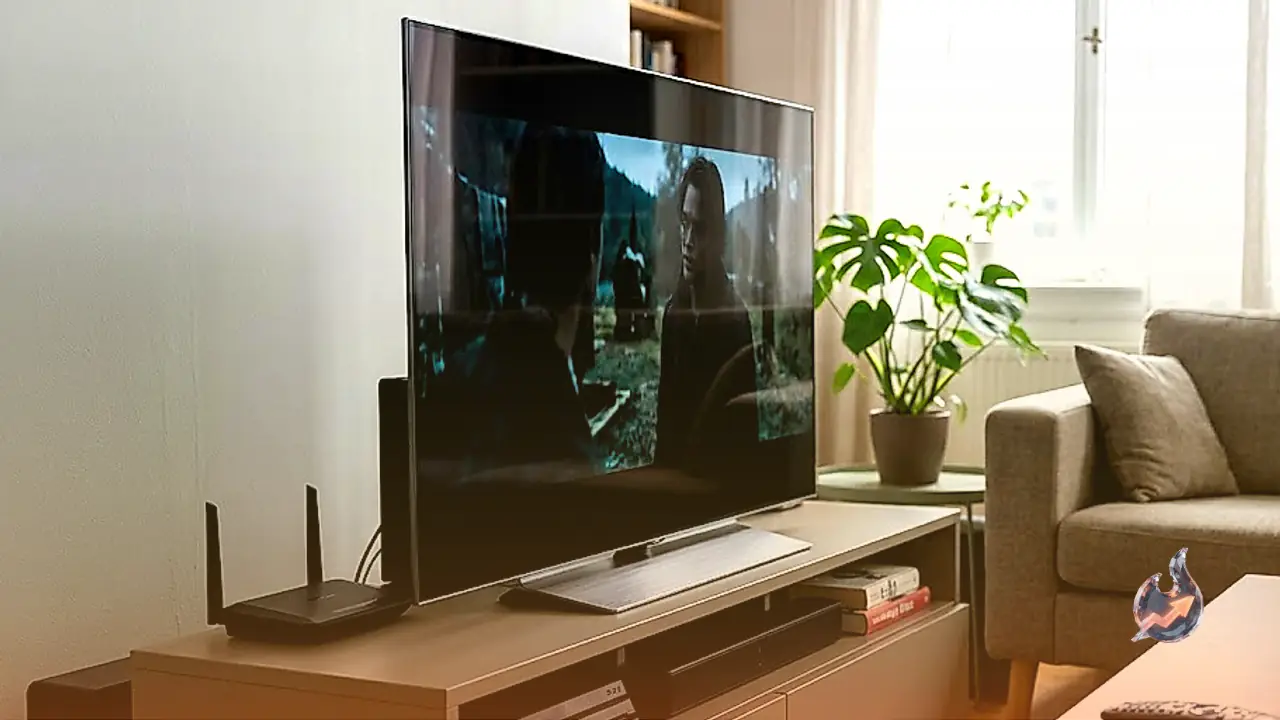

























The TP-Link Roam 7, which also goes by the model number TP-Link TL-WR3602BE, represents an interesting evolution in portable networking. Built as a dual-band Wi-Fi 7 travel router, this compact device aims to bring the latest wireless standard into a form factor that easily slides into a backpack. Featuring foldable antennas and a streamlined chassis, it addresses the unique challenges faced by travelers, remote workers, and even those living in small apartments who require powerful, close-range connectivity without the bulk of a traditional home router.
Versatile Travel Design and Comprehensive Port Setup
When it comes to hardware, this travel companion is engineered for maximum flexibility. The physical layout includes a 2.5Gbps WAN port to handle high-speed incoming connections, alongside a single 1Gbps LAN port for wired local clients, and a versatile USB 3.0 port. Power is delivered via a modern USB-C interface, allowing users to run the device using standard adapters or even compatible portable power banks. Furthermore, the inclusion of UK and EU travel adapters in the box highlights its focus on international usability, making it easy to set up a private, secure network immediately after checking into a foreign hotel room.
Connectivity options are impressively broad. Users can feed internet to the router through a traditional wired Ethernet cable, hook it up to an existing public Wi-Fi network, or utilize USB tethering to share a cellular data connection from a smartphone. This versatility makes it an excellent tool for bypassing restrictive hotel network limits or establishing a reliable backup connection when primary services fail.
Close-Range Performance and Apartment Usability
In testing and everyday application, the device shines brightest when devices remain in close proximity. Under optimal conditions, peak wireless transfer speeds can touch an impressive gigabit per second (1Gbps). This level of throughput makes it incredibly well-suited for demanding tasks such as streaming 4K video, participating in high-definition video conferences, and handling massive file downloads. For individuals living in studio apartments or small, single-level homes, the router provides a tiny footprint that easily sits on a desk or shelf while delivering all the speed required for modern web use.
Additionally, the router's software allows users to spin up multiple distinct networks. You can easily deploy dedicated guest networks alongside isolated smart home networks, ensuring that IoT devices do not compromise the security of your primary computers and smartphones.
Significant Range Issues and No Mesh Expansion
However, the compact nature of the hardware comes with clear trade-offs, most notably in terms of wireless coverage. Reviews indicate that the device suffers from poor overall range. As you move away from the physical unit, Wi-Fi speeds drop off sharply, leaving noticeable dead zones throughout typical residential layouts. At the furthest testing distances, the available bandwidth dwindles significantly, leaving barely enough speed for light web browsing, let alone 4K streaming or fast downloads.
This drop-off makes it a poor candidate for multi-level homes or expansive apartments. Compounding this issue is the complete lack of native mesh support. Unlike many modern routers, you cannot link this unit with additional nodes to form a cohesive mesh network. Once you hit the physical limits of its range, there is no official way to extend coverage, meaning users in larger properties will find themselves frustrated by the lack of signal. Furthermore, because there is only one LAN port on board, connecting more than a single wired device requires the purchase of an external network switch.
Gaming Performance: Casual Play and Latency Considerations
For gamers, the experience is a mixed bag. On one hand, the superb close-range wireless speeds are fantastic for downloading massive game patches and new titles quickly. Wireless latency is generally acceptable for casual gaming sessions, web browsing, and streaming. However, occasional latency spikes make the router less than ideal for competitive gaming where split-second reaction times and consistent ping are crucial.
The single LAN port does offer a workaround, allowing gamers to plug their PC or console directly into the router to bypass wireless latency entirely. But if you have multiple consoles or a gaming rig and a smart TV that both require wired connections, you will quickly run into a physical bottleneck and need to expand your setup with a dedicated switch.
Highly Configurable Software and Feature Set
Where the device truly punches above its weight is in its firmware. The router can be managed either through a standard web interface or via the user-friendly TP-Link Tether mobile app. The configuration options are extensive, offering traffic monitoring, bandwidth control, custom firewall rules, and support for backup internet connections. It also supports multiple operating modes, allowing the device to act as a standard router, a hotspot, or an access point. Security-focused users will appreciate the built-in VPN client and server support, allowing all connected devices to route their traffic safely through a single VPN connection.
Unfortunately, some software features are locked behind a paywall. While the advanced network rules are highly customizable, the parental control features are somewhat restricted out of the box. Setting daily screen time limits and accessing advanced content filtering requires an active subscription to TP-Link's HomeShield service, which may disappoint families looking for a complete, subscription-free parental management system.