






















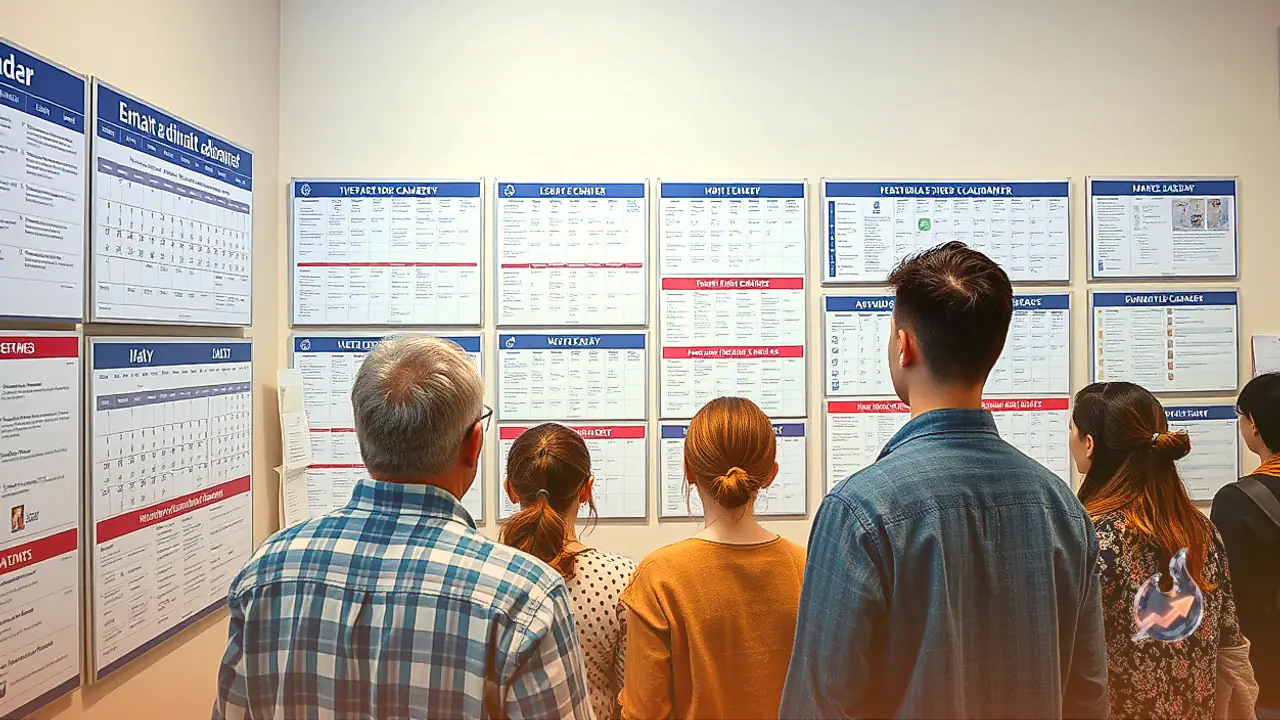

Keeping an active household synchronized using a paper wall calendar often turns into a messy chore filled with crossed-out plans, illegible notes, and missed updates. At the same time, placing general-purpose smart displays on living room tables or kitchen counters frequently leads to frustration, largely because they push unwanted notifications and rely heavily on voice interactions that interrupt daily life. Dedicated digital wall calendars offer a far more focused solution. Designed to aggregate accounts from Google Calendar, Apple Calendar, and corporate Microsoft setups onto a dedicated, always-on display, these devices serve as a household command center that also manages chores, grocery planning, and shared photo galleries.
How Digital Wall Calendars Improve Family Schedule Coordination
The core value of an electronic wall calendar lies in visibility and effortless synchronization. In most homes, family members enter appointments into their individual smartphones, but those digital entries remain invisible to others unless everyone actively checks their phones. A central digital calendar bridges this divide by pulling all shared feeds onto a single large screen mounted in a high-traffic area, such as a kitchen wall or entryway counter.
Modern smart calendars eliminate handwriting clutter through structured color-coding. Each family member is assigned a distinct color palette, allowing anyone passing by to identify who is responsible for a specific pickup, practice, or appointment at a glance. When an event involves more than one person, the software places both assigned colors on the event card without creating redundant duplicate entries. While designed primarily for wall hanging, several units offer tabletop stands, making them equally practical for countertop placement where families gather to outline weekly routines.
Skylight Calendar 2: The Best Balance of Polish and Everyday Usability
Building on its background in standalone digital photo frames, Skylight offers three distinct calendar hardware sizes: the legacy 10-inch screen for $150, the updated Calendar 2 at $340, and the expansive Calendar Max priced at $630. Among these choices, Calendar 2 stands out as the most refined option, featuring snappy hardware performance and compatibility with interchangeable Snap Frames ($30 to $50) that allow homeowners to match their interior decor. These magnetic frames can also be purchased for the Calendar Max, though they do not fit the original 10-inch frame.
The underlying software on the Skylight ecosystem is streamlined and intuitive. A left-hand navigation column provides fast access to Calendar, Lists, Tasks, Rewards, Meals, and Recipes views, alongside system controls for Photos, Sleep schedules, and Settings. The distinction between Tasks and Lists solves common household bottlenecks: Tasks functions as a dedicated chore board linked to a habit-building reward tracker suitable for young children, while Lists manages shopping requirements. When a meal plan is created from stored recipes, Skylight automatically offers to populate the grocery list with the required ingredients.
The primary compromise with Skylight is its software paywall. Features like meal tracking, habit rewards, the Sidekick helper, and the digital photo screensaver demand a Skylight Plus subscription costing either $79 annually or $8 per month. For households seeking a single screen that combines family scheduling with an active photo slideshow, this recurring cost provides genuine utility, though buyers looking strictly for an unencumbered calendar display may find the extra expense frustrating.
Skylight Buddy: Cultivating Daily Habits for Younger Children
To extend digital scheduling into children's bedrooms, the company developed the Skylight Buddy, a compact 7-inch interactive hub. While earlier versions were restricted strictly to morning and evening chore tracking, software updates have added calendar visibility, allowing kids to view items assigned directly to their individual profiles. This visual checklist encourages young children to handle tasks like brushing teeth and putting on pajamas independently without relying on parent reminders.
Hardware functionality on the Buddy also includes an integrated night-light and a white-noise machine. While these audio and lighting features are somewhat basic compared to specialized children's sleep products like the Hatch Baby, the device succeeds as an engaging companion for daily routines. Families operating a primary Skylight screen can unlock the Buddy's capabilities through their overarching $79 annual Skylight Plus plan, while standalone Buddy users can opt for an individual Buddy Plus subscription at $39 per year.
Everblog HomeCal: Pantry Organization and Kitchen Utility
The Everblog HomeCal offers a clean visual layout that rivals Skylight in simplicity while incorporating distinct kitchen-centric features. The software layout displays clean side navigation for Calendar, Chores, and Meal Plan views. In place of a recipe database, Everblog incorporates a dedicated Fridge inventory screen to monitor pantry supplies already in the house. This tool aligns directly with the brand's smaller FridgeCal ($249), a battery-operated magnetic calendar designed specifically to stick onto a refrigerator door.
Hardware customization for the HomeCal includes an optional Calendar Stand priced at $39 for tabletop placement, as well as an attachable wooden bezel available for $99. A dedicated home button on the lower-right bezel pulls up a comprehensive dashboard that can launch third-party streaming services like Spotify and Netflix. Drawbacks include an alert chime on calendar events that sounds loudly by default and can only be disabled directly on the device, calendar sync intervals that sometimes lag behind smartphone edits, and a free photo screensaver that requires users to upload pictures one file at a time.
Greenlight Family Hub: Voice Assistance and Teen Management
Designed from the ground up around adolescent family logistics, the Greenlight Family Hub integrates calendar functions with financial literacy and location services. Greenlight originated as a parental debit card service with app-based spending oversight, later expanding into allowance tracking linked to chores, real-time family location mapping, and standalone GPS hardware. The Family Hub centralizes all these features onto an active kitchen touchpoint.
The unit updates calendar edits rapidly, ensuring that schedule changes made across various personal devices appear almost immediately. A major highlight is its optional voice assistant, available via a subscription of $10 per month or $100 per year. The voice platform answers calendar inquiries, sets cooking timers, and provides weather forecasts while requiring a parental PIN before executing any schedule changes. On the downside, the system architecture assumes the presence of children; households comprising only adults or roommates will find it inconvenient because the software cannot be configured without registering a child account.
Apolosign and Cozyla: Subscription-Free Android Hardware
For consumers seeking to avoid recurring software fees, Apolosign delivers calendar displays across three screen sizes: 15.7 inches, 21.5 inches, and 27 inches. Running on the Android operating system, it provides two primary operation layouts: Calendar mode and Android mode. Calendar mode uses a two-column setup presenting events on one side with routines and chore lists on the other, backed by audible reminders and phone notifications.
Switching into Android mode allows complete customization with standard widgets and monthly grid views similar to traditional paper calendars, along with wallpaper integration via Google Photos. However, cross-platform synchronization can be challenging, and iPhone owners frequently report difficulties maintaining reliable two-way syncing. The hardware is frequently discounted to price points matching or beating Skylight. Meanwhile, the Cozyla Calendar Plus 2 ($350 for a 15.6-inch model) also operates on Android, but struggles with importing shared family calendars, presenting a complex setup process that makes its higher hardware price hard to justify.
Hearth Display: Expansive Format with a Premium Price Point
The Hearth Display represents the highest hardware tier in the family calendar space, priced at $629 for a single 27-inch model. It requires a mandatory Family Membership subscription running $6 per month. While the large visual real estate commands attention when mounted in central living quarters, its large physical bulk, deliberate loading times for external calendars, and substantial initial purchase price narrow its appeal compared to more nimble competitors.
Selecting the Right Central Display for Your Home
Choosing among these modern family organizers depends on your household size, age dynamics, and tolerance for recurring fees. The Skylight Calendar 2 delivers the most polished software experience for busy parents who value simplicity and wish to combine daily itineraries with a shared photo frame. Users seeking freedom from software subscriptions will find the customizable Apolosign a compelling alternative, while households navigating teen schedules, allowances, and location safety will gain the deepest utility from the Greenlight Family Hub.