























Clicking on the menu icon of the browser opens up a list of options, leading to the settings page through the options tab. Navigating to the privacy and security options listed on the left-hand side of the page allows users to access permission settings. Scrolling down to the permission section and clicking on the settings tab of the notification option opens a pop-up with all listed sites. Selecting allow for the respective site under the status head enables notifications, which can then be permanently saved by clicking on save changes.
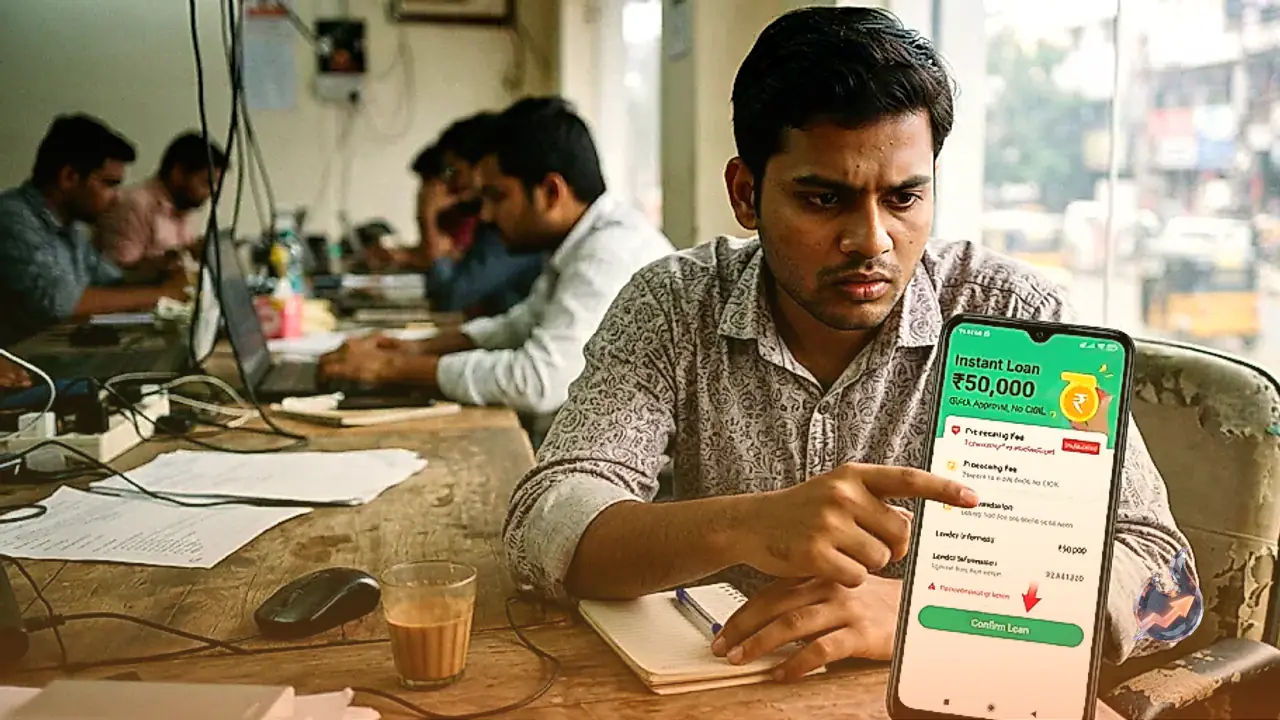
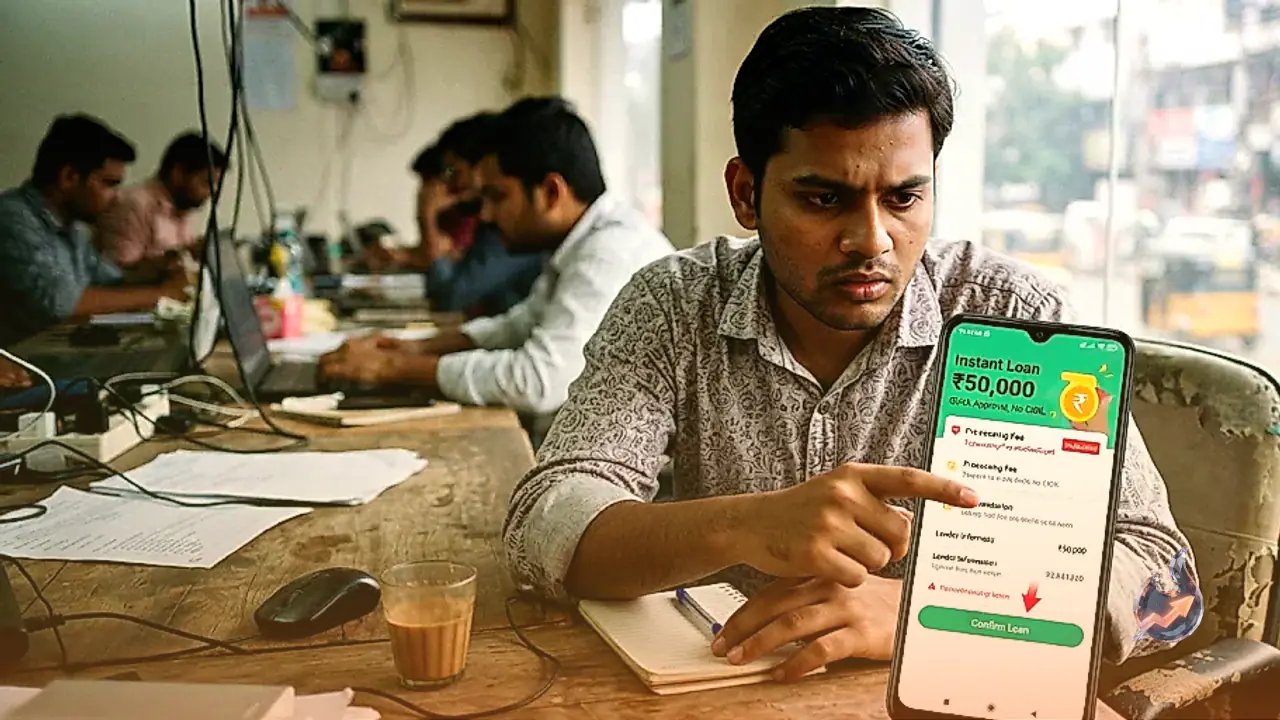
While instant loan applications have simplified borrowing by providing quick credit with minimal paperwork, the growing popularity of digital lending has simultaneously created avenues for fraudsters. Malicious actors frequently exploit borrowers through hidden charges, excessive interest rates, personal data misuse, and threatening recovery practices. Being aware of critical warning signs before opting for an online loan is essential to avoid falling victim to financial fraud and harassment.
App Permissions and Data Privacy Concerns
One of the most significant warning signs is a mobile application requesting unnecessary access to contacts, call logs, photographs, and personal files. Fraudulent websites often weaponize this data to threaten borrowers who miss repayment deadlines, leading to numerous reported cases of harassment directed at family members and colleagues. According to the RBI Digital Lending Directions, 2025, regulated lenders must ensure that their lending applications do not access user contacts, call logs, files, and media. While limited access to features like the camera or microphone may be permitted strictly for onboarding or KYC requirements, such access requires explicit and proper consent.
Scammers frequently target individuals in urgent need of credit by promising instant loans with minimal documentation, subsequently demanding advance payments for verification, insurance, GST, or processing fees. Once the money is transferred, these entities often disappear or demand further payments, making borrower verification crucial before any transaction takes place. Furthermore, fraudsters frequently utilize SMS messages, WhatsApp links, emails, and counterfeit websites to harvest sensitive information including PAN, Aadhaar, and banking details.
Understanding Costs and Reporting Cyber Fraud
A low-interest advertisement does not automatically translate to an affordable loan, as processing fees and auxiliary charges can substantially inflate borrowing costs. Borrowers must examine the Annual Percentage Rate, which reflects the comprehensive annualized cost of credit rather than just the base interest rate. Anyone encountering a suspicious loan app or financial cyber fraud should preserve evidence such as screenshots, text messages, phone numbers, and transaction logs. Incidents can be reported through the National Cybercrime Reporting Portal at cybercrime.gov.in or by calling 1930, while grievances against regulated lenders can be submitted through the RBI Complaint Management System.
Clicking on the menu icon of the browser opens up a list of options, leading to the settings page through the options tab. Navigating to the privacy and security options listed on the left-hand side of the page allows users to access permission settings. Scrolling down to the permission section and clicking on the settings tab of the notification option opens a pop-up with all listed sites. Selecting allow for the respective site under the status head enables notifications, which can then be permanently saved by clicking on save changes.