























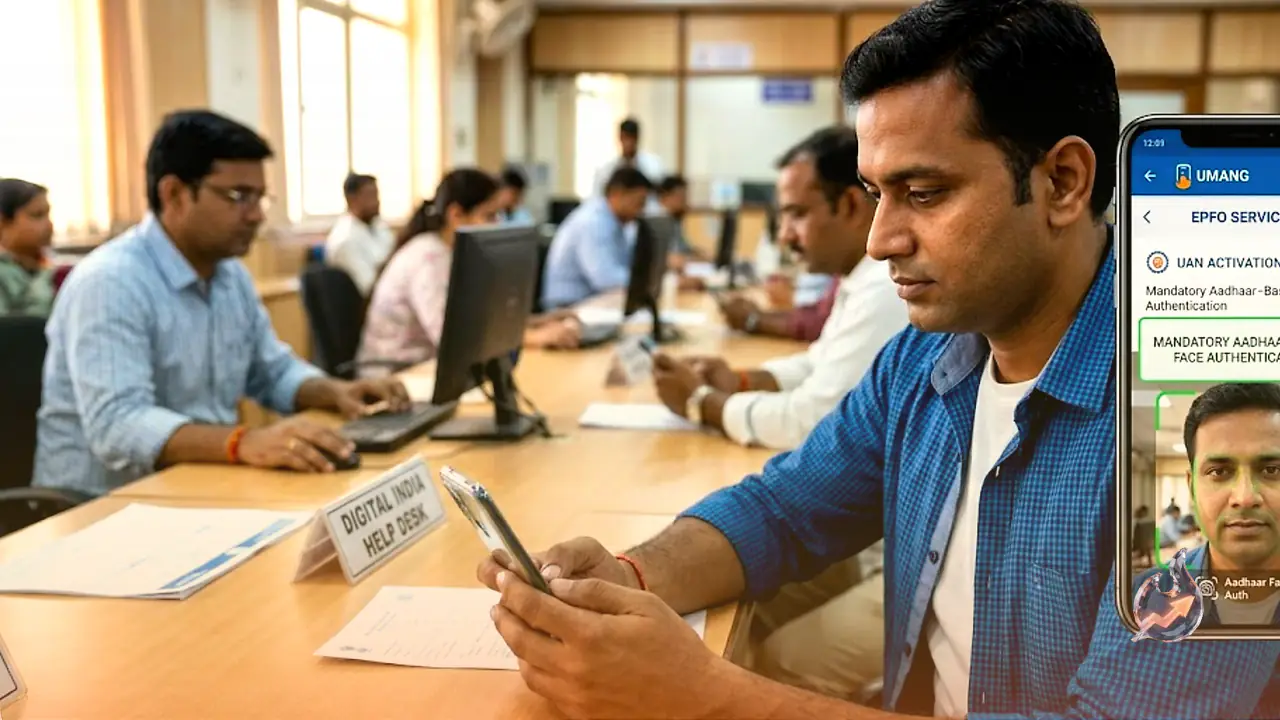

There is an important update for salaried workers. The Employees' Provident Fund Organisation (EPFO) has brought its Unified Member Portal back online after completing a scheduled upgrade on Friday, July 3. Anyone returning to the site will notice significant changes in the way several services now function. The biggest shift is that Universal Account Number (UAN) activation and new UAN generation have moved to the UMANG app, and Aadhaar-based face authentication has been added as a mandatory new feature.
If you are about to log in to the revamped EPFO portal, here are the key things worth knowing so you do not get stuck.
You Can No Longer Activate a UAN Directly on the Portal
Members can no longer activate their UAN straight from the Unified Member Portal. That earlier option has been removed after the upgrade. To activate a UAN now, you must open the UMANG app, go to EPFO services and select 'UAN Activation' under 'UAN Services Through Face Auth'. The process also requires Aadhaar-based face authentication.
You should keep your Aadhaar-linked mobile number active as well, since one-time password verification may be needed during related EPFO service steps.
UAN activation is one of the first steps before you can access EPF passbooks, update KYC details or manage provident fund services online. Employers can still generate provident fund records during onboarding, but employees will have to complete activation through this revised digital route.
A New UAN Now Comes Only Through UMANG
EPFO has also stopped issuing new UANs directly through the Unified Member Portal. Anyone who needs a fresh UAN must now rely on the UMANG application. You have to download and install UMANG and pick the 'UAN allotment and activation' option under 'UAN Services Through Face Auth'.
This process, too, requires Aadhaar-based face authentication before the UAN is generated and activated.
How Existing Members Can Activate Their UAN
Existing EPFO members can activate their UAN as well. The facility is still available, only the channel has changed. Such members need to verify their registered mobile number, provide the required member details and complete authentication. The newly generated UAN can then be linked with the existing PF account.
Forgot Your UAN? Retrieval Is Now Simpler
The restored portal still supports UAN retrieval, and EPFO has introduced a simpler process for members who have forgotten their number. You need to enter your registered mobile number, upload the required identity or address proof and verify the OTP sent to your phone. Once that is confirmed, the UAN can be retrieved through the portal.
This service is especially useful for employees who have switched jobs, lost old salary documents or are returning to EPF services after a long gap. Since most EPFO services depend on a valid UAN, retrieval lets members regain access without visiting a field office. Members should use the mobile number already registered in EPFO records.
Death Claim Services Stay on the Portal
EPFO has kept death claim services, including pension-related claims, on the Unified Member Portal. Beneficiaries do not need to move to UMANG for this. Before submitting a claim, they should make sure the Aadhaar-linked mobile number is active and that bank account details are available so verification and payment processing can go through smoothly.