























In today's digital age, almost every smartphone user spends a significant portion of their daily routine watching videos on YouTube. From exploring culinary recipes and educational content to enjoying music, entertainment videos, podcasts, and short clips, this platform has become an essential part of daily life. However, while indulging in this non-stop entertainment, users often encounter a major issue: the rapid depletion of their mobile internet data.
This situation becomes particularly frustrating for individuals who rely on prepaid mobile plans with limited daily internet caps. To resolve this issue, YouTube features a built-in tool that remains unknown to many users. This feature helps lower data consumption significantly without negatively impacting the overall video-watching experience on your device.
Understanding YouTube's Data Saver Feature
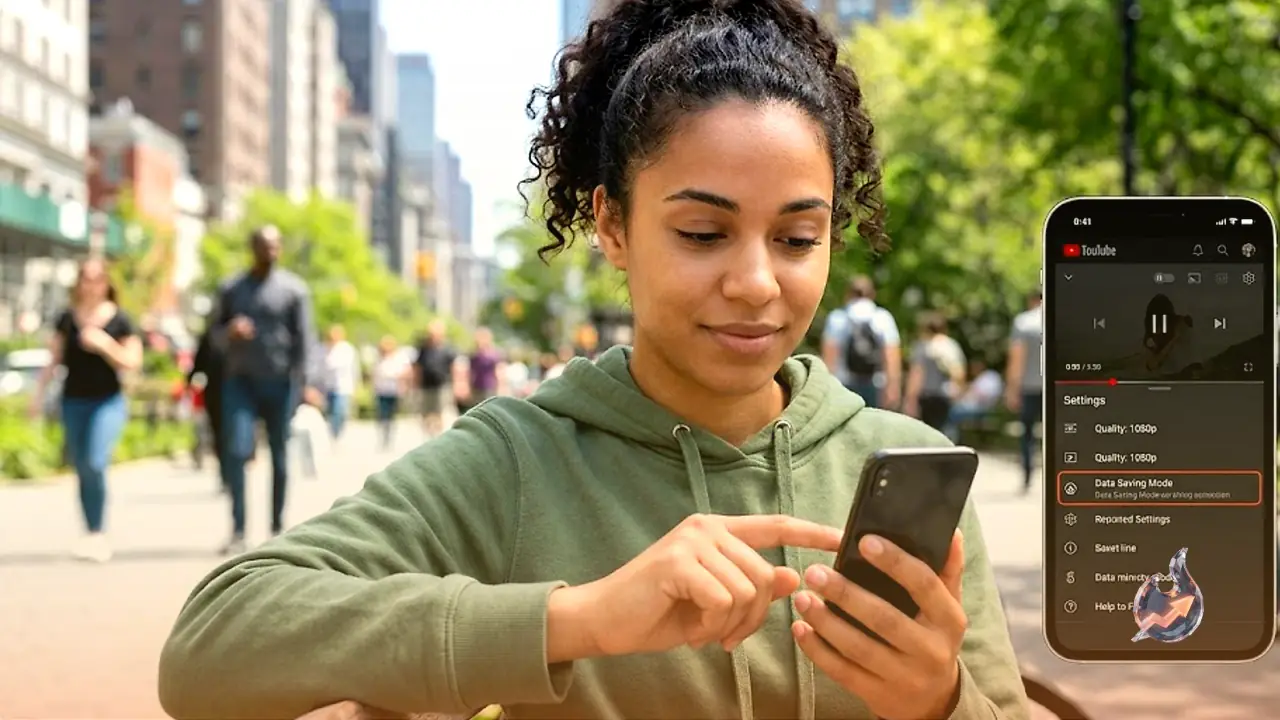
The Data Saver option in the YouTube application is designed to automatically manage video resolutions to minimize data consumption. When this setting is activated, videos stream at a slightly lower resolution than usual.
Since smartphone displays are relatively small, this subtle reduction in video quality is barely noticeable to the naked eye. However, the reduction in data consumption is highly significant. This makes the feature extremely useful for anyone looking to make their limited high-speed internet data last throughout the entire day.
Step-by-Step Guide to Enable Data Saver
If you want to conserve your mobile internet plan, you can enable this tool by following these simple steps:
- Open the YouTube app on your smartphone.
- Tap on your profile picture located at the top right corner of the screen.
- Navigate to the Settings menu from the list of options.
- Look for the Data Saving section and select it.
- Toggle the switch next to Data Saver to turn it on.
Once enabled, the application will optimize all video streaming to consume less internet data, helping your mobile plan last much longer.
Why is This Feature So Crucial?
By default, YouTube automatically adjusts streaming quality based on your current network speed. When connected to a strong network, the app automatically switches to high-definition formats like 720p or 1080p. While this provides a crisp and clear visual experience, it drains your mobile internet pack within minutes.
This is where the Data Saver mode proves invaluable. It caps the resolution at an optimal level, preventing unnecessary data drain. For heavy users who spend hours scrolling through shorts, listening to music playlists, or tuning into long-form podcasts, this simple setting is a lifesaver.
Additional Effective Tips to Save Mobile Data
In addition to using the built-in Data Saver, you can employ a few other smart techniques to keep your data usage in check:
Turn Off the Autoplay Option
With the Autoplay feature active, the next video in queue automatically begins playing as soon as the current one ends. This can result in significant background data usage without your knowledge. Disabling Autoplay ensures that a video only plays when you manually tap on it.
Download Videos Over Wi-Fi
If you travel frequently or have a set list of videos you watch regularly, try downloading them while connected to a Wi-Fi network. Once saved to your device, you can watch these videos offline without using a single megabyte of your cellular connection.
Manually Select Video Resolution
If you want complete control over your stream quality, you can manually set the resolution of any video to 360p or 480p using the in-video settings menu. These resolutions offer a perfectly acceptable viewing experience on standard smartphone screens while consuming a fraction of the data required for high-definition playback.