




















NotebookLM is Google's research-focused counterpart to Gemini, a tool that flies under the radar compared to its more famous sibling. It has just received a hefty upgrade that makes it more useful than ever. If you need to dig deep for research, study, reporting or analysis, it is currently one of the best tools you can reach for.
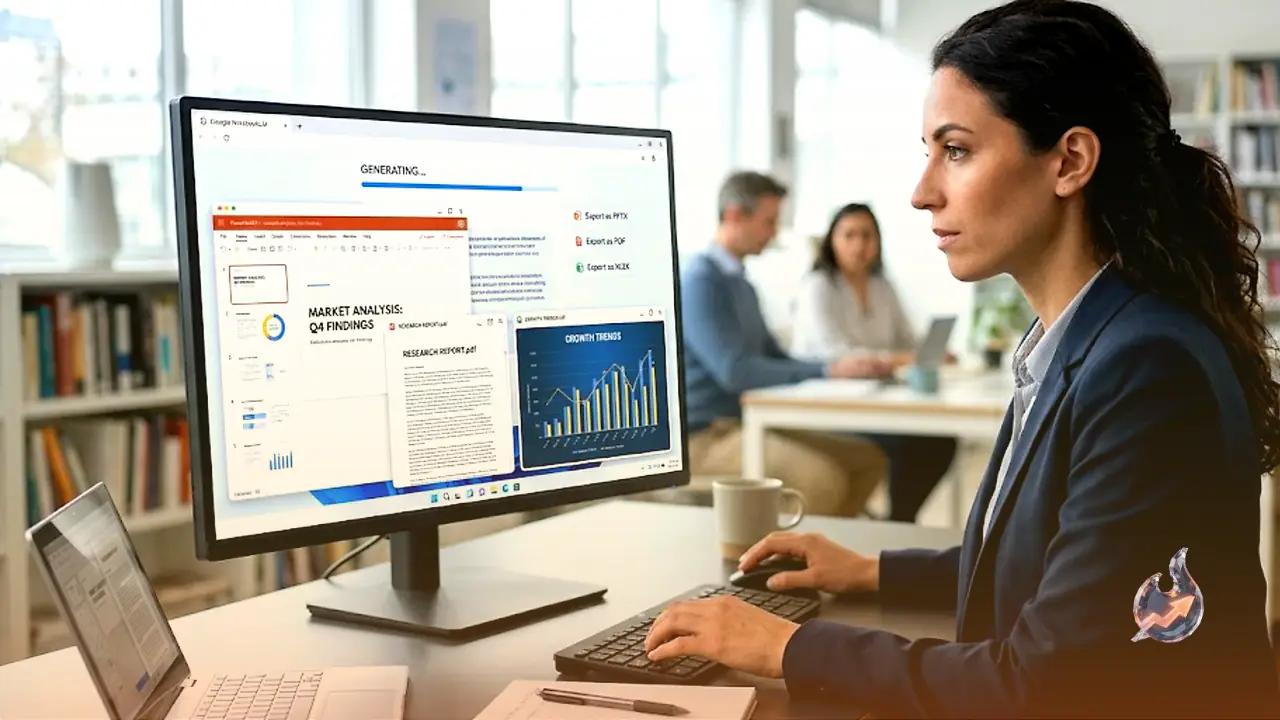
The headline change in this latest update is that NotebookLM can now write code, a job it handles through Google's Antigravity development platform. On top of that, it can produce output in a range of file formats, including PDFs, PNG and SVG charts, Excel spreadsheets and PowerPoint presentations. Better still, once those files are created you can ask follow-up prompts to make edits to them.
You no longer need sources to begin
The traditional way to use NotebookLM was to load it up with sources first, such as PDFs, web links and YouTube videos, and then start asking questions about everything you had gathered. Now you do not need any material ready to start. You can jump straight into a conversation with the AI bot and let it pick up suitable sources from the web along the way. If you are starting a topic completely from scratch, this feels like a far more natural approach.
Ask it, for example, about the films of Christopher Nolan, and the tool not only pulls plenty of relevant information from the web but also synthesizes it into a useful overview. At the end of that overview sits an Import button, so the sources it was referring to can be added straight away. The initial reply itself also gets saved as a source.
Adding web sources is much simpler
NotebookLM could already search the web for sources on your behalf, but the process used to be split across a couple of different panes in the interface and took several clicks to import everything. It is now folded much more neatly into the main chat box, so you can get researching and analyzing faster.
The old manual method is still there too, tucked into the left-hand pane, and as always NotebookLM leans on these sources in its answers. If you ever wonder where a particular fact or idea came from, a citation button reveals it. In the Nolan example, much of the heavy lifting came straight from Wikipedia.
The AI now shows its thinking
As it works, the AI reveals its reasoning, giving you running updates on what it is doing or weighing up, rather than just icons with spinning dots. In fact, it now behaves a lot like the standard Gemini app while keeping its focus firmly on research and study.
There was one odd quirk, though. A request for the "key" cast members of Nolan's films returned plenty of men but only two women out of his 12 movies, Marion Cotillard and Anne Hathaway. Left out were Carrie-Anne Moss, Hilary Swank, Katie Holmes, Scarlett Johansson, Rebecca Hall, Elizabeth Debicki and the Oscar-nominated Emily Blunt. The likely reason is that the tool became fixated on a Wikipedia list of frequent Nolan collaborators, though that does not fully explain it. It is a reminder for anyone leaning on AI for research that, even when outright mistakes are rare, the summarizing and collating these tools do still needs checking.
Where it really shines is creating files
After a few more prompts to boost the female representation in that Nolan project, another feature comes into play, the ability to create editable files. You can request Microsoft Office files, PDFs and charts in PNG or SVG format, then get a download you can open up.
Asked for a PowerPoint slideshow covering all of Nolan's films, NotebookLM delivered a well-formatted, typo-free introduction to the movies, complete with the premise and themes of each one and the key cast members. What it still cannot do is generate images or pull them from the web, so you will have to handle that part yourself.
You can now also request edits to files that have been created, in a Nano Banana style. Asking the PowerPoint for changes to fonts and background colors, NotebookLM followed the instructions exactly, turning 10 to 15 minutes of work into a shareable slideshow that would otherwise have taken at least a couple of hours.
PDFs and landscape mode handled well
Next came a PDF primer on Nolan's films. Its design is not going to win any awards, but it was reasonably well laid out in a clean and consistent way. The information was accurately pulled from Wikipedia and the British Film Institute, and again it was a genuine time-saver. For a lot of tasks, the days of copying, pasting and reformatting answers look to be gone for good.
Switching the PDF from portrait to landscape was handled smoothly. Minor edits such as moving a line or adding a new text box are trickier without a visual interface, but you can always make those changes manually as usual. And if you are editing an Office file and want to go all-in on AI, Copilot is happy to help.
The new Antigravity coding features are really a whole different topic and are set aside here. As for the rest of what is new, NotebookLM is clearly better and more useful than ever, even if the familiar AI warning to double-check responses still applies.