






















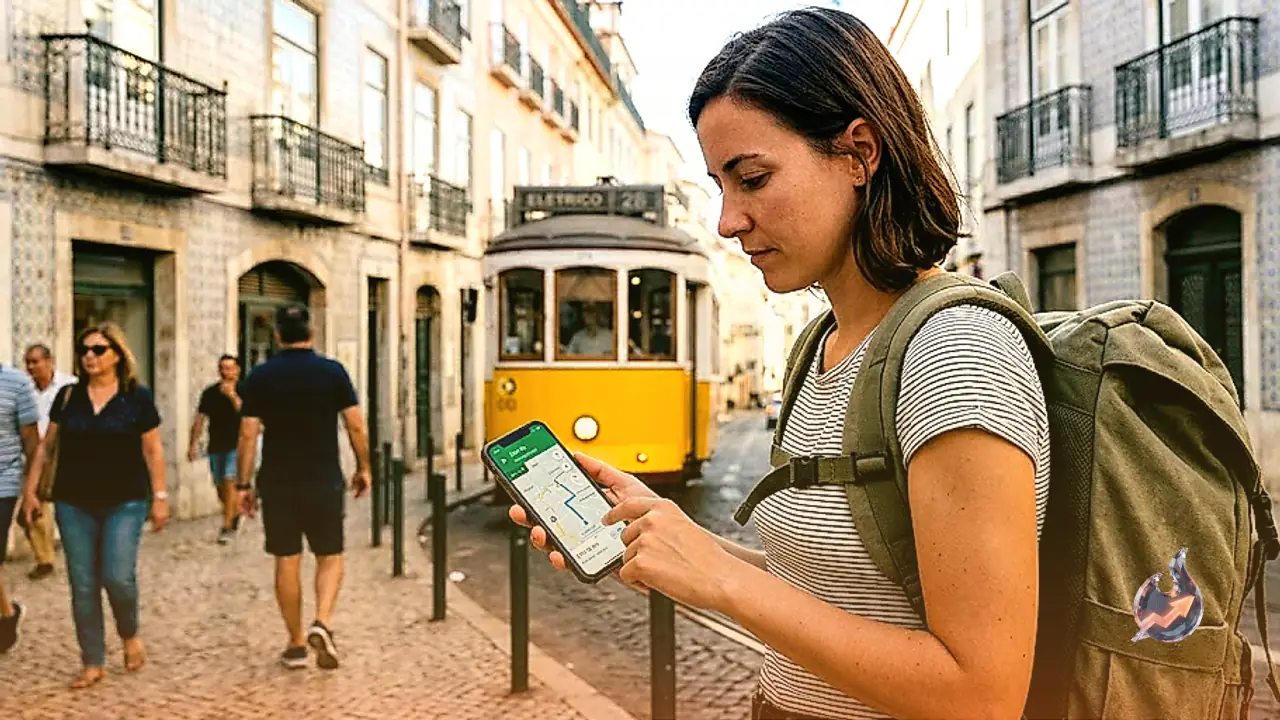

In today's fast-paced world, Google Maps has established itself as an indispensable companion for virtually anyone on the move. Whether you are exploring an unfamiliar destination, embarking on a long road trip, or trying to find accommodation in a new city, this navigation tool assists you at every single turn. However, most people limit its use strictly to finding basic driving directions. The application actually houses several smart features designed to make your travels significantly smoother, safer, and more time-efficient. Let us explore five brilliant tricks that every regular traveler should keep in their toolkit.
Navigate Without Internet Connectivity
If you are heading toward a remote destination, a mountainous region, or any place where cellular network coverage is notoriously unreliable, downloading an offline map of that specific area in advance is a wise move. This clever capability allows you to find your way and track your coordinates even when you completely lack an active internet connection. It proves exceptionally valuable when traveling through isolated terrains where signals fade away.
Monitor Live Traffic and Alternative Routes
Google Maps does far more than just plot a path from point A to point B; it provides real-time traffic updates to keep you informed of road conditions ahead. The application uses distinct color codes where red indicates heavy congestion, orange signifies moderate traffic flow, and green points to clear, unhindered roads. Checking the traffic status before you begin your journey enables you to switch to alternate routes, saving both your precious time and fuel.
Save Your Parking Spot Easily
When you park your vehicle in a crowded urban environment, a bustling commercial district, or an unfamiliar tourist spot, finding your car later can sometimes turn into a frustrating maze. To eliminate this hassle, you can utilize the Save Parking feature within Google Maps. This action logs your exact parking coordinates into the application, making it effortless to walk right back to your vehicle when you return.
Share Your Live Location for Safety
If you are traveling entirely by yourself or if your family members tend to worry constantly about your safety on the road, utilizing the location-sharing feature is a smart precaution. This functionality allows your loved ones or trusted friends to monitor your real-time movements on a map. It serves as a tremendous reassurance during long-distance trips or when driving late at night.
Instantly Locate Nearby Essential Amenities
When you find yourself in urgent need of a specific service while on the move, the application helps you locate nearby amenities such as gas stations, ATMs, hotels, restaurants, hospitals, pharmacies, and public restrooms in a matter of seconds. Furthermore, checking user ratings and reviews right inside the app helps you pick the highest-quality option available around you.