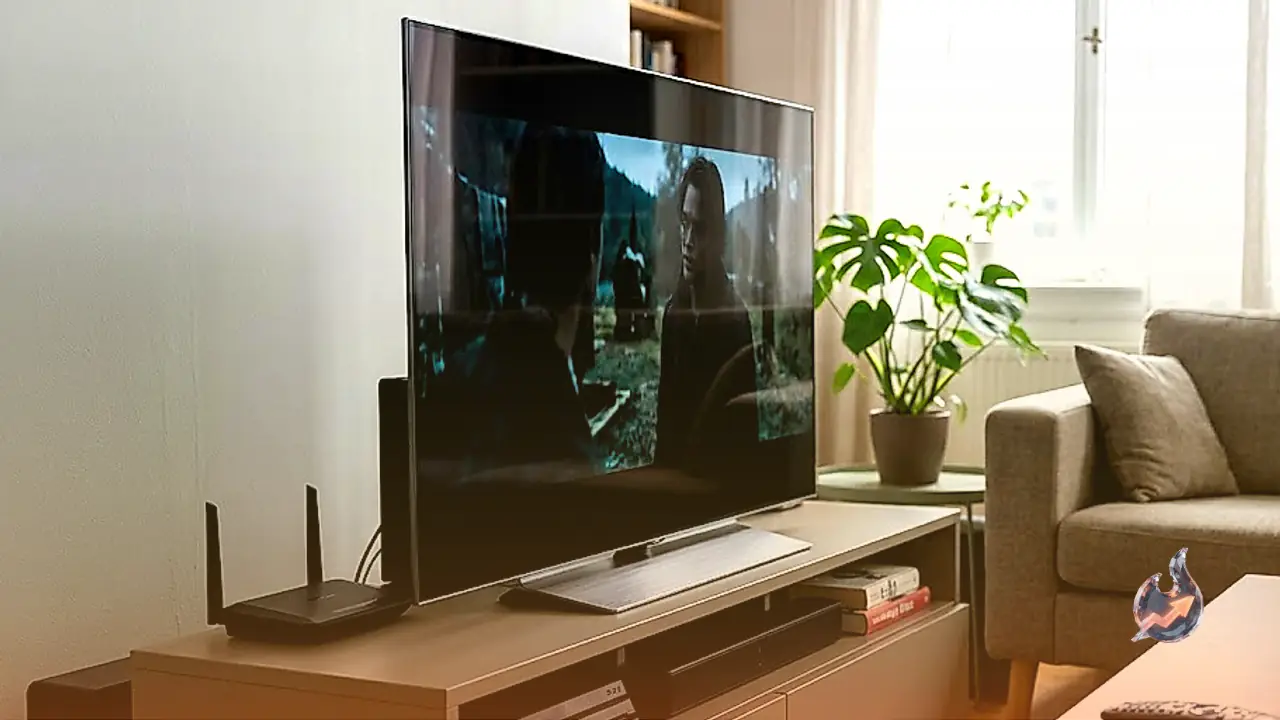






















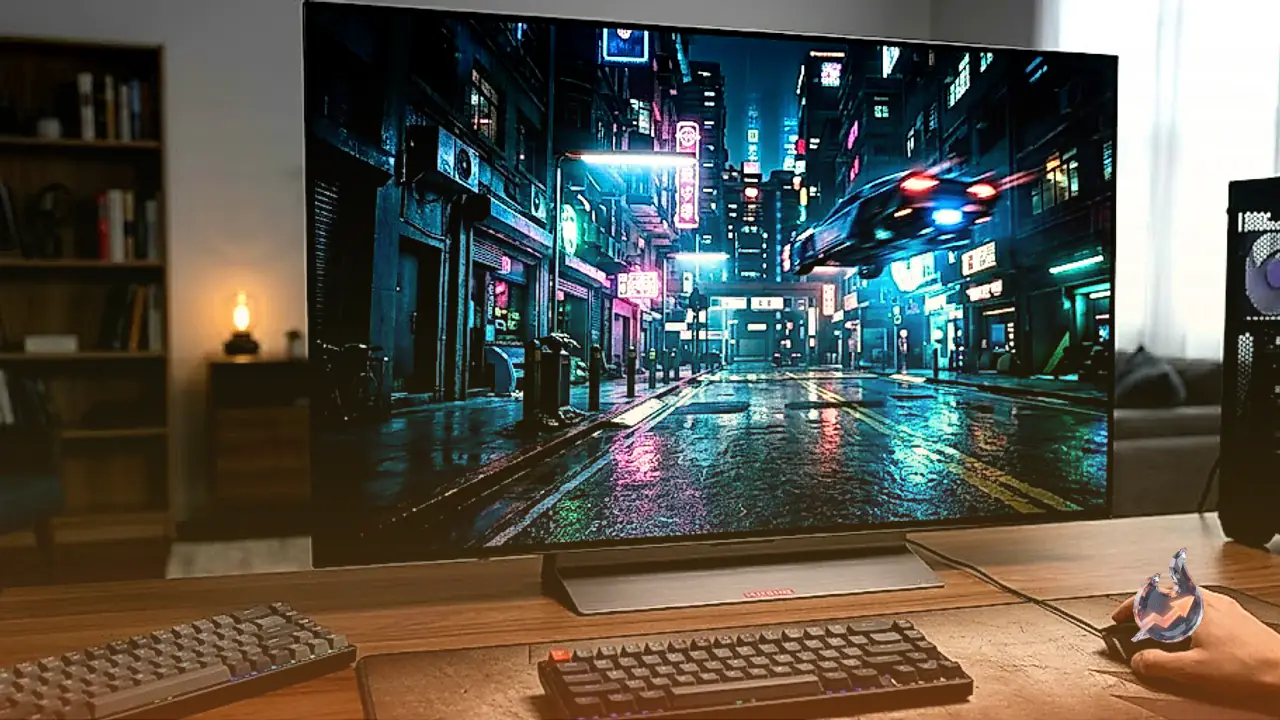

This LG C6 48 OLED review looks at a screen that was built as a television but is increasingly bought to sit on a desk. The 48-inch model succeeds the LG C5 42 OLED and ranks as the second-smallest screen in the C6 lineup, just above the 42-inch option. What separates this size from the rest of the C6 range is that it uses a brighter Tandem OLED panel, the same technology found in the LG C6H OLED, a model otherwise sold only in 77-inch and 83-inch sizes. LG has also fitted it with its Brightness Booster technology to push luminosity even further.
The 65-inch LG C6 OLED 2026 and the 77-inch LG C6H OLED have been tested as televisions in the past, but those results aren't directly comparable to how the 48-inch model performs as a monitor, since TVs and monitors are evaluated with different settings that better reflect how each is actually used.
Specs Built for Both Gaming and Desktop Duty
On paper, the LG C6 48 OLED carries most of the features found on competing gaming monitors. It supports FreeSync Premium and is G-SYNC Compatible, and it reaches a 165Hz refresh rate once switched into its 'Game Optimizer' mode. It also has enough HDMI 2.1 bandwidth to make full use of current-generation gaming consoles. The one clear gap compared with dedicated monitors is that it has no DisplayPort inputs at all. Rounding things out are its television-grade features: an Alpha 11 AI Gen 3 processor, LG's webOS smart platform, and Dolby Vision support.
PC Gaming Performance
For PC gaming, the LG C6 48 OLED is fantastic. Its 165Hz refresh rate gives gameplay a smooth feel, and its near-instantaneous response time keeps motion sharp with minimal blur. Input lag stays low too, so the screen feels responsive to every input. The large 48-inch panel adds an immersive quality that smaller monitors can't match. Its 4K resolution produces detailed images, though the low pixel density that comes with a screen this size means some in-game text can look blurry. Where it really shines is picture quality: deep blacks, bright highlights that pop against the rest of the image, and a wide range of vivid colors. The one downside is noticeable VRR flicker, which can be distracting if a PC can't maintain a consistent frame rate.
Console Gaming on the PS5 and Xbox Series X|S
The LG C6 48 OLED takes full advantage of a PS5 or Xbox Series X|S, including VRR and Dolby Vision support. Switching on 'Game Optimizer' mode delivers low input lag during console gaming, alongside the same near-instantaneous response time and minimal blur seen with PC gaming. It's an especially strong choice for HDR gaming, displaying deep blacks without any haloing around bright objects. Highlights pop and colors span a wide, vivid range, adding up to a genuinely immersive HDR gaming experience on consoles.
How It Handles Office Work
For office use, the LG C6 48 OLED is merely okay. The main issue is its low pixel density, which creates some text clarity problems. There's also a burn-in risk if the same static elements stay on screen for long stretches. Despite a wide viewing angle, the edges of the screen take on a green tint if you sit close with a webpage or document open. It does have advantages, though: it gets bright enough to fight glare in most well-lit rooms, though reflections can be distracting in a sunny space because of its glossy coating.
A Strong Pick for Editing and Content Creation
For content creation, the LG C6 48 OLED is excellent. The main advantage is picture quality: blacks are deep and inky, colors span a wide range, and highlights stand out in HDR. Straight out of the box, though, there are white balance and color temperature issues worth fixing with a full calibration. It isn't flawless for this use either, sitting close to the screen reveals green vignetting at the edges, meaning content can look slightly off toward the sides. It also lacks an ergonomic stand, and fringing appears around letters and images because of its subpixel layout and low pixel density.
Brightness, Motion and Picture Quality
Brightness is a genuine strength. The screen gets very bright in 'Filmmaker Mode,' and highlights pop in HDR. The 'Game Optimizer' mode runs a bit dimmer by comparison, but it's still bright enough to fight some glare. Motion is handled just as well, with a near-instantaneous response time producing sharp motion at any refresh rate. HDR picture quality is remarkable, with deep, inky blacks and no haloing around bright objects, plus a wide range of vivid colors. SDR picture quality holds up too, with deep blacks and the same wide color range.
Color Accuracy
Color accuracy is excellent. Despite lacking a dedicated sRGB mode, the LG C6 48 OLED still locks colors well to the sRGB color space. The catch is that white balance and color temperature issues need a full calibration to fix properly.
The Bottom Line
Taken together, the LG C6 48 OLED is a highly capable screen for gaming and content creation, as long as buyers are willing to live with its trade-offs. Its large screen is big enough for multitasking, and it supports every type of signal consoles throw at it. But the missing DisplayPort inputs, the burn-in risk, the lack of ergonomic adjustments, and the out-of-the-box color temperature issues mean it isn't the right fit for every desk.