




















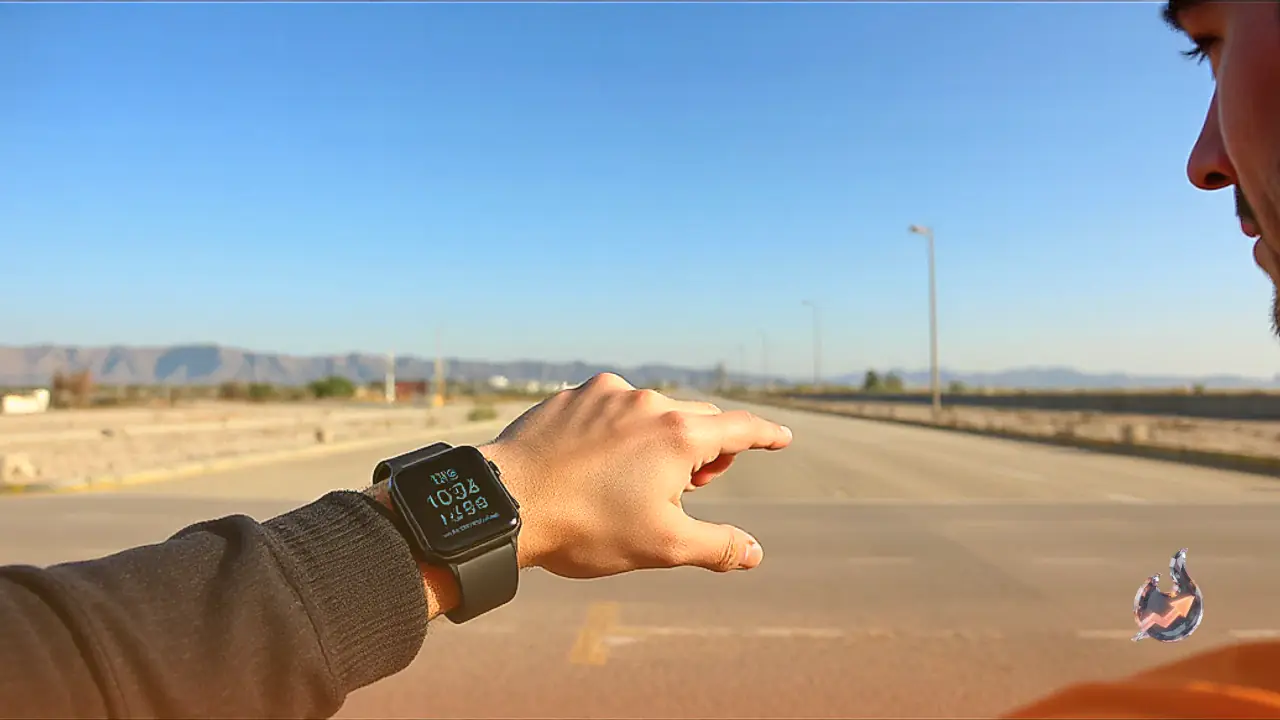

Getting your smartwatch properly configured before stepping into a marathon or half-marathon is essential to prevent unnecessary technical hiccups during the event. You do not necessarily need an expensive or high-end GPS smartwatch for this purpose, as whatever running watch you already own can be optimized with just a few quick adjustments. A minor oversight right before the starting gun can easily disrupt the entire racing rhythm, but these simple preparation steps can help you steer clear of completely avoidable mishaps. Setting up these features takes only a few minutes of your time, yet they can save your entire race experience from going off track on the big day.
Lock In Your GPS Signal Early
Standing in a massive starting corral surrounded by hundreds of people while watching your watch struggle to find a satellite signal is a sure way to spike pre-race anxiety. Tall buildings, crowded starting areas, and a sea of active electronic devices often make the initial moments of GPS tracking unreliable, which can throw your opening mileage pace completely off target. The most straightforward solution is to start your GPS search well ahead of time by stepping outside into an open space and selecting your run activity roughly 10 to 15 minutes before the race begins. If your device supports multi-band or dual-frequency GPS capabilities, make sure to enable them within your activity settings, as they perform noticeably better in dense urban environments. However, remember to hold off on pressing the actual start button until the official starting gun sounds or you cross the starting line.
Build a Simplified Race-Day Data Screen
While having multiple data screens is exceptionally useful during regular training sessions, it tends to create unnecessary mental clutter during a live race. Overloading your view with too many numbers invites over-thinking, and catching sight of an unexpected metric early on can negatively influence your pacing strategy for miles to come. Instead, customize a dedicated race screen featuring a maximum of three to four essential data fields, such as lap pace or average lap pace, total distance or lap distance, heart rate, and elapsed time. Intentionally leave out advanced metrics like running cadence, power output, and vertical oscillation, as those detailed statistics can always be reviewed later during your post-race cool-down.
Silence Outside Distractions and Set Custom Alerts
Receiving unexpected notifications or work-related messages midway through a long run is nobody's idea of a pleasant experience during a major athletic event. Prior to race day, switch your watch into a dedicated Do Not Disturb or Airplane mode, or activate a specific activity profile that completely blocks incoming alerts. This practice also helps conserve valuable battery life, which becomes crucial if your marathon is expected to last four hours or longer. Once the external distractions are out of the way, configure helpful race-specific reminders, such as a high heart-rate alert to prevent yourself from starting out too fast, or a recurring distance-based alert to ensure you remember to refuel with gels or sports drinks regularly.
Use the Lap Button at Official Course Markers
Experienced runners know all too well that a sports watch will almost always register a slightly longer total distance than the officially measured race course. Race courses are strictly measured along the absolute shortest possible trajectory, whereas participants inevitably weave around other runners, navigate wide turns, and accumulate extra distance over miles. To combat this discrepancy, bypass your watch's automatic lap feature and manually press the physical lap button every time you pass an official mile or kilometer marker. This practice aligns your pacing data directly with the official course measurements rather than relying solely on satellite approximations, giving you a reliable metric to gauge your progress against your original goals.
Lock Your Touchscreen to Prevent Accidental Taps
Rain, heavy perspiration, celebratory high-fives, and grabbing a quick cup of water at a crowded aid station can easily trigger unintended inputs on a touchscreen smartwatch. Discovering near the eighteenth mile that your watch has accidentally paused, terminated, or switched its active display screen can instantly ruin months of rigorous training. Before the starting horn sounds, enable your watch's built-in screen lock feature so that stray touches or fabric friction cannot disrupt your ongoing activity. Additionally, wear your watch snugly positioned about one finger-width above your wrist bone for optimal heart rate accuracy, and make sure to utilize the post-race auto-save prompt the moment you cross the finish line.