



















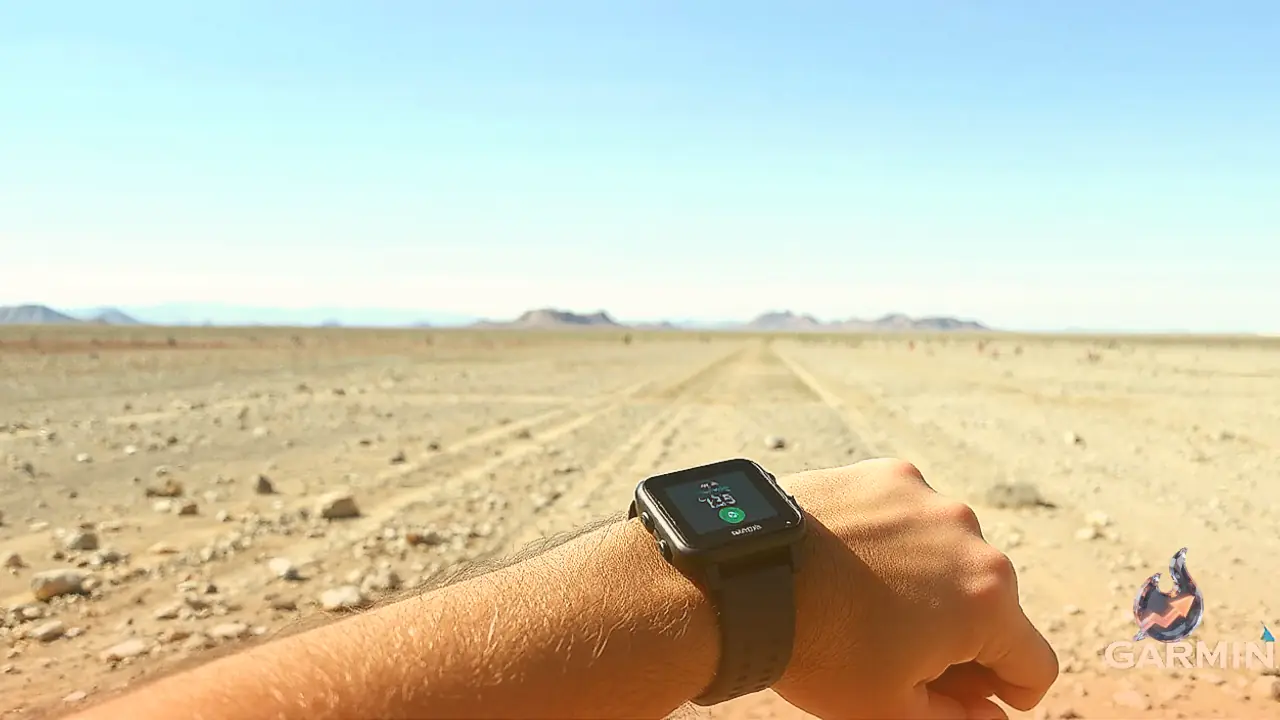

Garmin has released a major firmware update for its screenless Cirqa smart band, resolving one of the most prominent hardware and software limitations of the wearable. With the rollout of firmware version 4.20, users can now configure the device to vibrate on their wrist whenever they receive incoming phone calls, text messages, and other connected smartphone alerts. The update was formally detailed on Garmin's forums under the entry noting vibration support for smart notifications and incoming calls. Wearable enthusiasts and community members across online discussion groups have reacted positively to the arrival of this core capability.
Notably, the existing documentation on Garmin's support page had long stated that the Cirqa did not offer vibration functionality for texts, phone calls, or general smartphone alerts. That reference material is now officially outdated as a result of the software update. Because screenless trackers lack a display to visually communicate who is contacting you, tactile haptic feedback serves as the primary bridge between the wearable and the phone, making this addition essential for day-to-day usability.
Setting Up Phone Call and Text Alerts on Garmin Cirqa
Enabling these wrist notifications requires the Cirqa band to be running firmware version 4.20 or a later build. To begin the setup process, open the Garmin Connect mobile application and synchronize the Cirqa wearable so the software can detect, download, and install the latest firmware. Next, navigate to your phone's operating system settings and verify that Garmin Connect has been granted full permissions for SMS, contacts, and phone management.
Once the operating system permissions are active, return to the Garmin Connect application and tap the Menu or More tab. From there, select Garmin Devices, choose the Cirqa Smart Band, and open the Notifications & Alerts section (labeled Smart Notifications on some devices). Within this screen, toggle on the alert switches for incoming calls and text messages. If vibrations still fail to register, verify that Do Not Disturb mode, Sleep Mode, and aggressive battery saver restrictions are disabled on both the phone and the connected tracker.
Additional Enhancements and Fixes in Firmware 4.20
While notification vibrations represent the most visible change for Cirqa owners, the 4.20 release introduces a substantial collection of functional upgrades and bug resolutions. Trail Run activities now support dedicated run and walk detection, providing clearer pacing data across variable terrain. Garmin has also resolved an activity timestamp glitch that previously caused recorded workout times to deviate from the paired smartphone's clock.
Indoor athletes gain manual distance calibration options prior to saving sessions for Treadmill Run, Indoor Rowing, and Indoor Cycling. Voice duration alerts now accumulate correctly, and automated stress alerts are temporarily suppressed while Auto Activity Detection is actively logging a session. The update also remedies an issue where bedtime approach notifications failed to trigger, ensures heart rate metrics appear on the Live Activity interface before recording initiates, fixes a glitch where pinned activities reverted to timed activities after system language changes, restores rep editing during workouts, and strengthens general operating stability.