






















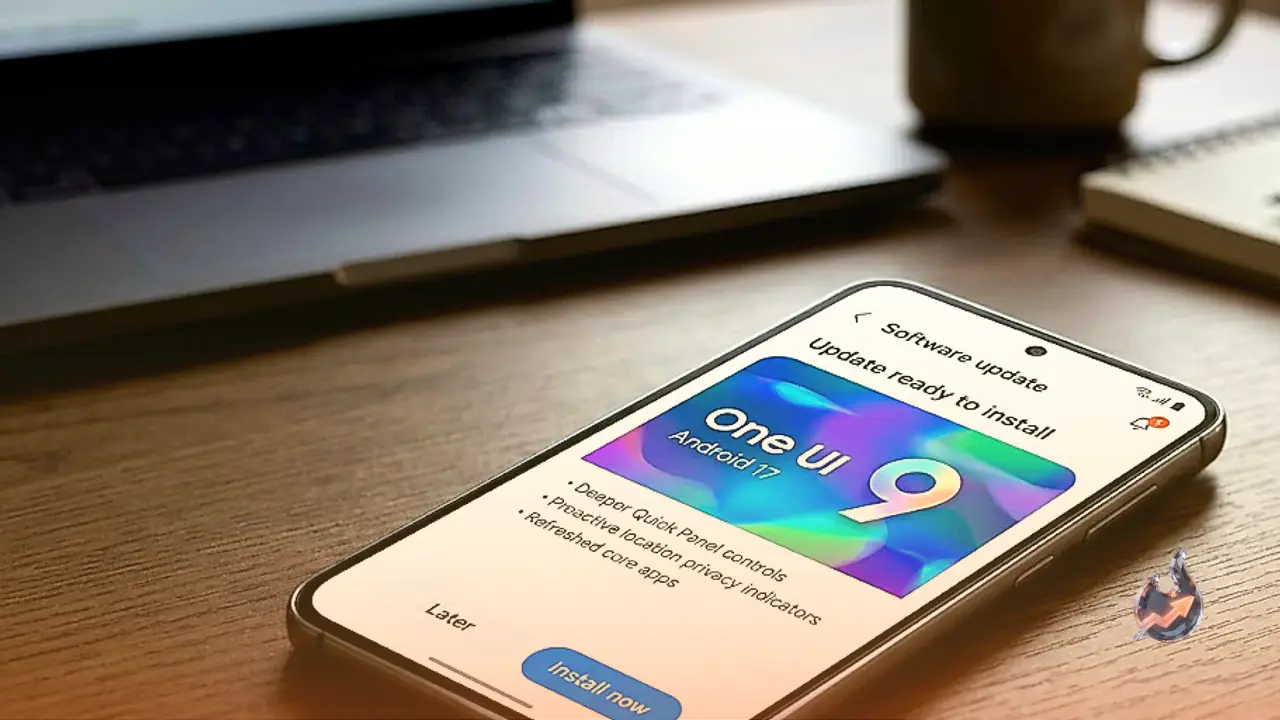

Smartphone maker Samsung has commenced the rollout of its stable One UI 9.0 operating interface, based on Android 17, for Galaxy A56 devices. This general public release arrives over a month after the company first launched the One UI 9.0 beta testing initiative for the handset. The transition follows similar software rollouts previously provided to several other portfolio devices, including Galaxy A27, Galaxy A37, Galaxy S23 series, Galaxy Z Fold5, and Galaxy Z Flip5.
South Korean Debut and Timeline for International Expansion
Distribution is currently active across Samsung's home market of South Korea. Following the brand's established delivery patterns, the firmware is expected to expand into additional international territories, including India, across the coming days. The manufacturer has not published an exact calendar or specific target dates for broader global distribution, meaning availability will expand gradually across different regions.
Firmware Build Identification and Download Details
The Android 17 release for this mid-tier handset carries the dedicated firmware version code A566SKSUADZJ1. Samsung has not officially confirmed the complete file size of the installation payload. Once the update has finished installing on the device, smartphone owners can inspect their device settings menu to confirm the successful transition to the new firmware build.
Interface Customization and Productivity Improvements
Moving from the previous One UI 8.5 iteration, the interface brings multiple adjustments designed to refine daily interactions. Users now have access to expanded personalization options for the Quick Panel, granting greater freedom to reorganize icons and arrange system toggles according to individual habits. In addition, platform utilities including Samsung DeX and Samsung Notes have received targeted functional updates. The operating environment also incorporates refined accessibility tools designed to simplify device navigation for a wider range of physical needs.
Enhanced Privacy Monitoring with Location Indicators
Security and personal data management receive a direct boost through an integrated location privacy indicator. This visual mechanism notifies users whenever an application attempts to access the device's real-time geographic position. By presenting clear alerts during location requests, the interface enables owners to closely track software permissions and retain tighter supervision over their private location telemetry.
Installation Procedures and Device Preparation
Owners of Galaxy A56 hardware can manually verify firmware availability by navigating into the core settings application. From there, choosing the Check for updates option will prompt the handset to query system servers. If the package is ready for the individual unit, on-screen prompts will guide the download and setup cycle.
Executing a few preparatory safeguards is recommended before triggering the installation sequence. Backing up essential personal data to external or cloud storage helps safeguard vital files against potential upgrade anomalies. Furthermore, device battery levels should remain at 50 percent or higher, and the process is best completed across a stable Wi-Fi network. If the software does not immediately appear, it indicates normal phased distribution rather than a device defect.