





















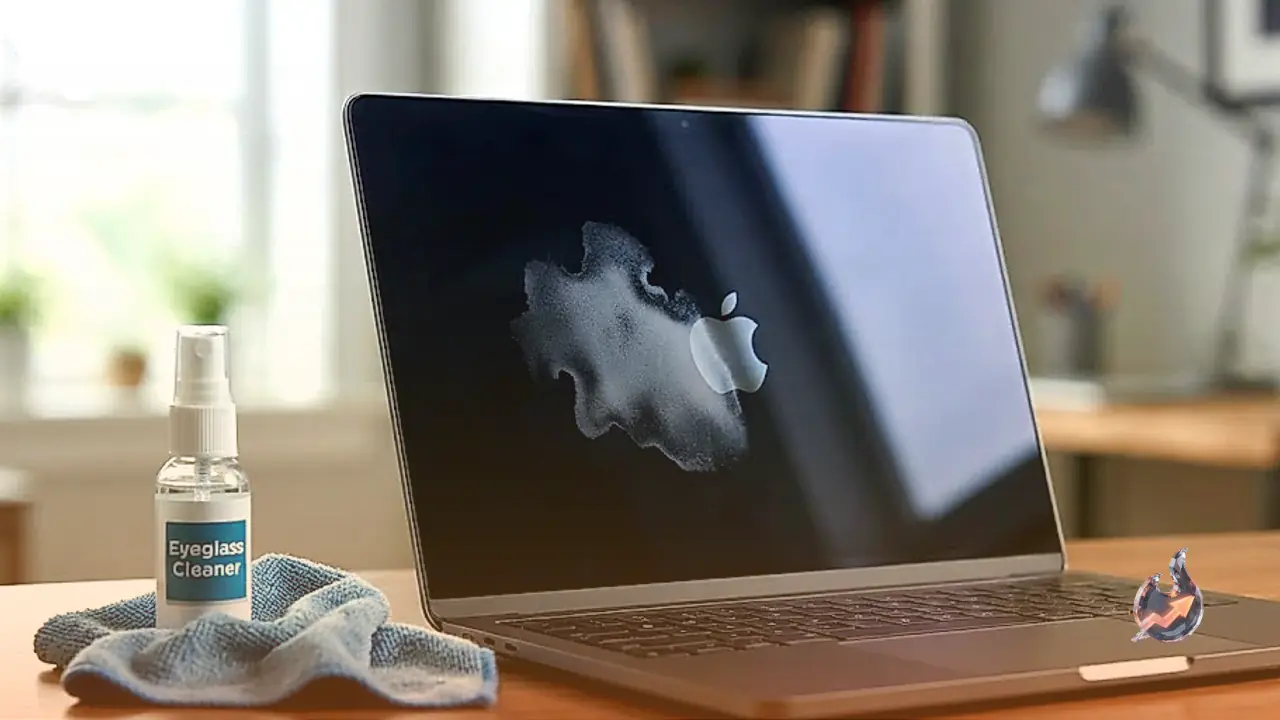

Laptops and computer monitors inevitably accumulate dust, greasy fingerprints, and smudges over days of daily use. While many users instinctively grab an eyeglass cleaner spray, household glass cleaners, or whatever dry rag happens to be nearby, this convenient shortcut can inflict irreversible harm on modern panels. Today's displays feature delicate anti-glare and protective layers that chemically break down when exposed to inappropriate cleaning fluids. Preserving screen clarity and equipment lifespan demands a disciplined cleaning approach and the right materials.
Why Eyeglass Cleaners and Harsh Chemicals Cause Lasting Damage
Modern display manufacturers apply specialized coatings to monitors and laptop panels to cut down glare and manage ambient reflections. When consumers reach for eyeglass cleaning sprays, Clorox wipes, Windex, or other aggressive chemical formulas, the active solvents dissolve these delicate protective layers. The result is often an unsightly, permanent cloudy blotch or stripped patch on the screen. Because replacing a damaged panel requires specialized labor and expensive components, repairing chemical damage frequently costs nearly as much as purchasing an entirely new monitor.
The Proper Step-by-Step Cleaning Technique
Before attempting any maintenance, turn off the laptop or monitor completely and disconnect it from the electrical socket. A powered-down, black screen highlights dust particles and grease spots far more clearly, while eliminating the hazard of moisture interfering with active electrical components. Always use a dedicated, clean microfiber cloth rather than standard textiles.
For routine dusting and light smudges, lukewarm water provides sufficient cleaning power. If stubborn skin oils or sticky residues cling to the surface, mix lukewarm water and isopropyl alcohol in an exact 1:1 ratio. The critical rule during this process is never to spray water, alcohol, or any fluid directly onto the screen. Always mist the cleaning solution sparingly onto the microfiber cloth so it remains lightly damp rather than dripping wet. Direct spraying causes liquid droplets to run down the panel and seep beneath the bezel, potentially causing short circuits in internal electronics.
Proper Wiping Motions and Peripheral Care
Once the microfiber cloth is damp, glide it across the screen in gentle, circular motions to lift away fingerprints and spots. Dragging a cloth strictly up and down or side to side often leaves visible streaks and drying lines across the glass once moisture evaporates. Cleaning in small circular patterns distributes moisture evenly and virtually eliminates streaking.
Crucially, maintain minimal pressure throughout the wipe-down. Modern panels are pressure-sensitive, and pushing firmly against the glass can crack delicate internal matrices or dislodge layers. For particularly stubborn spots, hold the damp cloth gently over the stain for a few seconds to soften the residue before buffing it away, but never scrub aggressively. You can use this same microfiber cloth to clean the monitor bezel, the display stand, and a laptop keyboard without switching supplies.
Common Cleaning Mistakes to Avoid
Cleaning an active screen while the device remains powered on introduces unnecessary failure points and should always be avoided. Furthermore, never use paper towels, facial tissues, napkins, or rough rags on a monitor. Even though paper towels feel soft, their wood-pulp composition is abrasive enough to micro-scratch delicate display surfaces permanently. Once these microscopic scratches cover an anti-glare coating, they cannot be polished or buffed out.
Maintenance Frequency and Edge Dust Removal
Performing a gentle screen cleanup every one to two weeks prevents grime, ambient dust, and finger oils from binding stubbornly to the surface. Whenever liquid splashes or accidental spills hit the display, clean them up immediately rather than leaving them to dry out and harden. To dislodge dust trapped along the screen base, bezel joints, or tight corners where cloth edges cannot reach, utilize a canister of compressed air to clear the debris safely without physical contact.