
























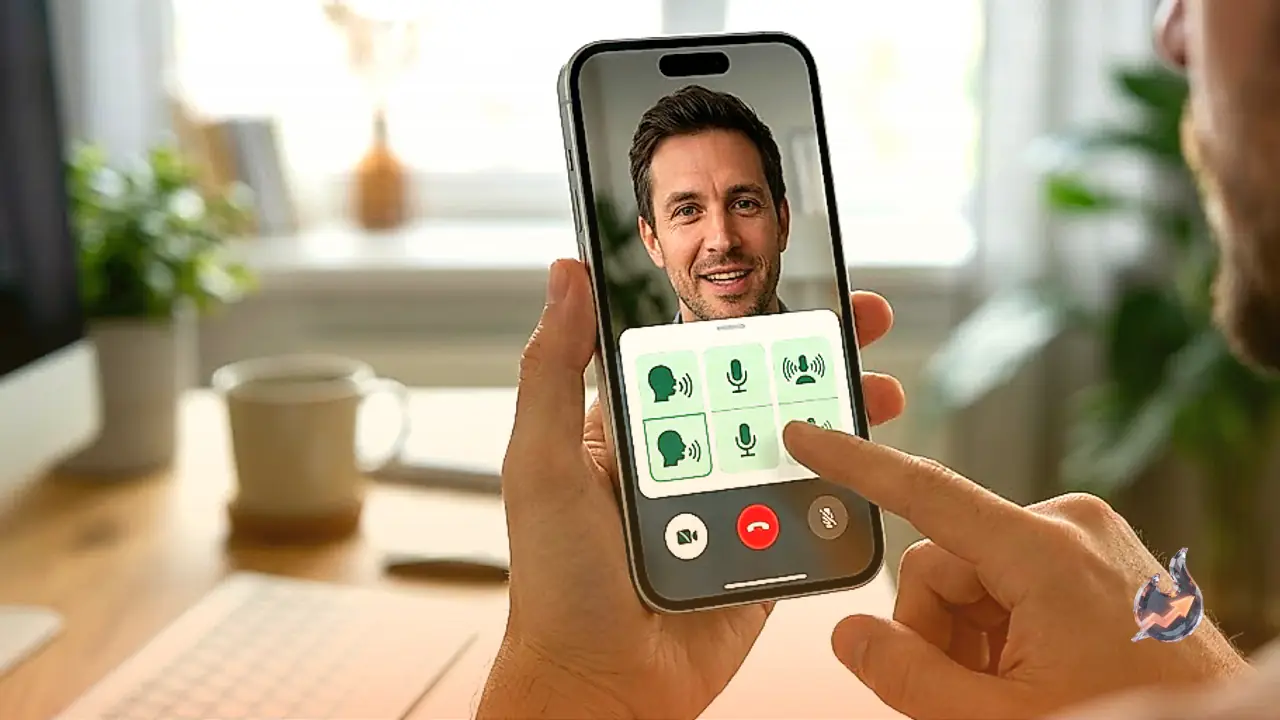

WhatsApp is quietly testing a small but useful change for iPhone users that could make voice and video calls noticeably smoother. Instead of pausing a call to dig into iPhone settings, callers will soon be able to switch their microphone behaviour without ever leaving the WhatsApp screen.
A shortcut built straight into the call screen
Until now, changing how your iPhone's microphone picks up sound during a WhatsApp call meant swiping down to open Control Center, hunting for the microphone control, and making the change there, all while the call kept running in the background. WhatsApp is now adding a direct shortcut for this inside its own call interface, so the extra step of jumping into Control Center is no longer necessary. The feature is rolling out gradually, so it may take some time before it reaches every user.
How the option shows up during a call
The feature has been spotted in the WhatsApp for iOS 26.27.74 beta version. Once it reaches a phone, users will see a new Mic Mode option inside the More menu that appears during an active call. Tapping it opens the iPhone's built in microphone settings directly, letting the caller pick the mode they want without disconnecting the call. Whichever mode is chosen carries over to the next WhatsApp call automatically and keeps applying until the user changes it again. WhatsApp has not built a new microphone system of its own, it is simply offering a faster way to reach a microphone feature that already exists on the iPhone.
Four microphone modes on offer
Apple's iPhones already offer four distinct Mic Mode options that this shortcut will let users jump between mid call.
- Voice Isolation: in a noisy environment, this mode focuses only on the caller's voice, making sure the person on the other end hears them clearly.
- Wide Spectrum: useful when the other person should also hear the surrounding sounds, such as during a party, a meeting or a family gathering.
- Standard: the regular microphone mode with no special adjustments applied.
- Automatic: introduced with iOS 18, this mode decides on its own which microphone setting will work best at that moment.
Which iPhones will support the new shortcut
Voice Isolation and Wide Spectrum require iOS 15 or a newer version, and they work on iPhone XR, iPhone XS and later models. The Automatic Mic Mode option, however, is limited to iPhones running iOS 18 or a newer version.
When will everyone get it
The update has not reached every iPhone user yet, since WhatsApp is releasing it in stages. If the option is not visible inside your calls right now, it should arrive with a future app update. Once it does, the main benefit is straightforward: there will be no need to keep opening Control Center in the middle of a call, since the entire microphone setting can be changed from within WhatsApp itself.








