























Setting up home broadband often involves choosing where the hardware sits, but aesthetic choices can quietly degrade overall network performance. In an effort to keep messy power leads and ethernet cables out of sight, many households tuck their Wi-Fi router directly behind a television screen, underneath the entertainment console, or against a wall-mounted panel. While this keeps the living room clutter-free, it creates severe technical friction that cripples internet speeds across the entire premises. The immediate consequences include abrupt video buffering on streaming services such as Netflix, high latency during competitive online gaming, and dropped video meetings.
Electromagnetic Interference and the Science of Signal Loss
A Wi-Fi router distributes broadband connectivity across a house by emitting radio waves in all directions. A modern smart television, meanwhile, is an active electrical unit packed with complex internal circuitry, metal components, and its own built-in wireless reception modules. Placing these two devices in immediate proximity causes their respective electromagnetic fields to collide, leading to a phenomenon known as signal interference.
This physical clash disrupts data transmission across the airwaves. The problem is particularly pronounced on the 2.4 GHz frequency band, which is the most widely deployed frequency standard in domestic homes. Radio waves operating on this frequency easily collide with electronic emissions produced by the TV, causing immediate signal degradation, higher packet drops, and persistent connection instability throughout adjacent rooms.
The Safe Separation Rule: Maintaining 1 to 2 Meters of Space
Technical guidelines recommend keeping an open physical distance of at least 1 to 2 meters between the Wi-Fi router and the television. Where room dimensions permit, extending that gap to 3 meters or more provides even cleaner wireless throughput without signal blockage.
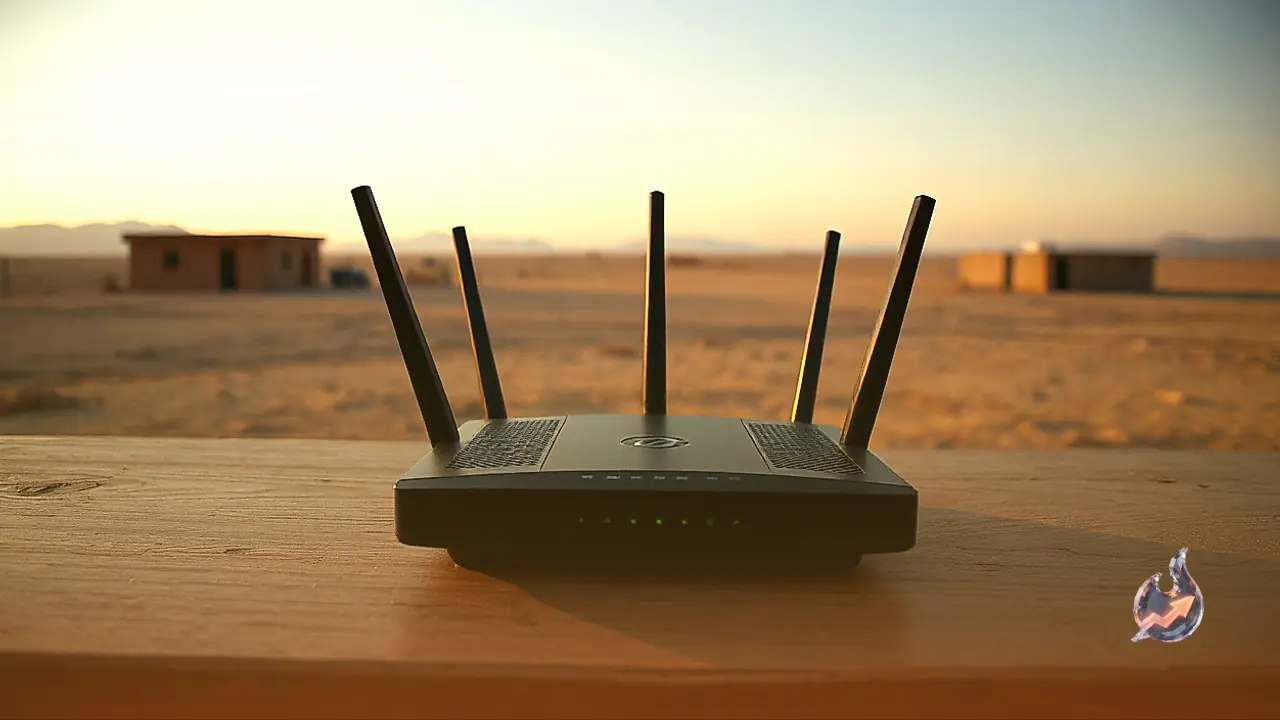
Users should strictly avoid mounting a router directly behind the backplate of the television, placing it flat on an underlying shelf, or stacking it directly beneath the screen. Enclosing network equipment inside metallic cabinets or entertainment units is equally harmful, as dense metal alloys and thick paneling absorb or deflect wireless transmissions. The optimal arrangement is placing the router centrally within the home on an elevated, non-metallic shelf or wooden table, allowing radio waves to travel freely through open living areas.
Hardware Overheating and Half-Speed Throughput Risks
When electromagnetic disruption persists, effective download speeds can plummet by up to fifty percent of their subscribed capacity. High-definition streams stutter, live sports broadcasts degrade in resolution, and routine data transfers stall indefinitely. Because modern smart TVs rely heavily on wireless connectivity to access content, having the broadcasting router pressed directly against the display actually impairs the television's own internal wireless receiver.
Over extended periods, this environmental struggle places continuous computational strain on the network hardware. The router constantly attempts to compensate for weakened packets and dropped connections, leading to abnormal internal heat buildup. Persistent overheating degrades the circuitry over time and risks shortening the operational lifespan of the unit.
Actionable Steps to Maximize Domestic Internet Performance
Maximizing wireless coverage requires ensuring the router resides in an unobstructed space with adequate ventilation on all sides. Apart from televisions, keep the unit away from microwave ovens, cordless telephone docks, and active Bluetooth gadgets, as all of these operate on overlapping frequencies and introduce unwanted noise.
If the router and home devices support dual-band functionality, shifting high-bandwidth activities to the 5 GHz band significantly reduces interference compared to standard channels. Adjust the router's physical antennas so they point in appropriate orientations, perform a full device reboot on a periodic basis, and install the latest firmware patches provided by the manufacturer. For multi-story or sprawling homes, adding mesh units or Wi-Fi range extenders offers a sensible expansion path, but placing the primary unit in an unobstructed, elevated spot remains the single most effective no-cost fix.