
























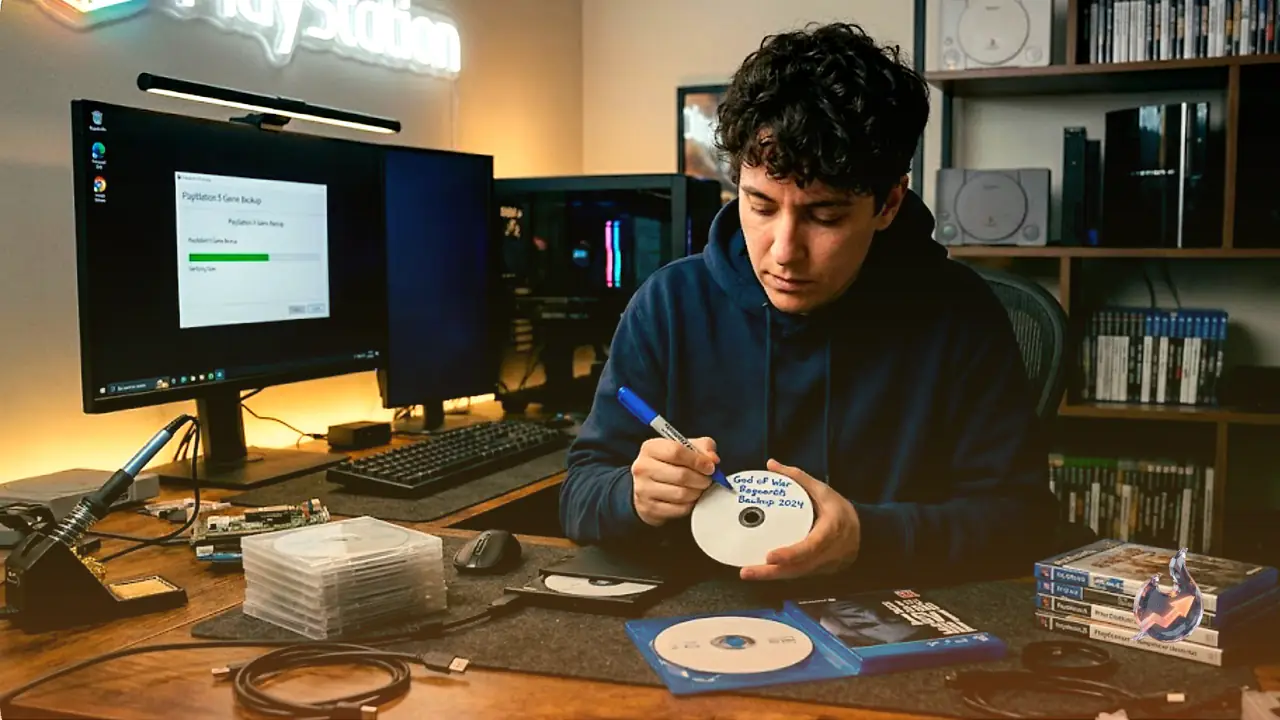

Earlier this month, Sony announced that it will cease the production of physical game discs by 2028. This move serves as a significant blow to the gaming community, especially to those who rely on physical media as an alternative to large digital downloads, and particularly as Sony continues to sunset various older digital storefronts. This shift creates an urgent challenge for video game preservation, leading to a pressing question: can users rip and backup their own PlayStation discs?
The technical answer is a cautious yes, though it heavily depends on the age of the game. The legal answer is generally no, though in practice, it often exists in a gray area of enforcement. Understanding the reality of this requires looking at both the legal complexities and the hardware limitations involved in the process.
Navigating Legal and DRM Complications
Legal regulations regarding media backups vary by region, but in the United States, the rules are famously contradictory. On one hand, consumers are typically permitted to create backup copies of media they legally own. On the other hand, circumventing digital rights management (DRM) or other copy-protection measures is prohibited. It is akin to being granted the right to read a book in a library while the door remains perpetually locked.
In theory, you only possess the legal right to back up your media if the original manufacturer explicitly permits it. In practice, companies rarely target individual users for creating single-disc backups. Instead, legal pressure is usually directed at the developers of ripping software and tools. While creating personal backups to prevent data loss is generally safer, distributing those copies or mass-producing them can easily lead to significant legal liability. The primary risk remains with the individual user.
Technical Requirements for Ripping and Burning
The feasibility of ripping a PlayStation disc is dictated by the generation of the console. Older hardware, being less secure by modern standards, has been extensively documented by enthusiasts, making those titles easier to preserve. Newer consoles utilize more sophisticated security, making the same process much more difficult and less accessible.
- PS1: Uses CDs with a distinct custom black coating.
- PS2: Utilizes a mix of CD and DVD formats.
- PS3 and PS4: Standardized on Blu-ray discs.
- PS5: Supports higher-capacity Ultra HD Blu-ray discs.
Finding a compatible drive is the first hurdle. While many legacy PCs can read CDs and DVDs, Blu-ray drives are considerably rarer. Ultra HD Blu-ray drives, in particular, are specialized equipment that most users only encounter inside their PS5 consoles. Furthermore, if the goal is to burn a new physical disc, one must ensure they have a drive capable of writing to those specific media formats, rather than a read-only drive.
The Challenges of Playing Backup Discs
Creating a backup disc does not automatically grant you the ability to play it on an original PlayStation console. For systems like the PS3 and earlier, one usually needs to perform a softmod or a hardware mod to bypass authentication checks. This process is highly sensitive to the specific console model and the firmware version installed. Because the industry treats console security as an arms race, new software updates often patch vulnerabilities that modders rely on, making even an older console model difficult to crack if it is running up-to-date firmware.
This has spawned a niche market where enthusiasts sell pre-modified consoles, though this remains a risky venture for the average consumer, as there is little recourse if a console arrives with an un-hackable firmware version installed.
Emulation as a Modern Alternative
Short of the complex process of hardware modding, the most reliable way to run backup copies is through emulation. While this may be a disappointing solution for those committed to physical media, it is significantly more practical. There are well-established emulators for PS1 through PS4. However, native PS5 emulation does not currently exist due to the technical complexity and legal barriers inherent in the current generation of hardware.
If you are utilizing your own backups in an emulator, you are likely operating within a safer legal zone. However, downloading games that you do not own remains a high-risk activity that is discouraged. While Sony’s decision to phase out physical media is undoubtedly a negative development for collectors, the focus on preservation remains critical. Physical media ensures games remain playable after server shutdowns, supports regions with limited internet access, and protects niche titles from disappearing entirely. Whether Sony reverses its course remains to be seen, but for now, enthusiasts continue their efforts to keep these games accessible.








