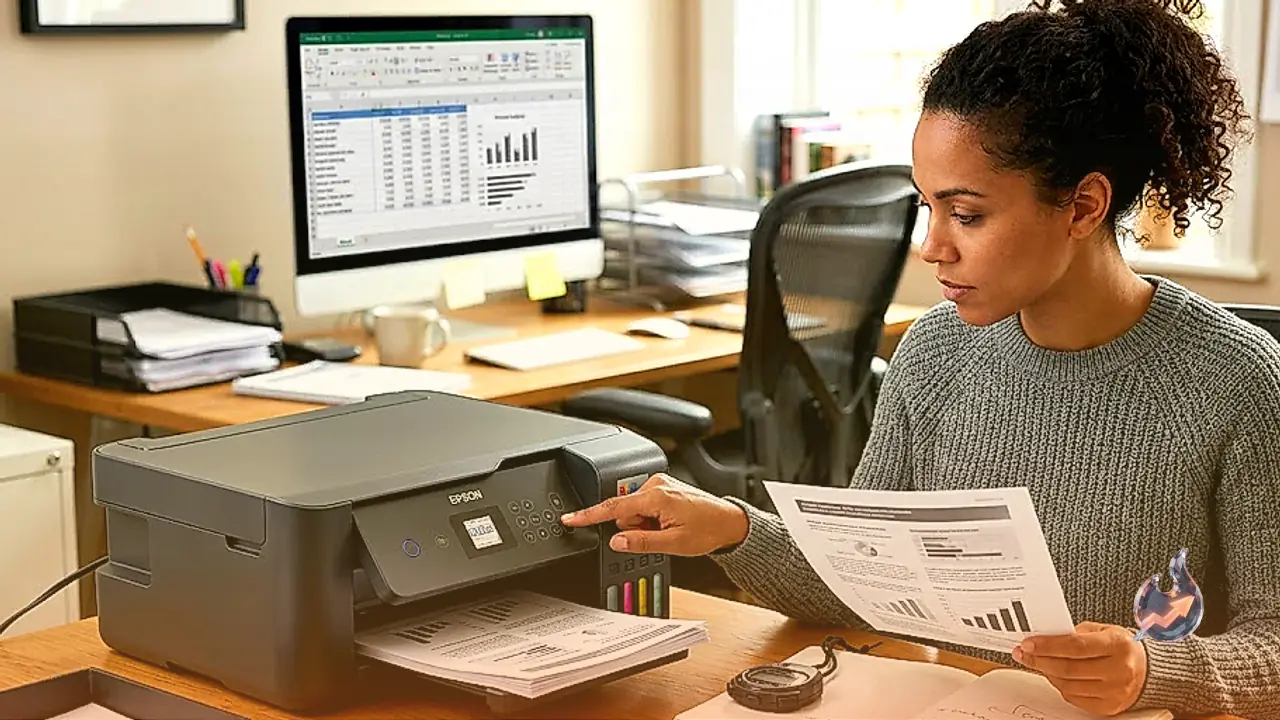






















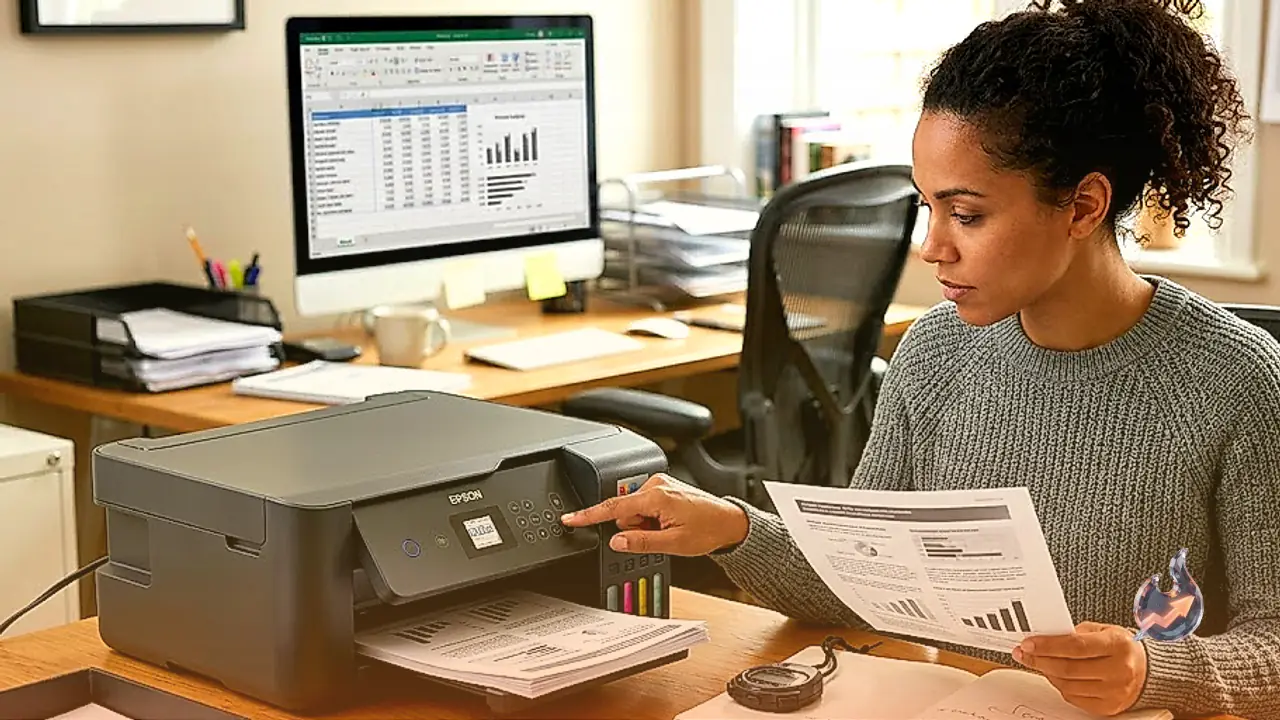

Finding a dependable home printer that balances purchase cost against long-term operating expenses has always been a frustrating search. Designed specifically to break the cycle of costly disposable cartridges, the Epson EcoTank ET-2410 represents an entry-level all-in-one inkjet unit focused on light home duties and domestic study spaces. Built around a four-reservoir continuous tank system utilizing Epson 522 ink bottles, it integrates a flatbed optical scanner for day-to-day scanning and copying. Nevertheless, it makes distinct compromises to meet its target profile, omitting an automatic document feeder and requiring users to flip sheets by hand for duplex printing.
Chassis Footprint and Spatial Needs
Physical space is usually at a premium on household desks, and this unit manages its dimensions with notable discipline. The compact chassis occupies very little desktop real estate, allowing it to rest neatly on a modest study table or utility shelf. You will not find an LCD display on the hardware; interface control is handled strictly through tactile physical buttons or remotely via the companion Epson Smart Panel mobile application on smartphones and tablets.
However, deployment requires careful spatial planning. Paper feeding happens through an upright 100-sheet rear paper tray, while finished sheets accumulate on a 30-sheet pull-out front output tray. When both trays are fully deployed to handle media up to Legal size, the machine demands significantly more operational depth than its resting footprint suggests. Attempting to wedge it into a tightly enclosed bookshelf will likely obstruct paper feeding and retrieval.
Page Yields and Document Clarity
The standout attribute of this hardware is its exceptional page yield, which dramatically lowers the cost per page for households with heavy printing loads. An initial fill yields an estimated 3,800 black pages and 4,000 color prints before replacement bottles are needed. For families printing school reports, forms, and household records week after week, this reservoir volume virtually eliminates frequent maintenance stops.
When generating standard monochrome files, text rendition is remarkably sharp, clean, and legibly defined. Single-page monochrome requests push through the engine with respectable promptness. The individual black ink tank ensures that text remains deep and legible, making everyday administrative paperwork appear professional without consuming premium supplies.
Office Constraints and Handling Speeds
While document clarity holds up to scrutiny, the machine reveals clear bottlenecks when tasked with moderate home office or micro-business duties. Overall print speeds are slow across extensive multi-page jobs. With an input tray holding only 100 sheets and an output tray capped at 30 sheets, larger volume projects require constant operator monitoring to avoid paper overflow or empty trays.
The lack of an automatic document feeder significantly slows down multi-page digitizing workflows, forcing users to manually position and turn over every single page on the glass. Connectivity is similarly trimmed to essential basics. The unit integrates standard USB, Wi-Fi, and Wi-Fi Direct, accompanied by mobile support for Apple AirPrint and Mopria Print Service. However, there is no wired Ethernet port, no Bluetooth pairing, and no USB thumb-drive slot for walk-up printing.
Creative Media and Color Performance
Hobbyists engaged in craft projects, domestic design, or decorative stickers will find capable media handling within defined boundaries. The engine exhibits a wide color gamut capable of capturing fine details and deep tones. Because each of the four reservoirs refills independently, ink replenishments are strictly tied to consumption. Supported paper weights reach up to 297 g/m², allowing the upright rear tray to pull thicker cardstock without requiring a dedicated bypass slot.
Standard driver profiles include presets for glossy, semi-gloss, and matte photo sheets. However, users focused on specialty craft work will note the complete lack of tailored configurations for fine art, luster, canvas, or traditional Hagaki/Washi papers. Color accuracy remains passable rather than reference-grade. While printed pigments and skin tones deviate noticeably from source image fidelity, they retain a pleasing, natural aesthetic to casual viewers.
Scanning Precision and OCR Software
Digitizing documents and legacy photo prints relies on the built-in flatbed module, which captures fine text and subtle textures with admirable detail. The bundled optical character recognition package allows users to produce searchable PDF files directly from flatbed scans. Users should remain mindful that occasional character recognition anomalies occur, which can interfere with clipboard copying or keyword search queries. Scanning throughput is notably leisurely, and rigid lid hinges prevent the top cover from elevating to accommodate thick bound volumes.
Maintenance and Nozzle Health
Operating an inkjet system inherently entails vulnerability to ink stagnation. If the hardware sits idle on a desk for weeks at a time, micro-droplets of ink can dry inside the delicate printhead channels. This clogging issue manifests as broken text lines, streaky gradients, or missing colors, requiring ink-consuming cleaning cycles to recover full printhead integrity. Households that print only a few times per year may find toner-based laser alternatives far better suited to irregular usage patterns.