




















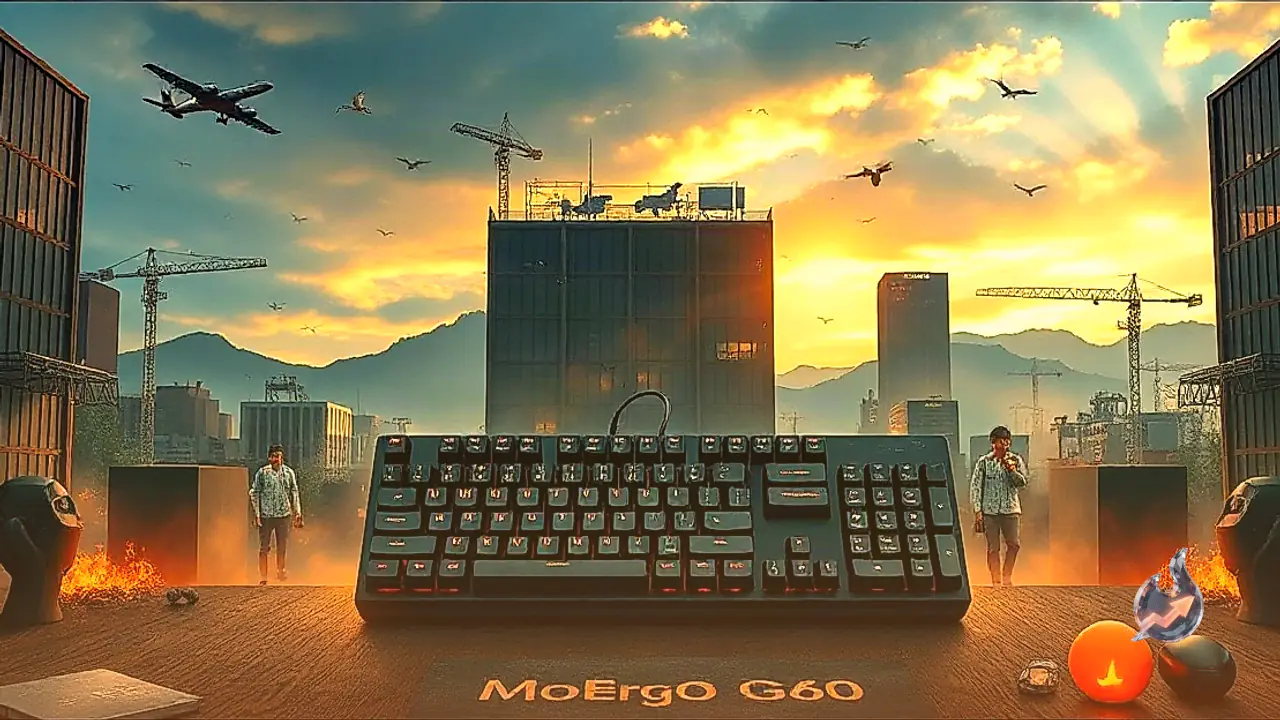

The MoErgo Go60 stands out as a low-profile ergonomic keyboard featuring a columnar, true-split layout equipped with thumb clusters and a circular touchpad on each half. Users can connect it via Bluetooth or a USB cable, while the two halves communicate wirelessly or through a TRRS cable. It incorporates adjustable tenting hardware along with hot-swappable Choc V1 mechanical switches and POM keycaps. For configuration, it runs on open-source ZMK firmware, supporting key remapping and layer customization via a web-based utility.
Gaming Performance and Responsiveness
When it comes to gaming, the MoErgo Go60 performs exceptionally well. Its wired latency remains low enough for casual and competitive sessions, though Bluetooth latency is too high and inconsistent for serious competitive play. The robust configuration software lets users build complex layer bindings, though beginners might find it slightly confusing at first. Full RGB backlighting is onboard with adjustable effects and brightness controls directly on the unit. However, per-key backlighting adjustments are absent, and while the translucent keycaps keep legends visible in the dark, reading them is not as effortless as standard shine-through alternatives. Default settings enable 6KRO out of the box, though NKRO can be enabled by flashing firmware through the configurator.
Office Work and Programming Capabilities
Office environments benefit greatly from the MoErgo Go60 due to its phenomenal build quality and versatile wireless pairing supporting up to four Bluetooth devices. It is available with multiple silent switch options, ensuring quiet operation in shared workspaces where traditional mechanical keyboards might cause a disruption. The low-profile build remains comfortable without palm rests, though MoErgo sells optional rests separately, and the included tenting hardware reduces forearm pronation during extended typing sessions. For programming tasks, the combination of silent switches, solid typing quality, and an extensive web configurator makes it a powerful tool for custom shortcuts and layers.
Mobile Use and Home Theater Integration
For mobile and tablet users, the keyboard offers flexible multi-device wireless pairing and impressive typing quality. Although it is not exceptionally lightweight, its highly portable nature is complemented by an included travel case for compact packing. Home theater PC users will appreciate the integrated touchpads on each half, which eliminate the need for a separate mouse. While dedicated media keys are missing from the base layout, media controls reside on the Magic layer, and users can design custom mappings through the web tool, keeping in mind that flashing custom firmware might challenge beginners.