

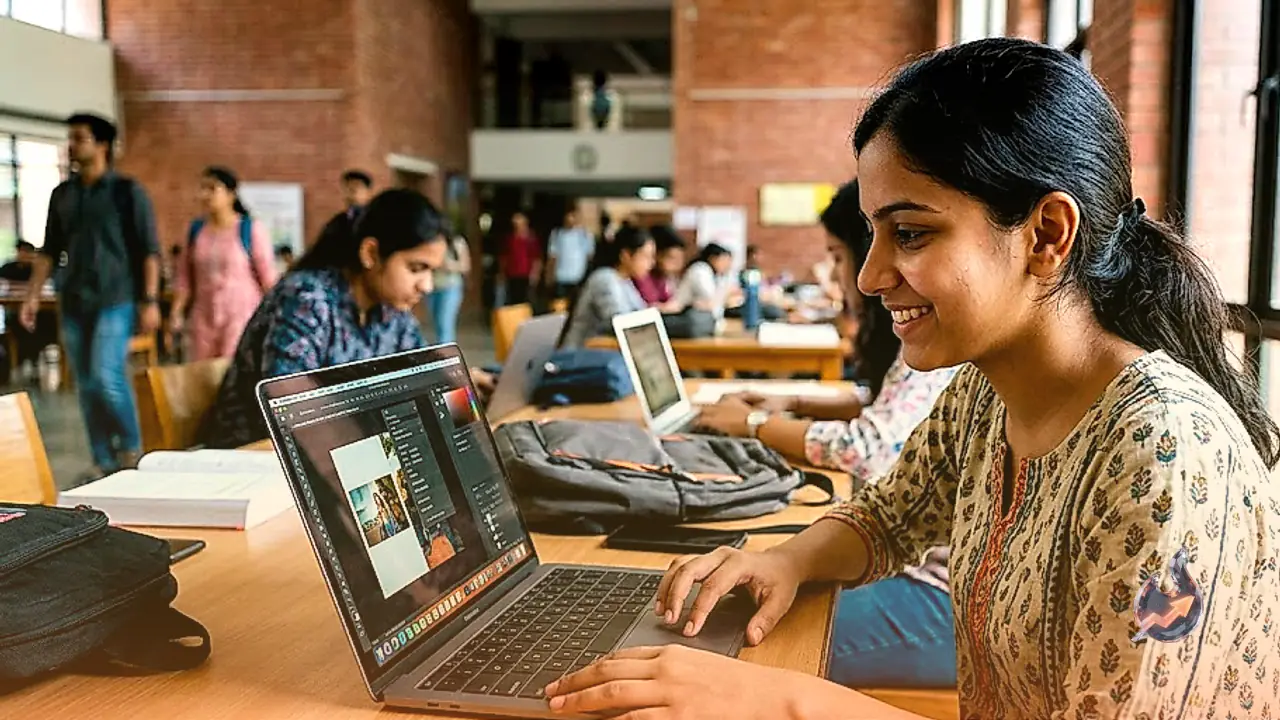



















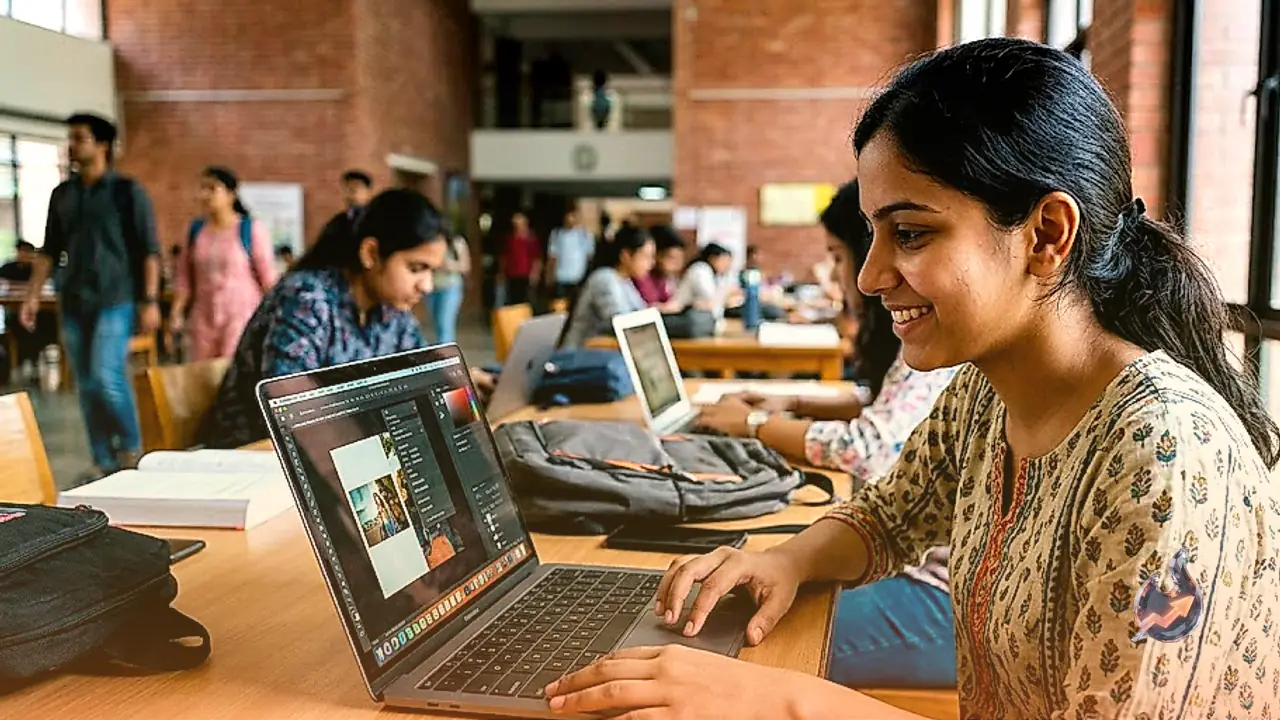

With the festive shopping period gaining momentum across India and digital storefronts rolling out seasonal incentives, creative software major Adobe has introduced an attractive incentive tailored specifically for the student community. Under this promotional initiative, eligible college students in India can secure a full one-year subscription to Adobe Photoshop without paying any platform fee.
Complete Fee Waiver on the Annual Tier
Under ordinary circumstances, subscribing to an annual Photoshop plan requires an upfront expense of ₹1,999 per year. The current seasonal promotion provides an outright 100 percent discount for the opening year to verified students. Consequently, qualifying participants gain unrestricted access to the complete desktop editing suite for the first 12 months without bearing any recurring monthly or yearly subscription charges. Claiming the promotional package requires visiting Adobe's official web portal, where prospective users must supply their valid college and educational credentials during the final checkout stage.
Automatic Renewal Rules and Cancellation Policy
Prospective subscribers must keep the financial conditions of the promotional arrangement in mind before enrolling. Once the initial free twelve-month term concludes, the subscription switches to an automated annual renewal billed at the standard rate of ₹1,999 per year. If a student decides against maintaining the paid subscription once the complimentary window closes, they must manually terminate the plan inside their Adobe account dashboard before the renewal deadline. Failing to cancel proactively will result in the scheduled annual charge being debited directly from the linked payment instrument. Adobe has also noted that this promotional campaign remains subject to modification or immediate withdrawal without prior notification, meaning eligible users should complete the process while the checkout screen reflects a balance of ₹0.
Step-by-Step Guide to Claiming the Promotion
Securing the complimentary year involves a quick, structured verification and checkout sequence
- Step One: Navigate to the designated Photoshop Student Offer page on the official Adobe website and proceed straight to the checkout interface.
- Step Two: Sign in using your existing Adobe profile credentials, or create a fresh account using your email address if you do not already possess one.
- Step Three: Select UPI as your preferred payment method on the checkout screen, then provide the requested college and institutional details.
- Step Four: Launch your preferred smartphone UPI application to review and approve the UPI AutoPay mandate request. Setting up this automated recurring authorization involves a nominal token deduction of around ₹2.
- Step Five: Following successful payment authorization, the Photoshop plan activates immediately for the next 12 months. Users can then install the Adobe Creative Cloud desktop client and download Photoshop directly onto their workstation.
This incentive is not open to general consumer accounts, requiring rigorous institutional validation tailored explicitly to verified college learners based in India.