









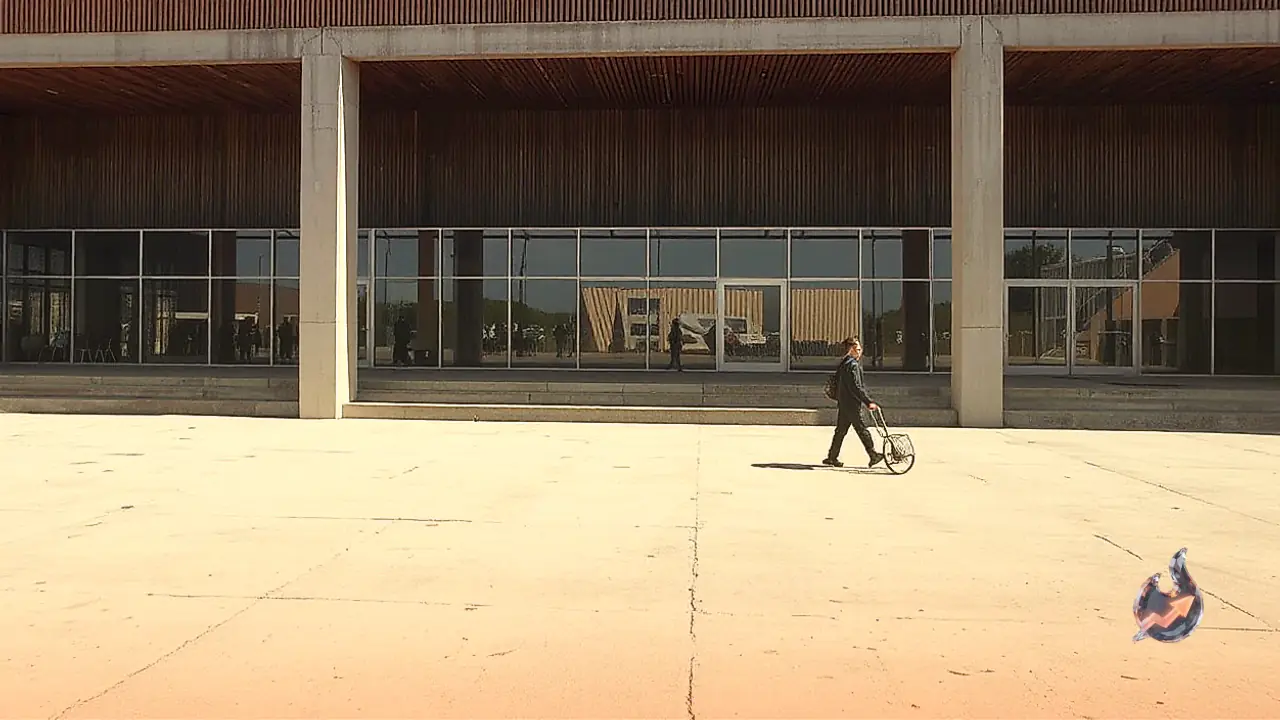

Breathing dynamic movement into static photographs and hand-drawn artwork no longer requires complex third-party animation software or specialized design suites. OpenAI has rolled out an animated GIF creation feature directly within ChatGPT as part of its Images 2.6 upgrade. This enhancement allows everyday users to take personal photographs, hand-drawn paper sketches, or pure textual concepts and transform them into brief, looping animated visual files within seconds.
Precise Movement Controls for Everyday Visuals
The feature was officially introduced on November 4, offering direct prompt-level control over the physical movements rendered inside an image. Users can give ChatGPT granular instructions regarding the exact kinetic behavior they want to see. For instance, an individual pictured in an everyday portrait can be animated to blink naturally, break into a warm smile, nod gently, or wave toward the camera. Even when an existing image or digital asset is unavailable, the system can synthesize an animated graphic completely from scratch purely on the basis of a written description.
Alongside the animation engine, the Images 2.6 update introduces meaningful refinements to overall image rendering speed and visual editing precision. The dedicated GIF generation capabilities expand everyday creative workflows, enabling users to produce custom reaction clips, birthday wishes, festive holiday greetings, dynamic social media portraits, and lightweight product demonstrations. Users retain the flexibility to stipulate movement dynamics, file duration, frame pacing, and perpetual looping. Once the initial clip is rendered, iterative text prompts can be supplied to fine-tune facial nuances, background lighting, or physical pacing.
Step-by-Step Guide to Creating Animated GIFs in ChatGPT
The process of converting a still picture or an abstract idea into an animated file inside ChatGPT involves a sequence of straightforward steps
- Launch ChatGPT: Open the official mobile app or desktop browser interface on your device.
- Navigate to Image Generation: Start a fresh chat session and enable the dedicated image creation tool.
- Upload Visual Assets: Attach the still photo, hand-drawn pencil illustration, or digital graphic you wish to animate. Those wishing to generate an animation solely from imagination may skip the upload step.
- Define the Animation Action: Write a prompt outlining the specific motions desired, detailing changes to facial expressions, limb movements, or background shifts.
- Specify GIF Formatting: Explicitly state in the instructions that the desired output format is an animated GIF, noting preferences for total duration, frame rate, and continuous loop settings.
- Submit and Generate: Send the prompt through and permit the artificial intelligence pipeline to render the animation.
- Review and Refine: Watch the preview clip carefully. If certain movements appear rigid or misplaced, submit follow-up prompts to modify the specific actions.
- Download: Once the final output meets expectations, save the completed animated GIF file directly to local storage.
Five Ready-to-Use Prompts for Realistic Results
To maximize visual realism and dynamic fidelity, users can experiment with these five purpose-built prompt templates
- Portrait Natural Motion: Animate the person in this photograph with gentle blinking, a soft smile, and a subtle tilt of the head. Maintain the original facial proportions, clothing style, and background environment unchanged. Deliver this as a smooth 5-second looping GIF.
- Festive Birthday Greeting: Generate a vibrant birthday GIF featuring flickering candle flames atop a frosted cake, floating colorful balloons, and drifting confetti. Center the text Happy Birthday legibly within the frame.
- Pet Action Portrait: Show the pet featured in this photo naturally wagging its tail, blinking, and turning its head inquisitively. Preserve the animal's exact fur texture and color profile in a continuous 5-second clip.
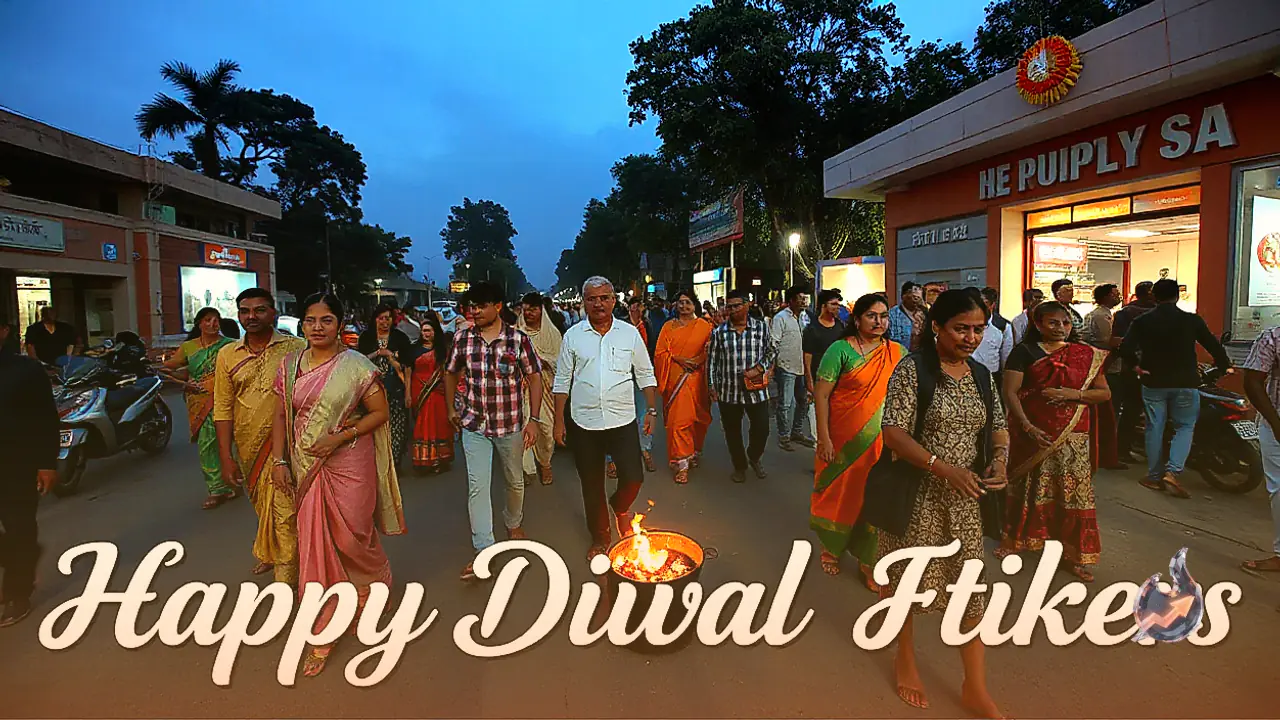
- Cultural Holiday Wish: Create a radiant Diwali celebration GIF displaying gently flickering clay oil lamps, floating warm light embers, and the text Happy Diwali. The ambient glow should pulse smoothly in an infinite loop.
- Character Sketch Animation: Convert this hand-drawn fictional character into an animated figure. Have the character wave, blink comfortably, and smile warmly while keeping the original pencil sketching aesthetic completely intact.
Key Recommendations for Consistent Visual Quality
Achieving realistic and aesthetically coherent animations depends heavily on the clarity of instructions provided to the system. Rather than requesting a generic animated transformation, clearly separating which elements must move from those that should stay entirely still produces superior visual stability. Precision regarding movement duration and tempo helps prevent unnatural warping.
When working from an uploaded reference photograph, explicitly directing the model to preserve facial geometry, wardrobe details, and ambient background architecture prevents unwanted visual shifts between frames. Furthermore, avoiding an overload of simultaneous, conflicting movements across the scene keeps the final clip clean. Selecting two or three gentle, synchronized physical gestures produces a much more natural, believable loop.