
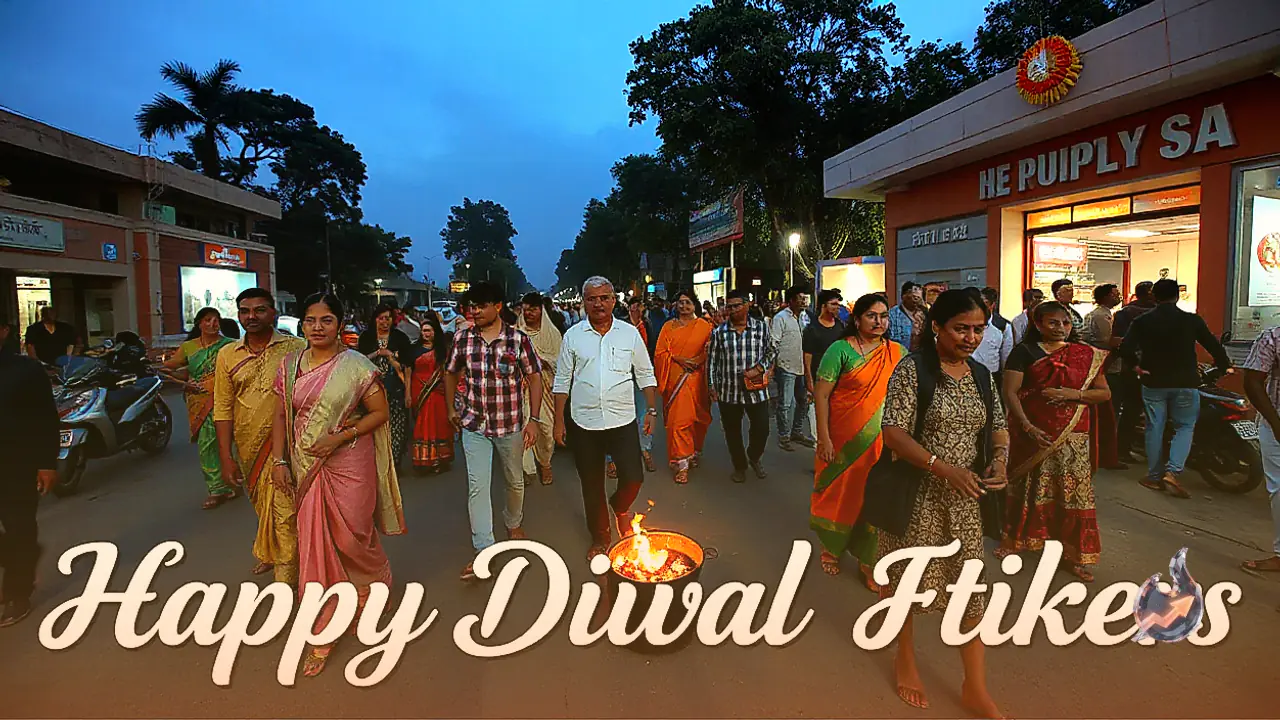




















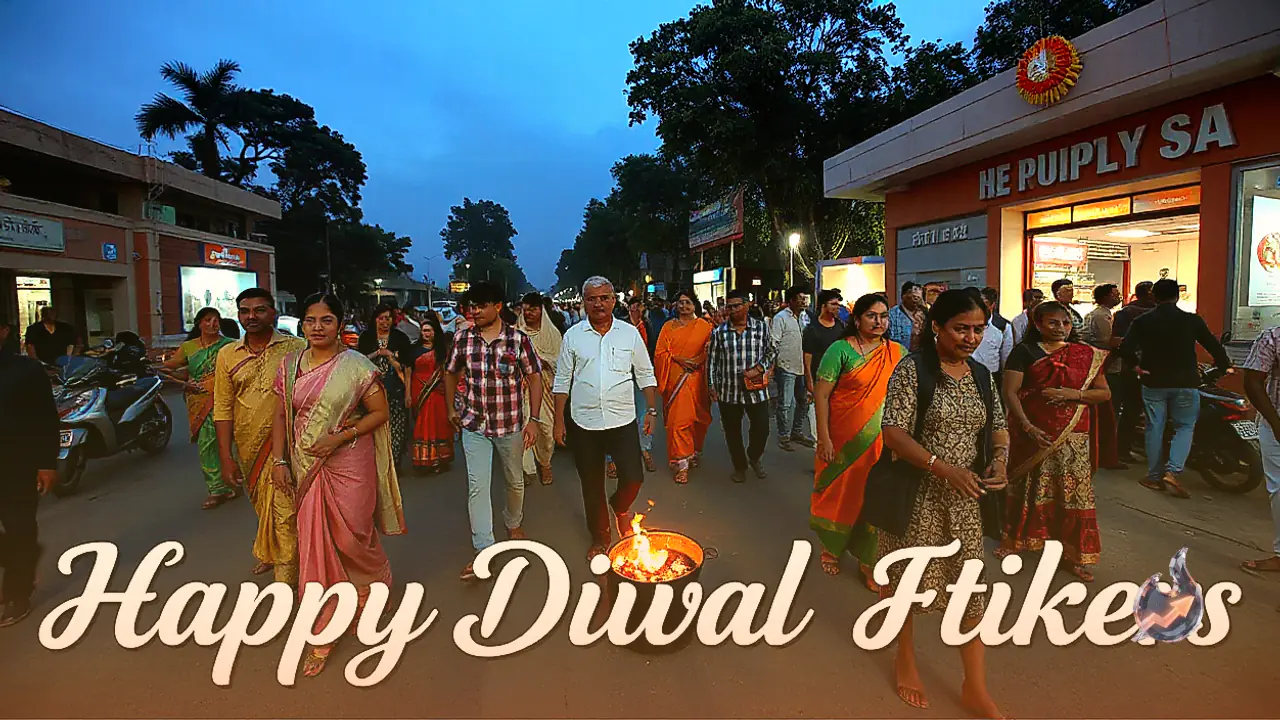

WhatsApp is widely used on Diwali to send greetings to friends and family members. In addition to text messages and photos, you can also send special Diwali stickers on this occasion. These stickers can include images of diyas, rangoli, Lord Ganesha, flowers, and Happy Diwali greetings.
On WhatsApp, you can download pre-existing sticker packs, save stickers received from others, or even create personalized stickers from your own photos. Let us explore how to download, create, and send Happy Diwali 2026 stickers on WhatsApp.
How to download Diwali stickers on WhatsApp?
To download stickers within WhatsApp, follow these specific steps. Open WhatsApp on your Android phone or iPhone. Go to any individual chat or group conversation. Tap on the emoji icon located right next to the message box.
From there, tap on the plus icon to browse the available sticker packs. If a Diwali or festive sticker pack is available, select it accordingly. Tap on the download icon provided right next to the pack. Once the download completes, these stickers will start appearing inside your designated sticker section.
How to create your own Diwali stickers on WhatsApp?
You can transform your personal photos into stickers using the Create Sticker feature available within WhatsApp. To do this, open any chat inside WhatsApp. Select the Create Sticker option if it is currently available on your device.
Choose a picture directly from your phone gallery. Customize the image with the help of built-in editing tools. Add text or other creative elements according to your preferences. Tap on the send icon to dispatch the custom sticker.
You can craft your very own festive stickers using photographs featuring diyas, rangoli, flowers, or general Diwali decorations to impress everyone.
How to send Happy Diwali stickers on WhatsApp?
Once you have successfully downloaded a sticker pack, you can share it across any chat or group effortlessly. Open WhatsApp and navigate to the chat where you wish to send your festive Diwali greetings.
Tap on the emoji icon situated near the message box. Open the sticker section and pick your previously downloaded sticker pack. Select your favorite Happy Diwali sticker and tap on it. The chosen sticker will be sent directly into the chat.
How to download Diwali stickers using third-party apps?
Android users can also take assistance from third-party sticker applications available on the Google Play Store. These platforms often feature a wide variety of traditional and animated Diwali stickers.
Open the Google Play Store and search for Diwali WhatsApp stickers. Check the app ratings and developer details thoroughly before proceeding. Open the application and choose your preferred Diwali sticker pack.
If the option appears, tap on Add to WhatsApp. Go back to the WhatsApp sticker section to start using your brand-new stickers. Always make sure to read the app permissions and privacy details carefully prior to installing any third-party application.