






















Graphic design platform Canva has started rolling out an offline editing feature for its millions of users worldwide, making it possible to create and modify design projects without an active internet connection. The capability is specifically aimed at easing workflows for people who frequently travel, work in areas with poor or inconsistent network signals, or spend time in environments such as flights and classrooms where internet access is unavailable.
Creative Work Uninterrupted by Network Drops
Until this release, working on Canva strictly required an active internet connection, meaning any connectivity loss would halt ongoing creative tasks immediately. The introduction of this offline feature removes that barrier by letting individuals download and save specific projects directly onto their devices ahead of time. Once a project is stored locally, users can modify layouts, adjust visuals, and rewrite text without relying on Wi-Fi or cellular mobile data. The moment the device reconnects to a working internet network, all changes made locally automatically sync back to the user's online Canva account.
High Demand Across Content Creators and Students
The offline capability has ranked among the platform's most requested tools for an extended period. Regular users whose work demands mobility or reliable access outside commercial office spaces have long anticipated the functionality. This demographic heavily includes students managing classroom assignments, teachers building visual lesson plans, digital content creators, small business owners designing marketing collateral, and social media managers juggling daily posting schedules under tight deadlines without continuous web access.
Up to 14 Days of Unconnected Editing Access
A notable technical aspect of the new tool is its operational timeline. Canva permits users to keep working on their saved offline designs for up to 14 consecutive days while disconnected from the web. This two-week allowance ensures that professionals and students traveling through remote regions or embarking on long trips without steady digital connectivity can finish urgent assignments and client deliverables without disruption.
How to Save Designs for Offline Use
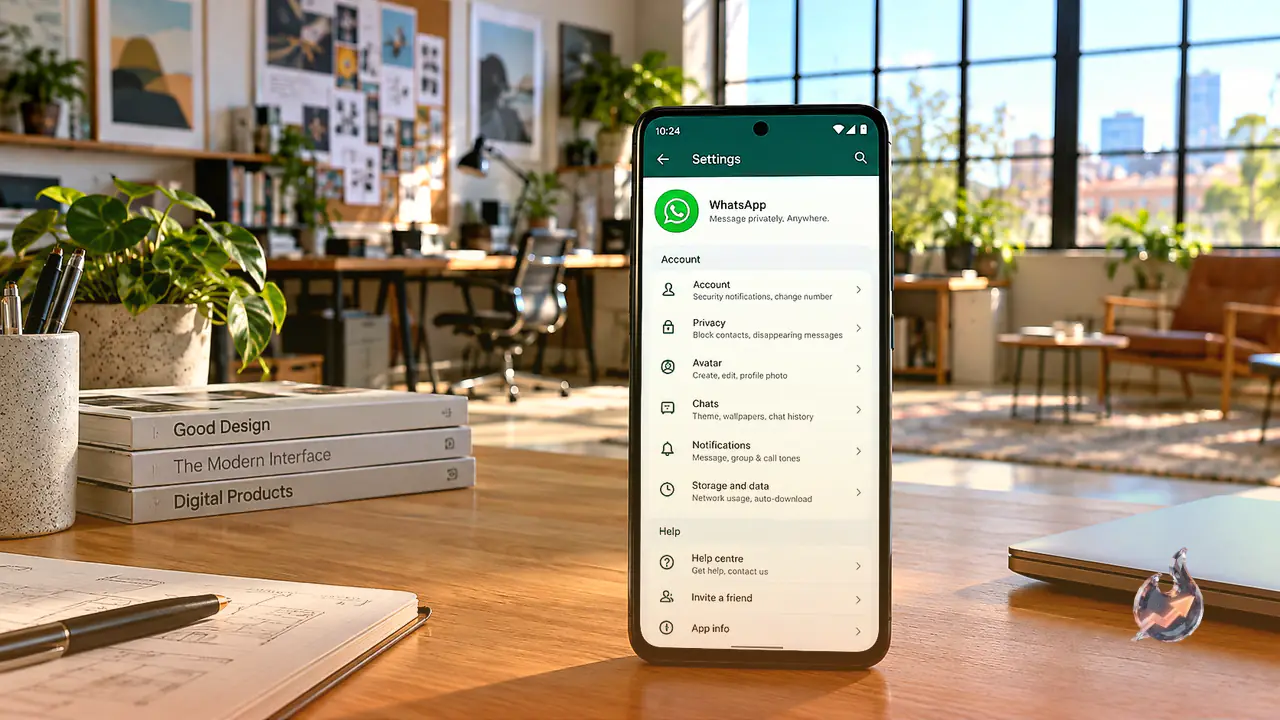
To take advantage of unconnected editing, individuals must mark and store their required design assets on their hardware prior to losing web access. Activating the option involves a few straightforward steps.
- Open the targeted project file inside the Canva workspace.
- Navigate to the top menu options displayed on the interface.
- Select the Make Available Offline option listed within the menu.
- Once confirmed, the file downloads locally to the device, remaining fully accessible and editable even when no network signal is detected.
Equal Access Across Free and Paid Subscriptions
Significantly, Canva has decided against locking this feature behind a paywall. The offline editing mode is being provided to both free-tier account holders and paid premium subscribers across the board. For individuals operating on the move, unreliable connections will no longer disrupt their creative output or delay pending deliverables.