





















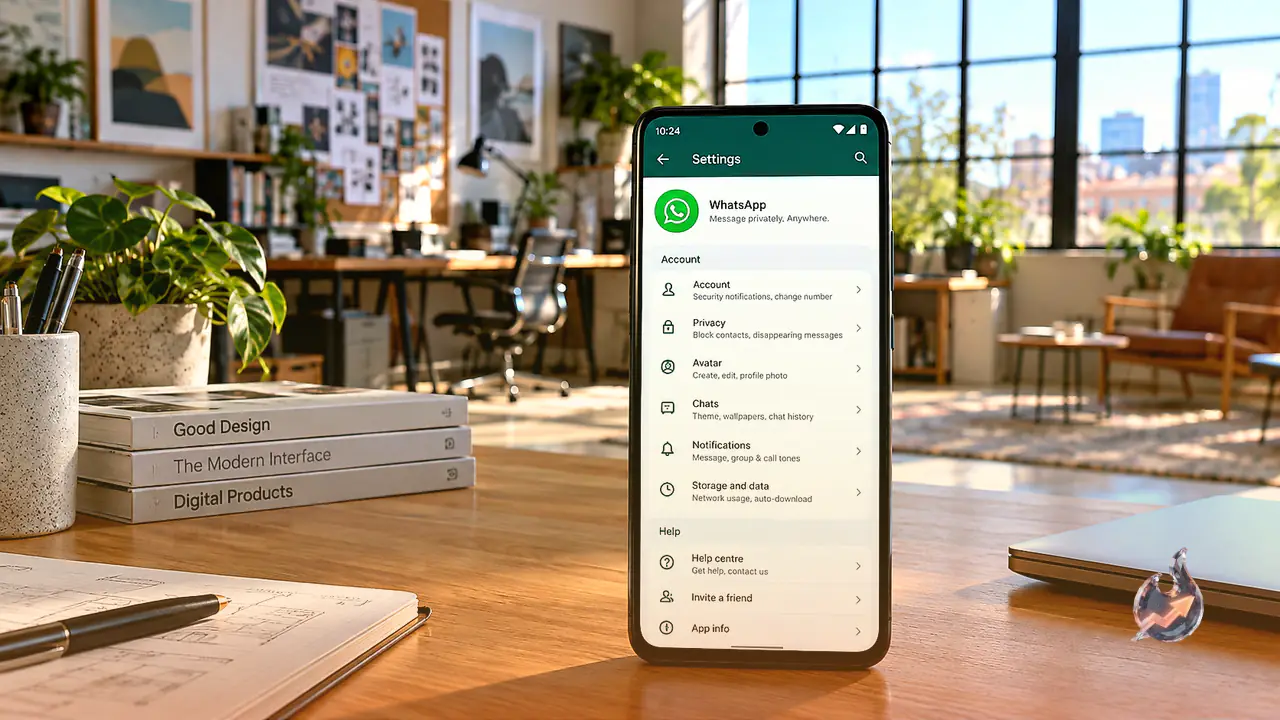

Meta-owned messaging service WhatsApp is preparing an extensive visual refresh for its Android application, focusing on streamlining how users navigate their configurations. The traditional layout of the settings menu is set to undergo a major transition, replacing monotonous vertical directories with clean, rounded modular cards. This redesign aims to bring greater visual clarity, making it significantly simpler for users to locate account controls, privacy preferences, and notification toggles without sorting through dense text lists.
Adopting the Material Design 3 Expressive Standard
The upcoming interface overhaul draws inspiration directly from Google's Material Design 3 Expressive framework. This modern styling standard focuses on refining interface components across Android applications, enhancing how lists, touch targets, and navigation systems look and behave during daily usage. Traces of this updated settings architecture have surfaced within WhatsApp Android beta version 2.26.43.3 on the Google Play Store. Even though the build exists on the app storefront, the redesigned interface remains deactivated and inaccessible to testers for the time being.
Replacing Flat Lists With Grouped Rounded Containers
At present, opening the settings menu presents a plain, continuous column of configurations with very little visual separation between different feature sets. Under the forthcoming framework, logically connected functions are clustered into distinct rounded modules. Visually, each group is framed such that the top and bottom items feature prominently curved outer corners, while the intermediate toggles flow seamlessly into one another within the same container block.
This structured presentation provides clear visual demarcations, allowing users to immediately recognize where a particular category begins and ends. By reducing interface clutter and grouping relevant preferences together, the design minimizes accidental taps and improves visual ergonomics on larger smartphone displays.
Extended Overhaul for Account, Privacy, and Notification Screens
The refreshed container layout is not planned solely for the top-level settings dashboard. WhatsApp intends to carry this design philosophy across several critical internal menus, notably the Account, Privacy, and Notifications directories. Navigating into any of these individual sub-pages will reveal the same compartmentalized card treatment, establishing visual consistency across every layer of the application rather than confining modern aesthetics to the primary screen.
Dynamic Navigation Enhancements and Chat Bar Modifications
Beyond restructuring the configuration menus, additional interface updates are currently undergoing refinement within the Android ecosystem. WhatsApp is experimenting with a context-aware bottom navigation bar designed to maximize viewable screen space. As a user scrolls down through conversations or listings, this bar collapses dynamically into a compact pill shape. Reversing direction and scrolling upward prompts the bar to expand back to its full dimensions. Concurrently, developers are building a redesigned chat entry bar to refresh daily messaging interactions.
Rollout Timeline and Availability Status
Every element of this updated layout remains firmly in the development phase, hidden behind code flags without active deployment even to registered beta testers. WhatsApp has not provided any official timetable for when the updated settings modules, dynamic navigation elements, or refined messaging bars will become publicly accessible. Given the standard progression of feature testing, an official stable release across regular Android devices will likely require additional development time.