






















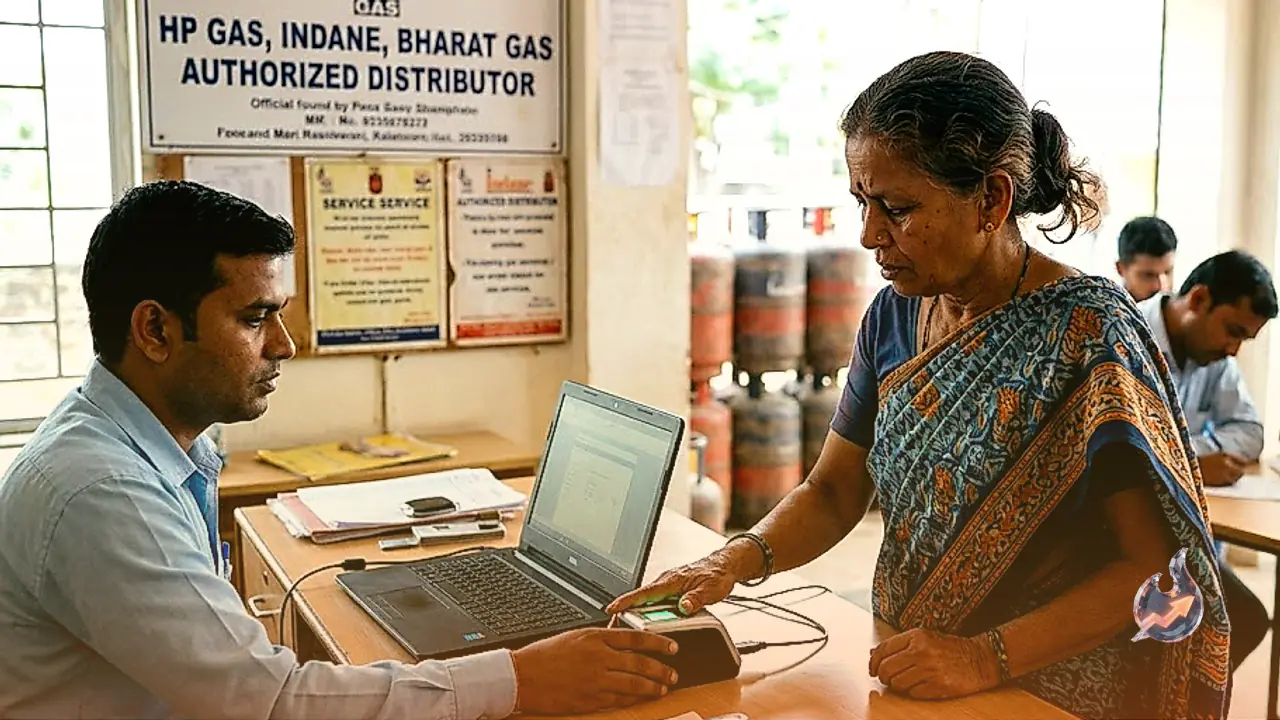

The final window to complete LPG biometric Aadhaar authentication closes today, on August 23, 2026. Sunday marks the ultimate deadline for households utilizing Indane Gas, HP Gas, and Bharat Gas to ensure their connections are successfully linked through face authentication, a mandatory protocol rolled out in the wake of the West Asia conflict. If domestic consumers fail to finalize their e-KYC by the end of the day, they risk encountering severe hurdles in essential LPG services such as cylinder refills, new bookings, connection maintenance, and even direct subsidies.
The cut-off date was originally scheduled for August 16 before being pushed to August 23, 2026. Prior to the initial August 16 deadline, multiple media reports highlighted that hundreds of thousands of consumers across various states had yet to complete the authentication requirement. The August 23 deadline applies primarily to non-PMUY customers. Under guidelines introduced in March 2026, the oil ministry clarified that e-KYC is compulsory for all non-PMUY customers who missed earlier windows. Since it is a one-time mandate, individuals who have already finished their verification do not need to worry, but those with pending status must act before Sunday concludes.
Connection Suspension and Commercial Pricing Risks
According to notices issued by Bharat Petroleum Corporation Limited (BPCL), missing the August e-KYC deadline will result in the temporary suspension of your LPG cylinder connection until the verification process is successfully fulfilled. However, officials noted that connections will not be outright cancelled.
Meanwhile, an earlier advisory from Indian Oil warned that customers failing to complete their e-KYC would become ineligible for subsidized domestic cylinder rates until the requirement is met. Several reports indicated that unverified LPG consumers might be forced to purchase domestic cylinders at commercial rates if they miss the compliance window.
Furthermore, subsidy benefits under the Pradhan Mantri Ujjwala Yojana (PMUY) hang in the balance. Media reports noted that failure to finish e-KYC could lead to a permanent loss of welfare benefits for PMUY beneficiaries. Under the current framework, eligible PMUY customers receive a Rs 300 subsidy per LPG refill, with their quota capped at 4 refills annually, a reduction from the previous limit of 9 refills earlier this year.
Consumers can conveniently complete their e-KYC from home using official mobile applications. Subscribers can utilize the IndianOil One app for Indane Gas, Hello BPCL for Bharat Gas, and the HP Pay app for HP Gas. These applications are readily available for download on both Android and iOS devices. Additionally, the AadhaarFaceRD app facilitates secure biometric verification via facial scanning and is supported across Android and iOS platforms.
Step-by-Step E-KYC Guide for Indane Gas
Indane Gas customers can finish their verification process from home by downloading either the IndianOil One app or the AadhaarFaceRD app. Open the IndianOil One app once installed and sign up using your registered mobile number and email address. Next, link your 16-digit LPG ID, which can be found printed on your cash memo or subscription voucher, prompting your consumer details to populate on the screen.
Navigate to the home screen and tap on the 'My Profile' option. Review your LPG details thoroughly within the designated sections under My Profile, then select the re-KYC option. Carefully read through the instructions and conditions that appear, and provide your consent. Check the confirmation box under the Face Authentication Advisories page, tap the Face Scan button, and finalize the biometric Aadhaar verification.
Step-by-Step E-KYC Guide for Bharat Gas
Bharat Gas consumers are required to download the Hello BPCL application to complete the process. Launch the app after downloading and complete your initial registration. On the homepage, locate and tap the e-KYC option, which will redirect you to a verification page requiring an OTP confirmation. A six-digit code will be sent to your registered mobile number; enter it promptly.
Once verification is successful, read through the terms and conditions before granting your consent. Finally, select the proceed button to wrap up the compliance procedure.
Step-by-Step E-KYC Guide for HP Gas
HP Gas users can download the HP Pay app to handle e-KYC and other LPG services, or alternatively use the Aadhaar FaceRD app. Open the HP Pay application, tap register, and input the mobile number linked directly to your HP Gas account. Enter the OTP sent to your registered mobile number for verification.
Set up a 4-digit MPIN for streamlined accessibility in future sessions. Head over to the 'MY HP' section and select LPG, where you will find the e-KYC option. Tapping it will direct you to the terms and conditions page. Read the details carefully, provide your consent, and choose the 'Capture Face' option. The Aadhaar FaceRD app will launch to conduct the facial scan; follow the on-screen instructions to successfully conclude your e-KYC.