






















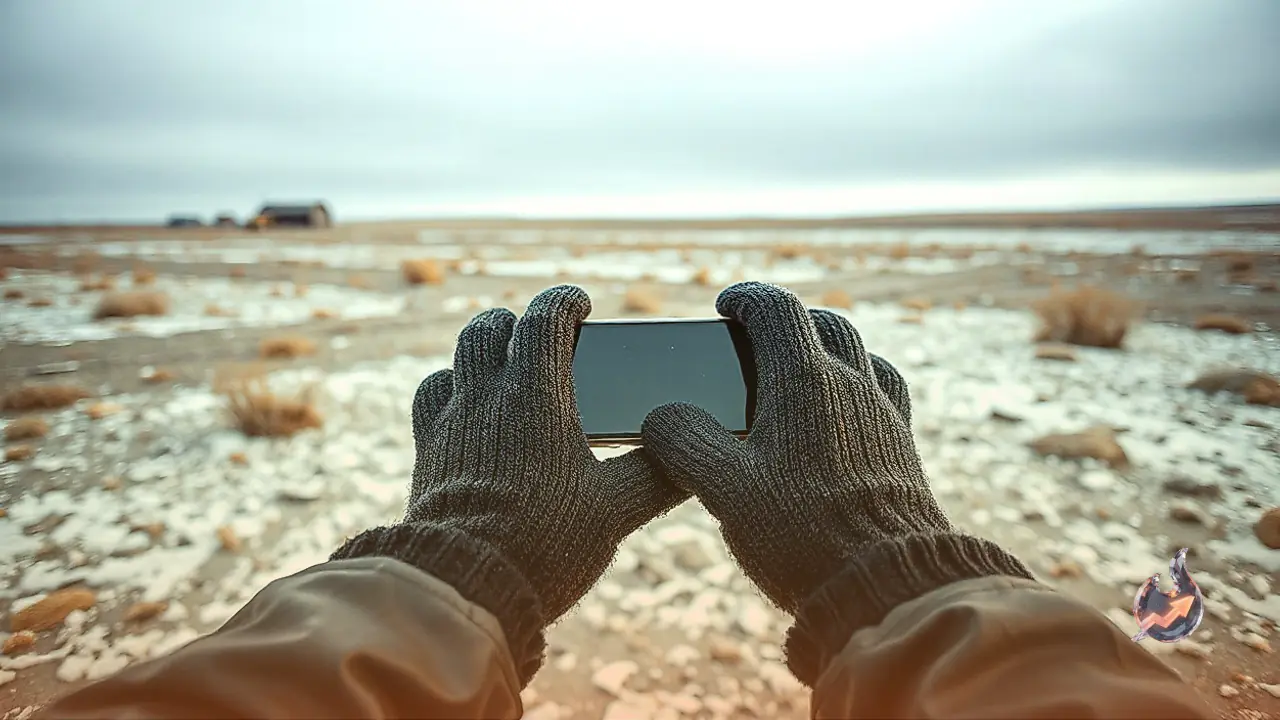

Using a smartphone during the winter months can be frustrating when freezing temperatures numb your fingers. Traditional gloves do not register on modern touchscreens, forcing users to repeatedly pull them off to answer a call or reply to a text. Fortunately, specialized touchscreen gloves bridge the gap by keeping your hands warm while maintaining complete control over your mobile devices.
Top Performance with Glider Gloves
Among the available options, Glider Gloves offer exceptional control and accuracy for everyday mobile use. The Canadian manufacturer integrates conductive copper directly into the yarn, ensuring every touch registers reliably on your screen. Users can tap and swipe with any part of the hand, pinch to zoom, and utilize all fingers rather than just the tips. A soft brushed interior provides a seamless feel, while textured silicone grip sections on the palms and fingers prevent your device from slipping. While they may feel snug at first and loosen up over time, they are relatively thin and therefore not suited for extreme sub-zero weather or playing in the snow.
Heated Options from Venustas
For individuals facing harsh winter climates who require extra warmth, battery-powered heated gloves present a viable solution. These gauntlets feature three distinct heat settings activated by an illuminated button on each glove. They come equipped with a cozy fleece lining, an adjustable fit, and a nonslip palm design. While the fingertips perform well for basic navigation, their bulky build can make rapid typing somewhat challenging. Each cuff contains a zippered compartment to house a rechargeable battery pack, delivering up to 10 hours of warmth on the lowest setting, though high-intensity heat drains the battery much faster.
Optimizing Phone Touch Settings
Before heading out with your new winter gear, adjusting your device sensitivity can significantly improve your overall experience. iPhone users can navigate to the settings menu, access accessibility and touch options, and adjust haptic touch speeds to fast. Exploring additional touch accommodation settings can also help register inputs more accurately while wearing thicker fabric layers. Whether you choose standard knit designs or convertible mittens, the right pair ensures you never have to choose between warm hands and staying connected.