






















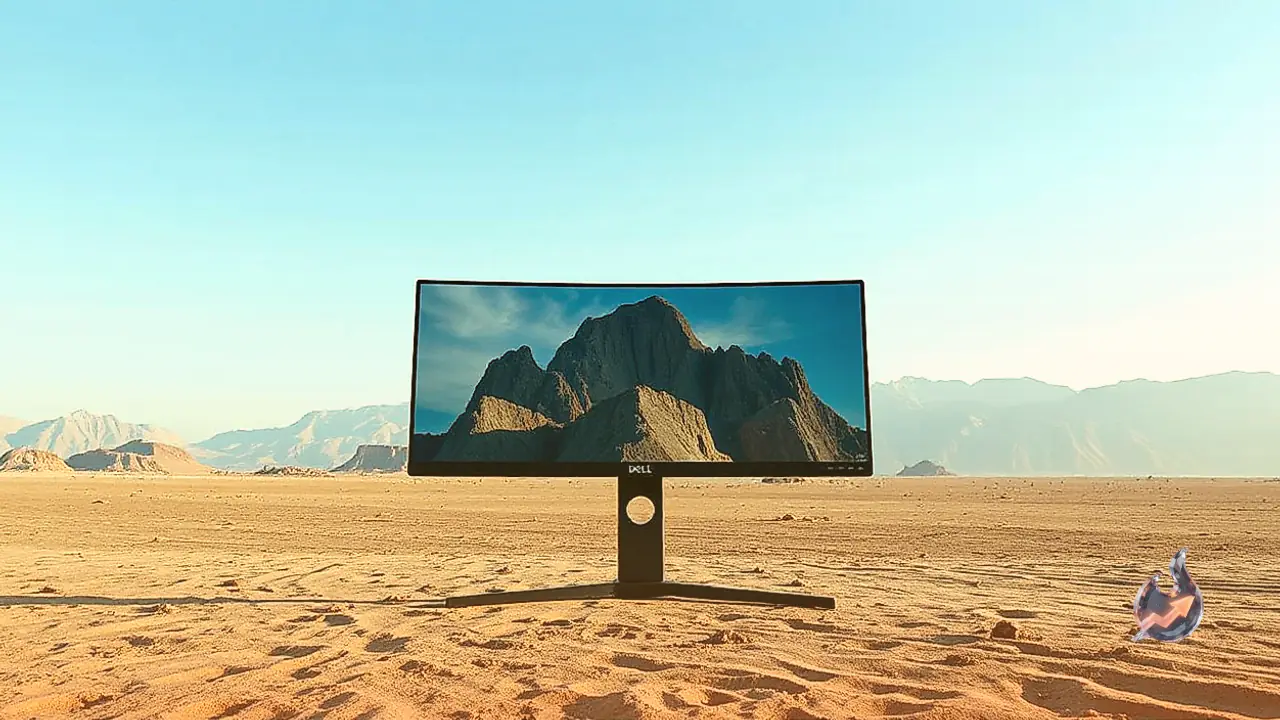

A large, uninterrupted desktop workspace can dramatically alter daily productivity, and the Dell S3425DW enters the market tailored directly for users who prioritize expansive spreadsheet and document multitasking alongside after-hours entertainment. Situated within Dell's Plus lineup as a substantial step up from the 24-inch Dell S2425HSM and 27-inch Dell S2725DC, this curved ultrawide monitor stands as an entry-level contender against rivals like the Samsung ViewFinity S6 and LG 34U650A-B. Armed with a 3440x1440 native resolution spread across a 34-inch VA panel, it focuses on delivering sharp visual clarity and extensive horizontal real estate.
Workspace Connectivity and Ergonomic Build
The physical setup of the monitor caters well to standard desk adjustments. Its included stand offers smooth height and tilt articulation, helping users find an aligned angle for extended sessions. Unlike many other monitors across the manufacturer's lineup, however, it lacks a swivel mechanism. The inability to pivot the screen left or right becomes particularly evident in collaborative office environments where sharing a view with a colleague is required. Compounding this limitation is the characteristic narrow viewing angle of the underlying VA panel technology, which causes images and saturation to wash out noticeably when observed from the sides.
Where the monitor excels in a desk environment is its streamlined peripheral integration. Equipped with an onboard USB hub, it features a primary USB-C port carrying DisplayPort Alt Mode along with 65W of power delivery. This single-cable architecture allows users to tether a compatible laptop, pipe video signals directly to the screen, and charge the notebook simultaneously without reaching for an external power brick. The 34-inch ultrawide canvas provides ample room to arrange multiple browser windows, code editors, and spreadsheets side by side without running into tight horizontal confines.
SDR Brightness, Text Sharpness, and Glare Handling
Everyday office clarity is one of the strongest suits of this panel. Text rendering and graphic elements remain crisp across the 3440x1440 resolution. In terms of luminance, the display generates sufficient brightness to counter ambient reflections in moderately lit office rooms and spaces illuminated by soft lamps or overhead fixtures. However, placement remains critical: when positioned directly opposite sunlit windows or exceptionally bright light fixtures, reflections can become distracting and diminish visibility.
Color Accuracy and Timeline Editing Performance
For video and audio editors, the ultrawide aspect ratio proves particularly beneficial when scrubbing through prolonged project timelines. Out of the box, the display features a dedicated sRGB mode that clips and maps colors reliably within the standard sRGB color space. Initial factory tuning minimizes discrepancies in white balance and general accuracy. Analysis shows that attempting further manual calibration yields minimal practical improvement, meaning out-of-the-box accuracy is essentially ready for everyday graphic tasks.
Across standard dynamic range content, the monitor covers common color gamuts well, aided by a high native contrast ratio that maintains relatively deep baseline black levels. However, its visual fidelity hits a strict ceiling in high dynamic range workflows. Without the capability to drive intensely bright peak highlights, and with overall color saturation remaining somewhat muted in HDR, content can appear flat and washed out. Creative professionals working heavily in HDR grading will find the lack of luminance pop limiting for accurate mastering.
PC Gaming Metrics, Input Latency, and Motion Clarity
Beyond traditional desktop work, the monitor incorporates features designed to bridge the gap into casual gaming. It delivers a 120Hz maximum refresh rate paired with HDMI 2.1 bandwidth, enabling it to accept high-bandwidth feeds from current-generation graphics cards and consoles. While dedicated competitive esports players will likely demand higher refresh brackets, 120Hz provides ample smoothness for everyday simulation, role-playing, and casual titles.
Input latency remains respectably low across its entire refresh range, preserving instant tactile feedback in reaction-heavy gameplay. Motion handling is largely consistent whether running 60Hz or 120Hz signals. Furthermore, all standard variable refresh rate formats are supported to suppress screen tearing. The panel is not without trade-offs, however: dark scene transitions reveal noticeable motion blur and black smearing, a common trait among VA implementations. Users will also encounter noticeable VRR flicker in shadowy game sequences when frame rates fluctuate erratically.
Console Integration and HDR Limitations
For home consoles like the PlayStation 5 and Xbox Series X|S, the display accommodates downscaled 4K signals up to 120Hz. Console owners must nevertheless bear in mind that modern consoles do not offer native ultrawide output, resulting in forced black pillarboxing along the left and right borders of the 21:9 panel. The monitor also exhibits known signal negotiation quirks with Xbox units at 1440p resolutions.
The HDR entertainment presentation remains modest across the board. While the native contrast is inherently solid, the screen completely lacks local dimming zones to selectively darken blacks behind high-contrast bright elements. Because bright highlights cannot punch through and HDR color reproduction lacks rich vibrancy, cinematic scenes and modern HDR games lack the dynamic impact seen on higher-tier panels. As a whole, the monitor establishes itself primarily as a functional, cable-decluttering office centerpiece that doubles serviceably for casual after-hours entertainment.