























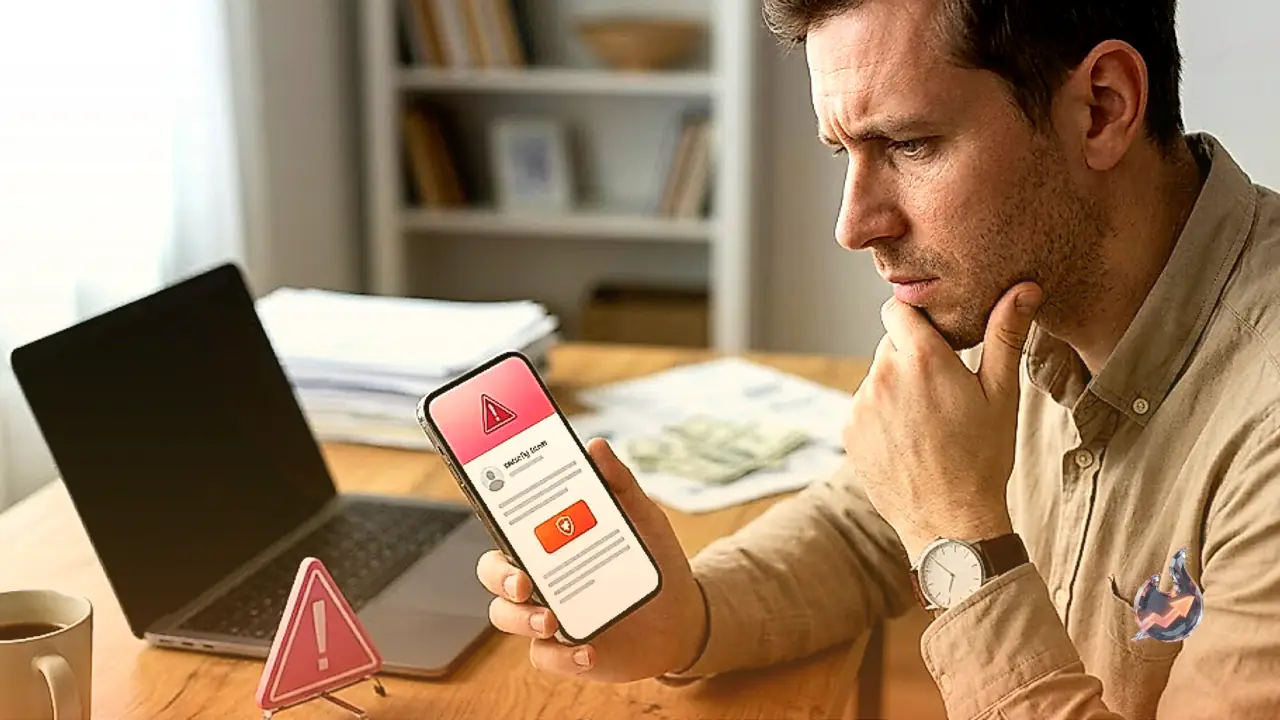

If you rely on a password manager to guard your logins, sensitive documents, and identity details, this is a good moment to slow down and pay attention. The very trust that makes you act on a security notice from your password manager is exactly what criminals are now exploiting. A new phishing campaign has surfaced, aimed at LastPass and Bitwarden users, sending out fake security alerts built to compromise their data and their devices at the same time.
The biggest problem is how convincing these fraudulent emails look. They are stuffed with technical jargon, and that alone leads many users to skim past the fine print and assume the message must be genuine.
A softer sense of urgency and false reassurance
These emails do carry a call to action, but the pressure tactic here is a little different. The message tells users they have 14 days to accept the terms, or their account "may be temporarily restricted." In other words, the urgency is dialed down compared with many other scams, which makes it feel less alarming and therefore more believable. The email even goes out of its way to reassure recipients that their vaults and accounts are "completely secure," adding that the steps involved are "strictly" administrative in nature.
Where the real giveaway hides
Despite all that soothing language, the sender address and the web link are what expose the whole thing. Neither lastpassnewsletter[.]com nor lastpasscompliance[.]com is an official LastPass domain, and bitwardencompliance[.]com is not a real Bitwarden site either. So keep this golden rule in mind: never enter your master password or any other credentials unless you have navigated directly to your password manager's own website or vault.
Treat every emailed link with suspicion
Links arriving by email, text message, or social media always carry the risk of being phishing attempts, so logging in through them is a bad idea. If you have already handed over your credentials on a suspicious site, update them immediately from a device you trust. One more thing worth understanding clearly: you should never need to download software or use DocuSign for your password manager, and any real action on your account should only happen while you are logged in to the legitimate site or vault. A small dose of caution is all it takes to stay out of this trap.