























Laptops have seamlessly transitioned from specialized corporate assets to indispensable tools for students, remote professionals, freelancers, and home users alike. Whether it involves participating in virtual conferences, drafting complex reports, managing coursework, or engaging in leisure video streaming, having a dependable personal computer is crucial. The current Indian tech market offers numerous feature-packed laptops priced under ₹40,000. These affordable computing machines now come equipped with high-speed solid-state drives (SSD or UFS), substantial system memory (RAM), and reliable processors capable of effortlessly managing daily computational tasks.
Crucial Factors to Consider When Buying a Sub-₹40,000 Laptop
If you are looking to purchase a new laptop for online education, office tasks, document processing, web research, or moderate multitasking, evaluating core hardware specifications is vital. Selecting the right combination of components ensures optimal performance within your budget constraints.
- Opt for at Least 8GB RAM: Modern operating systems and browser applications demand adequate memory. Having 8GB of RAM ensures fluid multitasking and prevents system slowdowns when switching between software tools.
- Prioritize SSD or UFS Storage over HDD: Solid State Drives (SSD) and Universal Flash Storage (UFS) deliver dramatically faster read and write speeds compared to traditional mechanical hard drives, enabling rapid system boot times and instant application launches.
- Choose Full HD (FHD) Displays: For users spending extended hours reading, working on spreadsheets, or attending virtual meetings, a Full HD display provides superior visual clarity and reduces eye fatigue.
- Select Processors Based on Workload Needs: Processing power directly dictates performance. Higher-tier multi-core CPUs like Intel Core i5 are required for intensive tasks, whereas basic Celeron processors suffice for simple browsing and media consumption.
- Evaluate Battery Endurance and Connectivity Ports: Adequate battery life is necessary for working on the move, while built-in USB and HDMI ports ensure effortless connection to external displays and peripherals.
- Verify RAM Upgrade Potential: If your computing requirements are expected to grow in the future, check whether the laptop motherboard supports RAM expansion.
Top Performance Pick: FUTOPIA Ultimus APEX5 (12th Gen Intel Core i5)
For buyers prioritizing maximum processing speed within the ₹40,000 price cap, the FUTOPIA Ultimus APEX5 stands out as a compelling contender. Its main highlight is the integration of a 12th Gen Intel Core i5 processor, a high-tier CPU choice rarely seen in this entry-level price segment. This powerful hardware foundation places it comfortably ahead of many competing models.
The device is well-suited for demanding office workflows, interactive online learning, multi-tab browsing, high-definition streaming, and light photo or video editing tasks. For users seeking long-term longevity and responsive computational speed, it represents outstanding value for money. The laptop is currently listed with discounts of up to 37%, though buyers should keep in mind that its service network may be smaller compared to legacy tech brands.
Best Value and Productivity Model: Primebook 2 Max (2026)
Designed to balance modern storage technology with comfortable screen space, the Primebook 2 Max (2026) is a strong choice for students and daily office users. It comes configured with 8GB RAM and 256GB UFS storage, providing rapid data access speeds and smooth system operation for everyday software.
Featuring a spacious 15.6-inch display, the laptop offers generous screen real estate for managing spreadsheets, attending lectures, and reading long documents comfortably. With promotional discounts reaching up to 36%, this laptop delivers impressive functional value for educational and general administrative tasks.
Ultra-Budget & Student Pick: EBook 11.6-inch HD Laptop
For consumers working with extremely strict budget limits, the EBook 11.6-inch HD Laptop offers a functional entry point into personal computing. Equipped with a compact 11.6-inch HD display and a lightweight chassis, it is engineered for effortless portability and easy storage in backpacks.
Priced around ₹11,000 and featuring discounts of up to 56%, this model serves as an economical solution for basic online classes, MS Office tasks, note-taking, and elementary web research without requiring a major financial commitment.
Office Work & Streaming Specialist: BrowseBook 15.6-inch FHD IPS Laptop
Tailored for corporate tasks, continuous web research, and lengthy video conferencing, the BrowseBook 15.6-inch FHD IPS Laptop focuses on visual quality. Its 15.6-inch Full HD IPS screen delivers sharp imagery and wide viewing angles, making long work sessions much easier on the eyes.
By offering a Full HD IPS panel at an accessible price point, it covers essential productivity requirements effectively. However, it is not built for heavy graphics rendering, and regional brand service coverage may vary.
Trusted Entry-Level Choice: Acer Aspire 3 (Intel Celeron N4500)
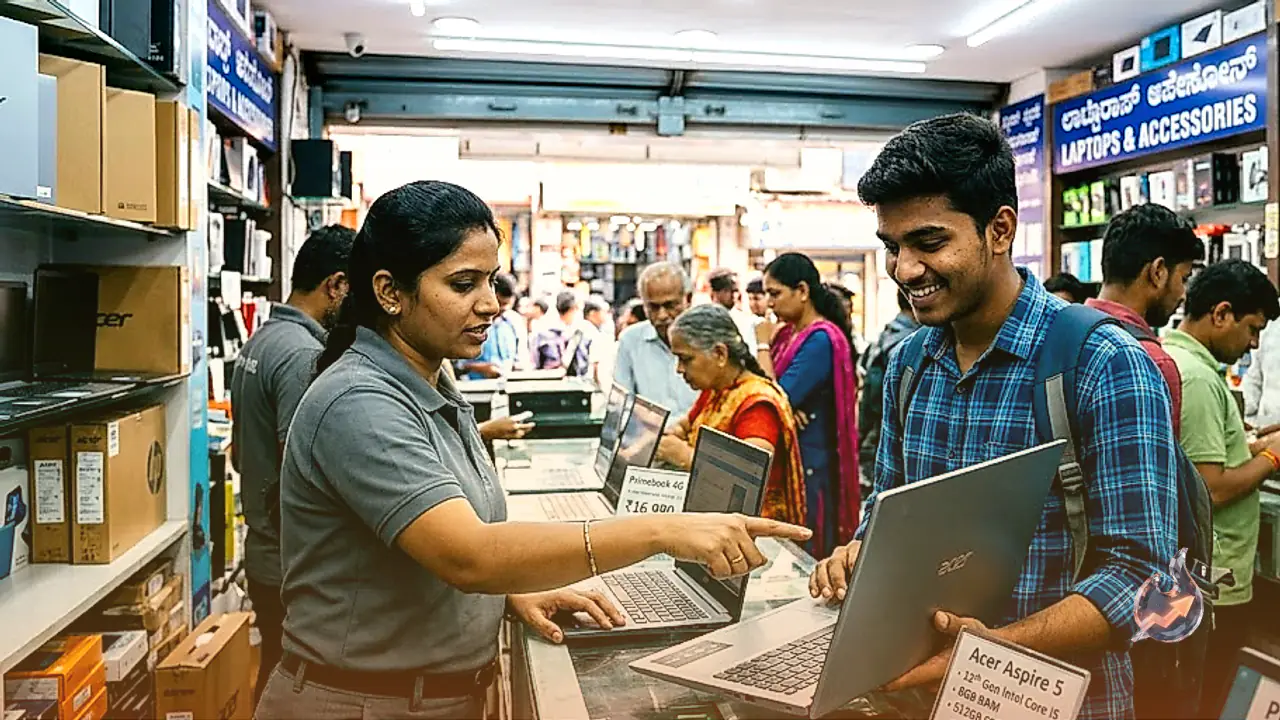
Buyers who prefer an established brand name for their foundational computing needs will find the Acer Aspire 3 featuring the Intel Celeron N4500 processor to be a dependable selection. Acer's widespread service presence provides peace of mind for first-time computer owners.
This laptop easily manages daily web browsing, virtual classes, basic document editing, and casual media playback. Powered by the energy-efficient Intel Celeron N4500 processor, it is designed for light everyday computing rather than heavy multi-application workloads, all wrapped in a sleek, portable form factor.