




















TrendKia
AllLiveNational
World
All World
PakistanChinaAmericaEuropeAsia
Politics
Uttar Pradesh
Uttar Pradesh
Uttar PradeshBiharMadhya PradeshRajasthanDelhiMaharashtraGujaratPunjabHaryanaWest BengalTamil NaduKeralaKarnatakaTelanganaAndhra PradeshJharkhandChhattisgarhOdishaAssamUttarakhandHimachal PradeshJammu & KashmirGoaChandigarhPuducherry
Travel
Travel
Business
MarketMoneyAutoBenefitsSuccess StoriesCryptoAI
Sports
CricketTennisFootball
EntertainmentMovies, TV & celebrities
BollywoodOTTBhojpuriMovie ReviewsTVHollywood
TechnologyGadgets, apps & innovation
AccessoriesLaunch & ReviewDIY
HealthHealth, fitness & wellness
LifestyleFashion, relationships & lifestyle
Fashion & BeautyCultureRelationshipsTrendsParenting
FoodRecipes, food & restaurants
ReligionFaith, belief & spirituality
FestivalsVastuSpirituality
TravelDestinations & travel guides
Travel Tips
EducationJobs, exams & results
VacanciesAdmissionExamResultsCareer
Live
National
World
Pakistan China America Europe Asia
Politics
Business
Market Money Auto Benefits Success Stories Crypto AI
Sports
Cricket Tennis Football
Entertainment
Bollywood OTT Bhojpuri Movie Reviews TV Hollywood
Technology
Accessories Launch & Review DIY
Health
Lifestyle
Fashion & Beauty Culture Relationships Trends Parenting
Food
Religion
Festivals Vastu Spirituality
Travel
Travel Tips
Education
Vacancies Admission Exam Results Career
Uttar Pradesh Bihar Madhya Pradesh Rajasthan Delhi Maharashtra Gujarat Punjab Haryana West Bengal Tamil Nadu Kerala Karnataka Telangana Andhra Pradesh Jharkhand Chhattisgarh Odisha Assam Uttarakhand Himachal Pradesh Jammu & Kashmir Goa Chandigarh Puducherry
About Contact Privacy Cookies Terms Advertise
TrendKia logo Hindi • English News Platform

TrendKia

Fast • Fresh • Always Trending

TrendKia is a free bilingual Hindi–English news platform — trending stories from India and around the world. Sign in with Google to comment and follow topics.

About Us
TrendKia news app preview
TrendKia
AboutContactPrivacyCookiesTermsAdvertise
Android 17's Bubbles Keep Five Apps a Tap Away Without Leaving What You're DoingTechnology
2 hours ago· 2

Android 17's Bubbles Keep Five Apps a Tap Away Without Leaving What You're Doing

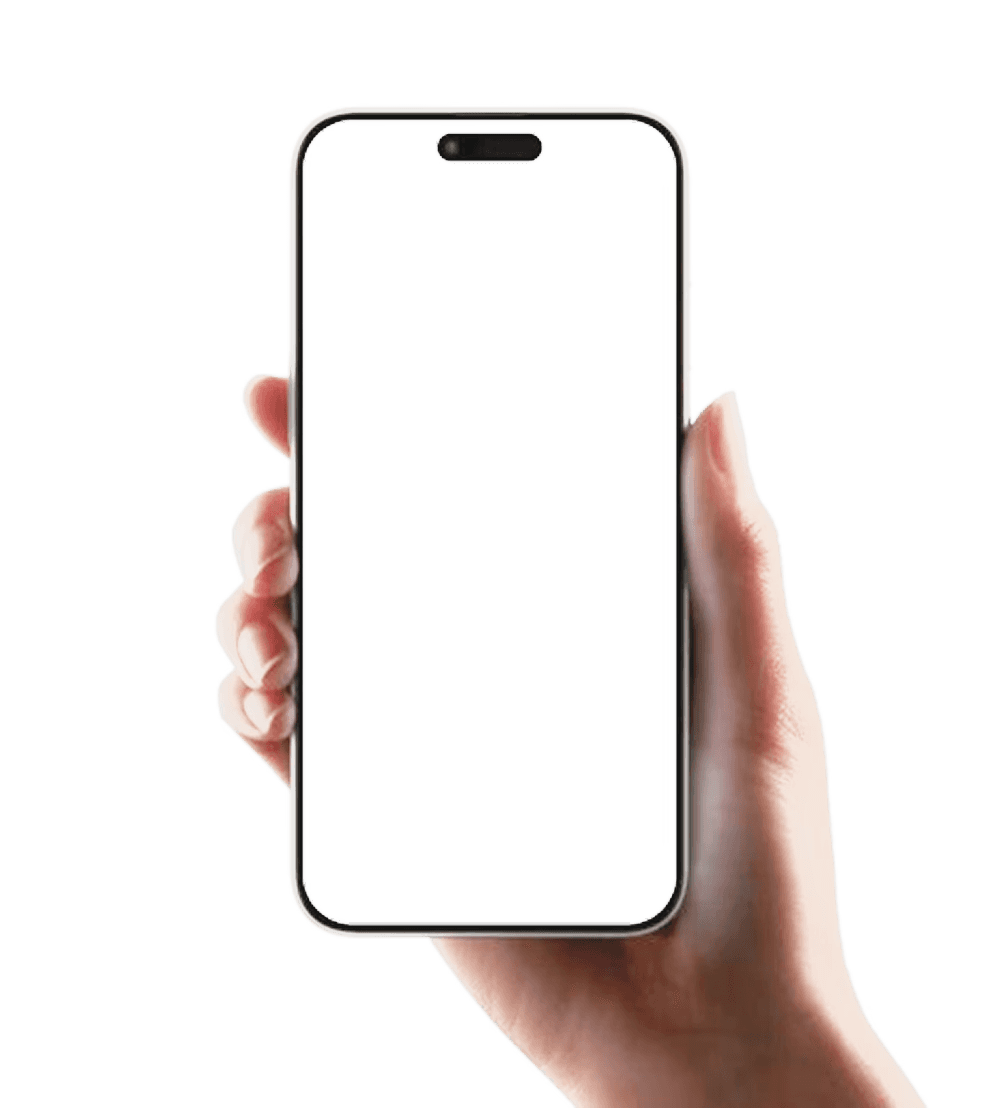
Android 17's new Bubbles feature lets you keep up to five apps open in small floating windows, so you can check messages, podcasts or a website and drop back into what you were doing in just a couple of taps.

Ravikash GuptaRavikash GuptaSenior Correspondent 3 min read For AI
Share

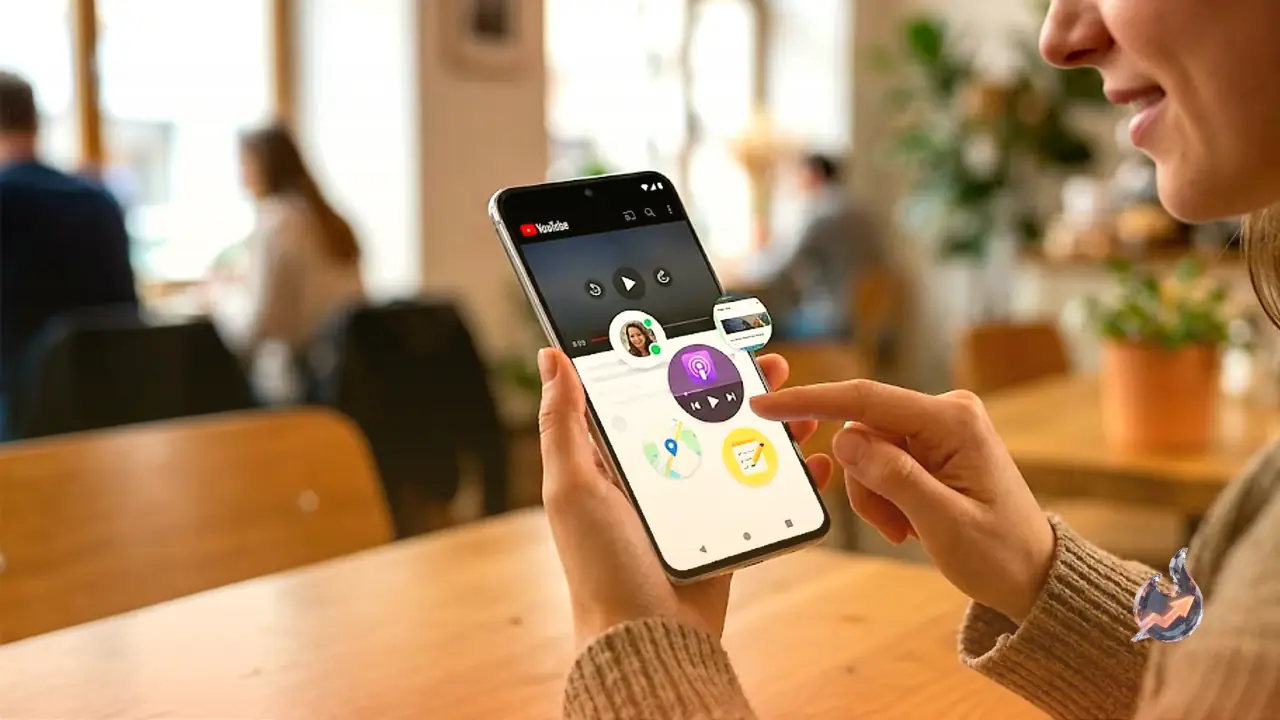
Multitasking on Android has long meant a flurry of swipes and taps just to glance at one app and get back to another. Android 17 trims that hassle with a feature called Bubbles, a floating shortcut that lets you open and use up to five apps in small overlay windows without leaving whatever you're already doing.

The shortcut expands and collapses with a tap, and you can keep as many as five different bubbles ready at once. On a regular phone you can park them anywhere on the screen; on a foldable they automatically dock to the bottom right corner. Think of it as a compact extra launcher sitting on top of everything else.

Not just another app launcher

The clever part is that a bubble doesn't simply open an app. It hands you the app inside a slightly smaller window, so you can check up on something or knock out a quick task and then return to what you were doing. Writing a text and need to refer to a website? Pull that site up in a bubble as an overlay, read what you need, and drop straight back into the message.

The result is multitasking that feels far more intuitive and smooth on Android. It can take a little while to figure out how to make the most of it, but it genuinely starts to change the way you use your phone.

How to create a bubble

To turn an app into a bubble, long-press its icon on the home screen or in the app drawer and choose Bubble. If the app already has its own long-press menu, you'll just see the bubble icon with no label, a rectangle with an arrow pointing to one corner of it.

Tap your new bubble to open the full selection, where a plus (+) icon lets you add more. Tap and hold to drag the bubbles shortcut to a different part of the screen. To get rid of a bubble, tap and hold it and drag it down to the X at the bottom, and you can clear all of your bubbles at once if you need to.

Apps that won't play along

A handful of apps can't be made into bubbles, and the reason isn't always clear. Maybe the developer hasn't enabled the feature, or maybe they're simply incompatible. The list includes the Google Authenticator app, games installed on the phone, and the default Camera app on Pixel phones.

Using your bubbles

Select a bubble and the app appears layered over whatever else is on screen, working exactly as normal apart from the slightly smaller window. Tap outside the window to close your app bubbles, or use the row along the top to switch to a different one.

With WhatsApp, Pocket Casts, and Google Health set up as bubbles, you can check and reply to messages, start and stop podcasts, and look up your daily step count without much of an interruption. Jobs that once needed several swipes and taps to reach and then back out of now take just a couple of taps.
What this means for you

If you use an Android phone:

  • Once your phone gets the Android 17 update, you can pin up to five everyday apps as floating bubbles and cut routine checks like messages or step counts from several swipes down to a couple of taps.
  • A few apps, including Google Authenticator, games and the Pixel Camera, won't work as bubbles, so don't expect every app to support the feature.

Questions & Answers

What is the Bubbles feature in Android 17?
It is a floating shortcut that opens apps in small overlay windows so you can use them without leaving whatever you were already doing.
How many bubbles can you have at once?
You can keep up to five different bubbles ready at any one time.
How do you create a bubble?
Long-press an app's icon on the home screen or in the app drawer and choose Bubble.
Which apps don't support bubbles?
The Google Authenticator app, games installed on the phone, and the default Camera app on Pixel phones can't be made into bubbles.
Where do bubbles appear on a foldable phone?
On a foldable, bubbles automatically dock to the bottom right corner of the screen.
How do you remove a bubble?
Tap and hold the bubble and drag it down to the X at the bottom, and you can clear all of them at once if needed.
#Technology#Android17#BubblesFeature#Multitasking#FloatingWindow#Pixel#AndroidFeature

Comments 0

Sign in to join the conversation.

Sign in

No comments yet — be the first.

Three Indian Sailors Killed in Gulf of Oman Strike: Shashi Tharoor Tears Into US Over 'Insensitive' Statement, Presses Jaishankar TooPolitics1
Three Indian Sailors Killed in Gulf of Oman Strike: Shashi Tharoor Tears Into US Over 'Insensitive' Statement, Presses Jaishankar Too
Wall Street's Big Bet on AMZN: Where Could Amazon Stock Land Between 2026 and 2028?Market2
Wall Street's Big Bet on AMZN: Where Could Amazon Stock Land Between 2026 and 2028?
FCC's 'Know Your Customer' Plan Could End Anonymous Phones — Plus the Week's Biggest Breaches and BustsSecurity3
FCC's 'Know Your Customer' Plan Could End Anonymous Phones — Plus the Week's Biggest Breaches and Busts

Latest news straight to your inbox

The day's big stories, in one email.

TrendKia बाज़ारAdvertisementमानसून सेल — हर चीज़ पर 50% तक छूटTrendKia बाज़ारअभी खरीदें →
Citizen journalism

Become a TrendKia journalist

Voice of the people

Share news, photos and videos from your area with TrendKia and let your voice reach the nation. Every citizen a journalist.

Join now
Citizen journalistCitizen journalist
Citizen journalist
Citizen journalist

Related stories

Your iCloud Email Aliases Are About to Get Easier to Block, and Here Is What You Can Switch ToTechnology
Your iCloud Email Aliases Are About to Get Easier to Block, and Here Is What You Can Switch To
2 hours ago
Ethereum Layer-2 Base Goes Dark for Two Hours Before Bouncing Back From a Block Production GlitchTechnology
Ethereum Layer-2 Base Goes Dark for Two Hours Before Bouncing Back From a Block Production Glitch
3 hours ago
Tim Cook Just Confirmed Apple Gear Is Getting Pricier, and the Smartest Time to Buy Is Closing FastTechnology
Tim Cook Just Confirmed Apple Gear Is Getting Pricier, and the Smartest Time to Buy Is Closing Fast
3 hours ago
Rockstar Sets an $80 Record and a November 19 Date as Grand Theft Auto VI Opens for PreordersTechnology
Rockstar Sets an $80 Record and a November 19 Date as Grand Theft Auto VI Opens for Preorders
9 hours ago
Inside an English Region's Secret Algorithm That Scored Thousands of People for Risk, Then Quietly Switched Off the Models No One Could TrustSecurity
Inside an English Region's Secret Algorithm That Scored Thousands of People for Risk, Then Quietly Switched Off the Models No One Could Trust
10 hours ago
Seconds Before The Ground Shakes, This Google System Pings Your Phone With A Quake WarningTechnology
Seconds Before The Ground Shakes, This Google System Pings Your Phone With A Quake Warning
10 hours ago
Borrowed Beats Can Sink Your Channel: How Creative Commons Keeps Creators Safe and EarningTechnology
Borrowed Beats Can Sink Your Channel: How Creative Commons Keeps Creators Safe and Earning
17 hours ago
Physicist Challenges Microsoft's Quantum Milestone, Pointing to Code Errors and Missing DataTechnology
Physicist Challenges Microsoft's Quantum Milestone, Pointing to Code Errors and Missing Data
1 day ago